
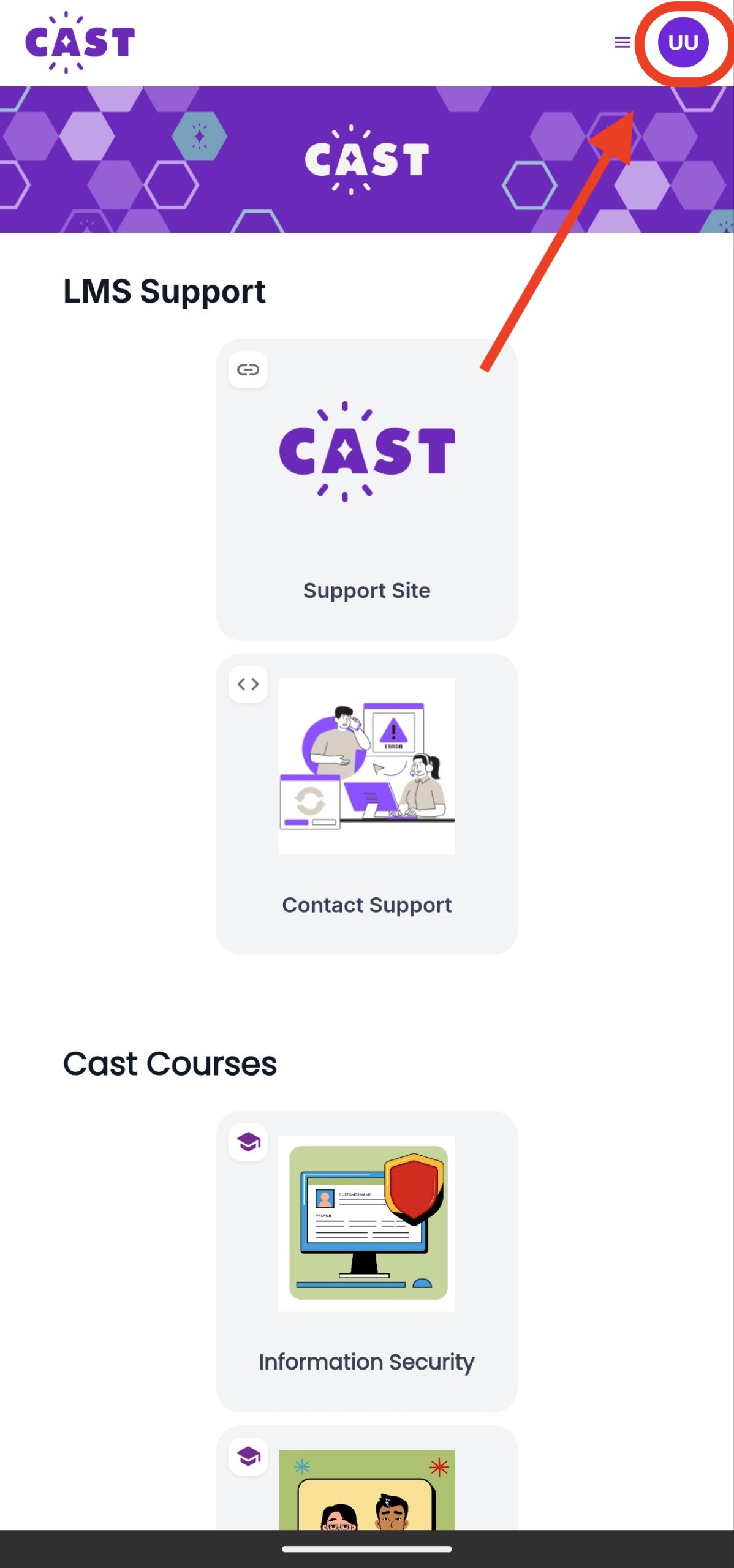
1. Tap your Profile Icon on the top right corner of the home page in the app.
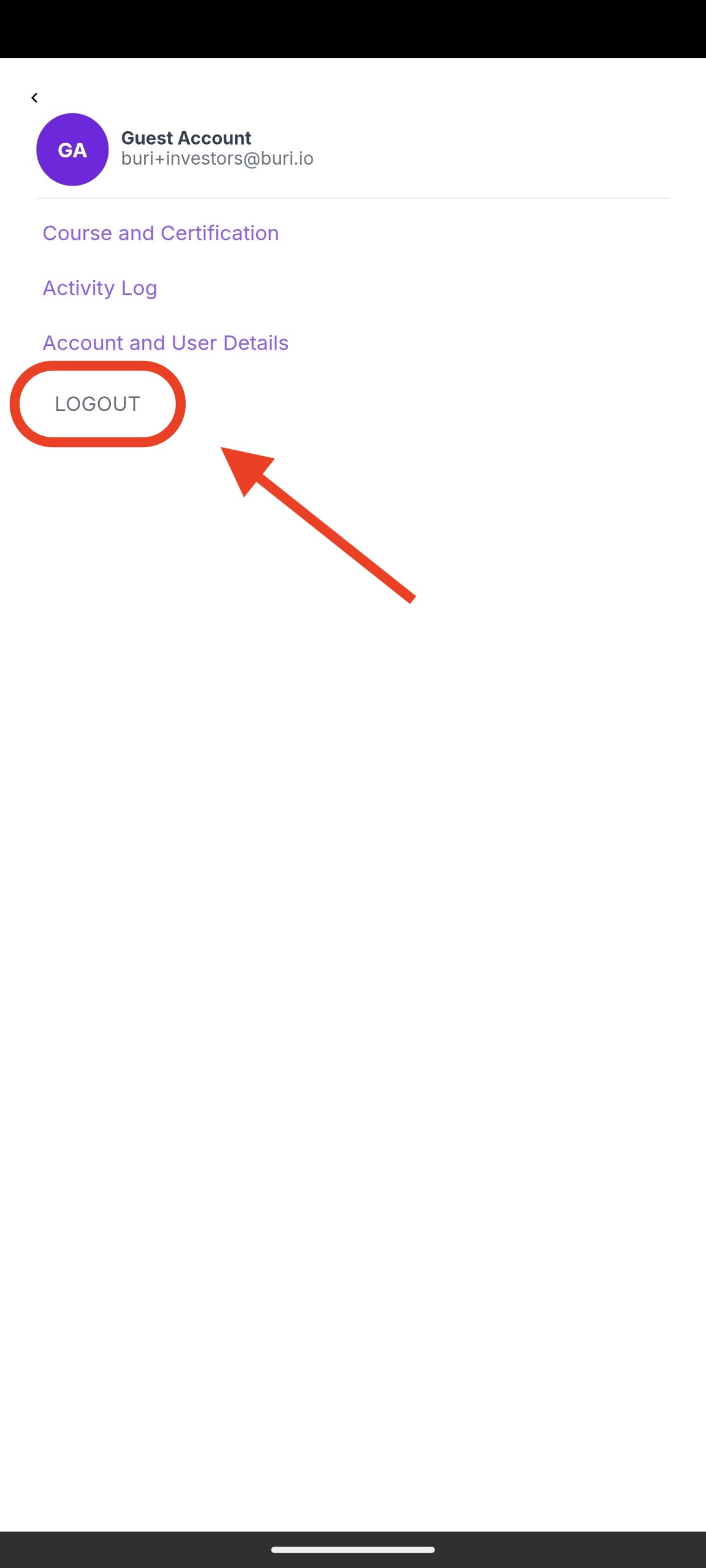
2. Click on Log Out.

What are you looking for?
Get help straight from our team...
Resources for Learners
Last updated on 05 Mar, 2026
1. Tap your Profile Icon on the top right corner of the home page in the app.
2. Click on Log Out.