

Welcome to the Cast LMS online user manual! You'll find all the information you'll need on this document to help you make full use of Cast and all its functionalities.
Tip: If you need further help, don't hesitate to contact us at support [at] castlms.com. Our support team will always be available to lend a helping hand during workdays, Monday - Friday.
Key components
In this documentation, we will discuss the key components of the Cast LMS experience:
1) Users and Groups - Manage users, their credentials, and gather users into groups to easily manage their learning experience
2) Courses - Create and deploy e-learning courses for your users
3) Resources - Manage different media resources that can be used on the Cast platform
4) Analytics - Discover and leverage user data using Cast's ability to collect and generate user analytics and reports
5) Mailer - Create, schedule, and send emails to your Cast's users
6. Customer Support - View and read all the existing support documentation
Dashboard
The dashboard is the centerpiece of the Cast LMS user experience.
Once you login with your user credentials, you should be able to see this panel:
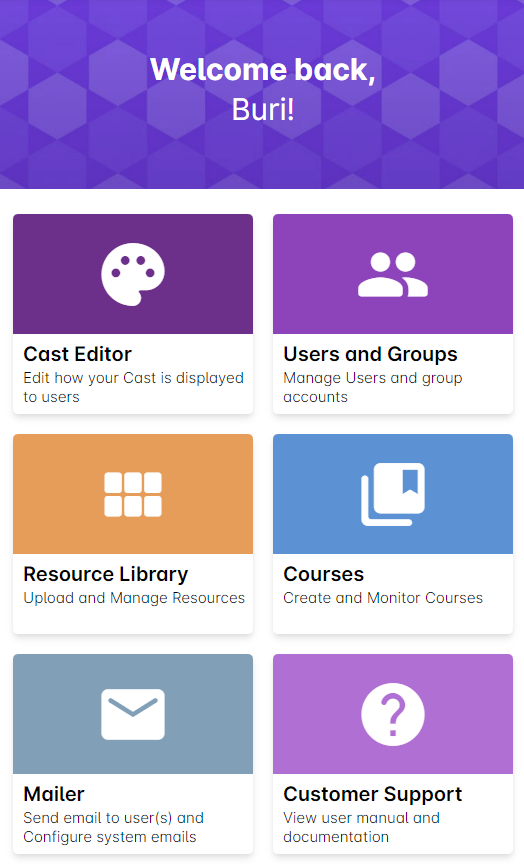
This panel acts as your access point to each component of the Cast LMS admin experience. Click or tap on any of the buttons to access them.