If you want to change the email you're using in the LMS or if you want to change your current password, you can do this through your profile in the learner's portal.
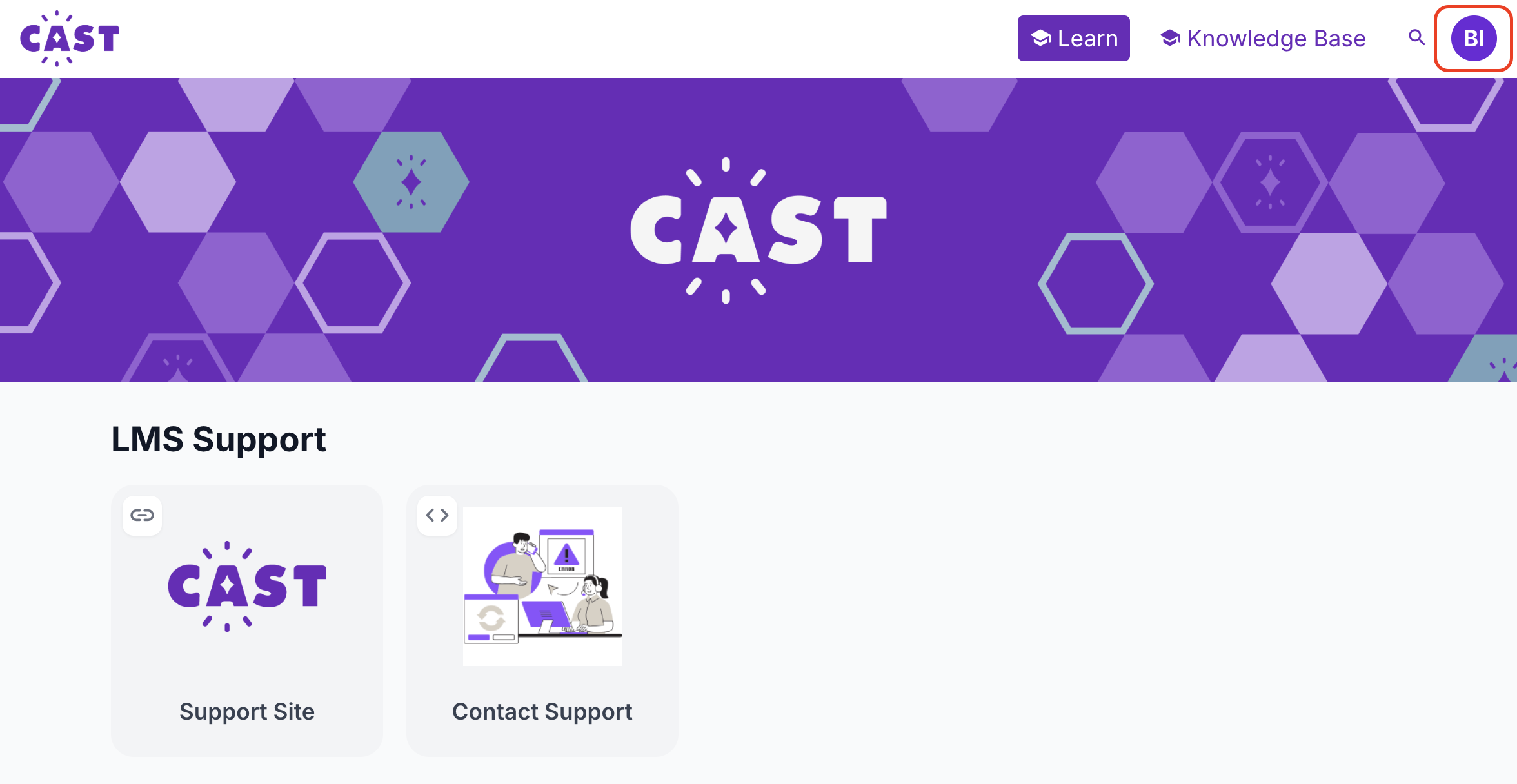
1. In the upper right corner of the page, click the profile icon.
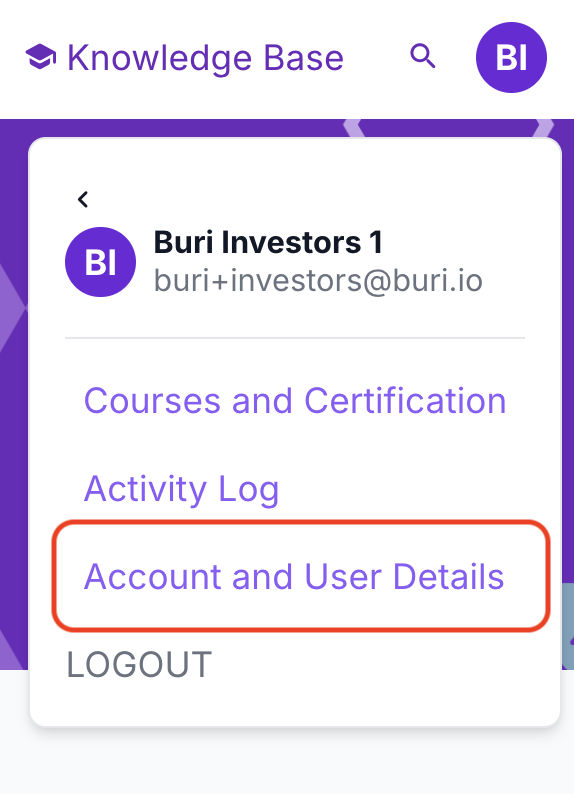
2. Select Account and User Details.
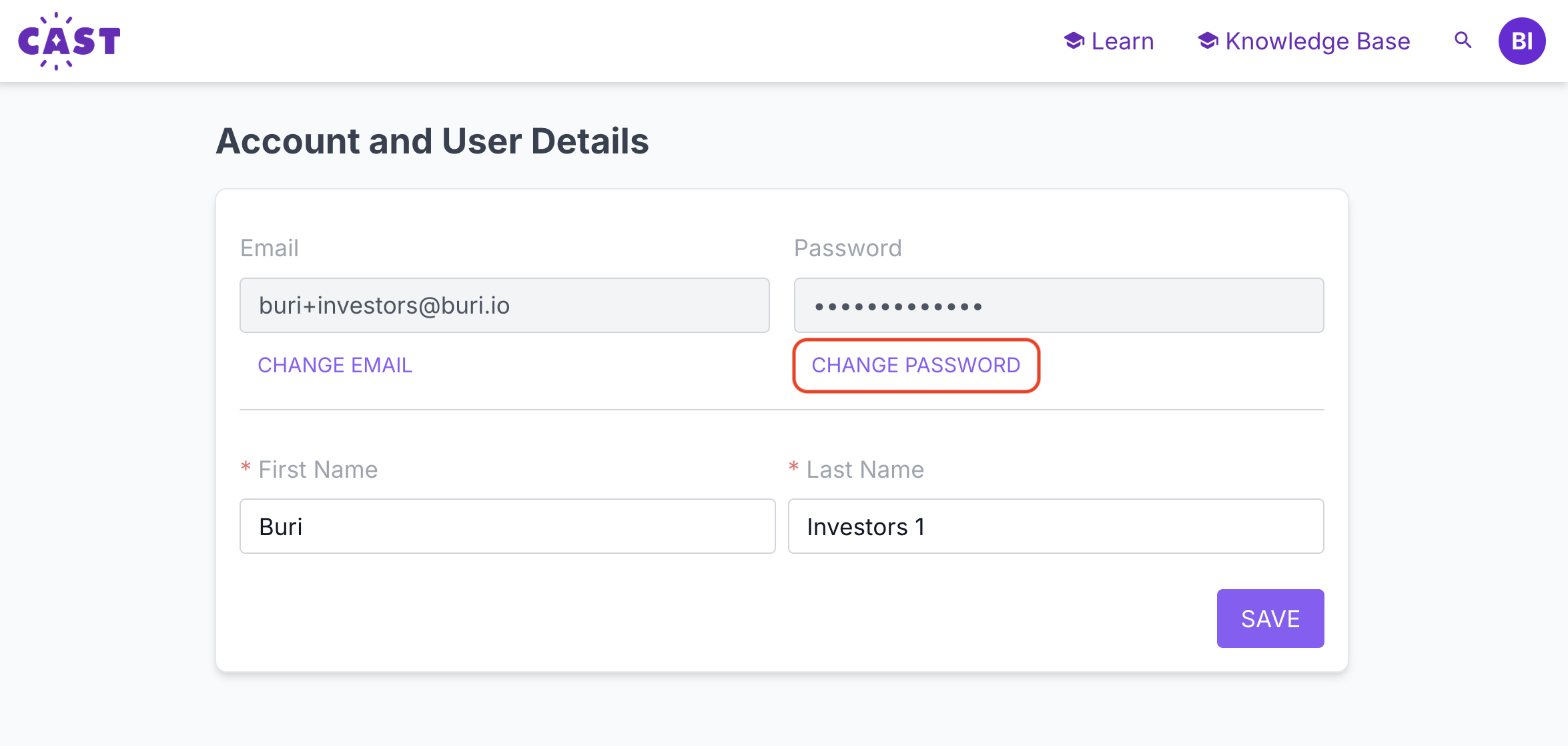
3. To change your current password, click on Change Password.
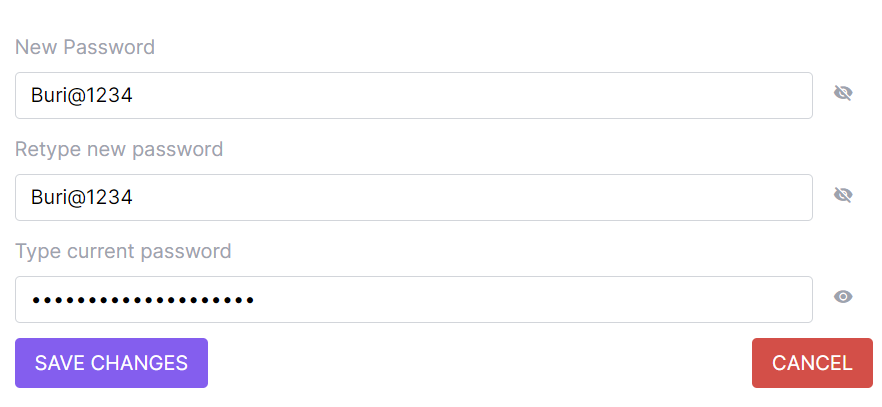
A short form will appear that requires you to input your new password twice and your current password. After filling in all the required boxes, click the Save Changes button. Once saved successfully, you may now use this new password to log in to your LMS portal.