

You can easily delete existing tags through the tag manager.
Open the tag manager in your Cast Editor or through General Settings.


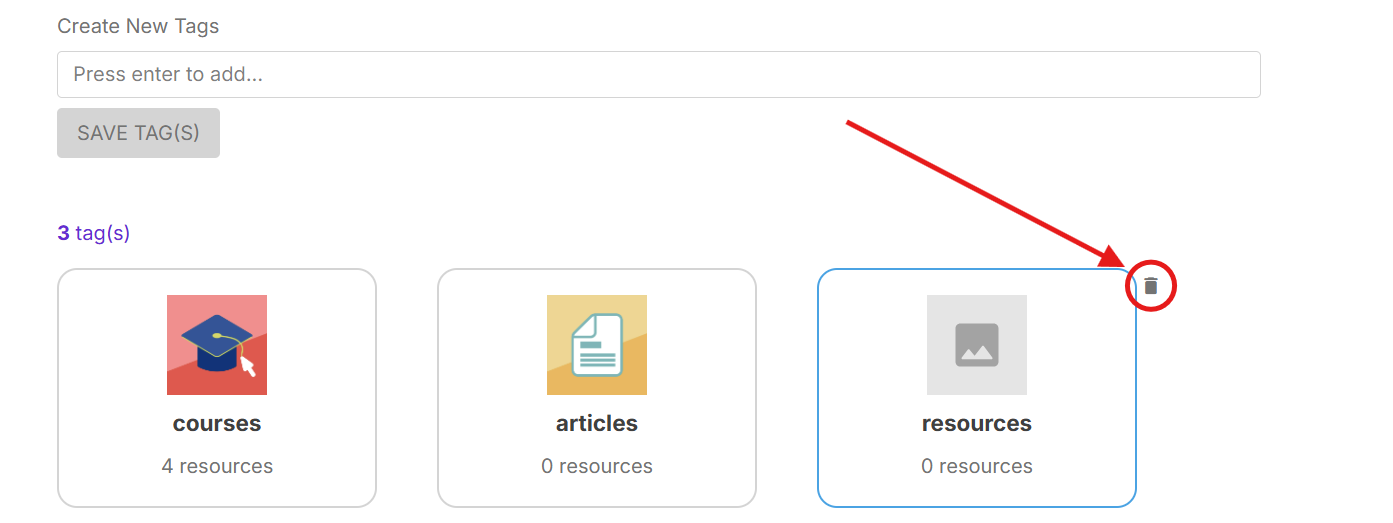
View the list of tags and hover over the tag you want to delete. Then, click the trash/delete icon.
In the popup confirming this action, click DELETE TAG to proceed.

Deleting a tag in the tag manager will also remove all resources that has this tag. Proceed with caution.