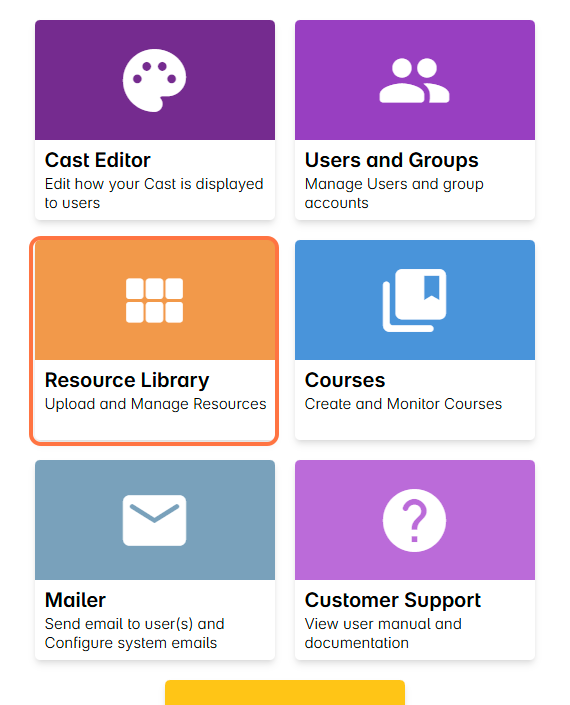
1. Go to the Resource Library.
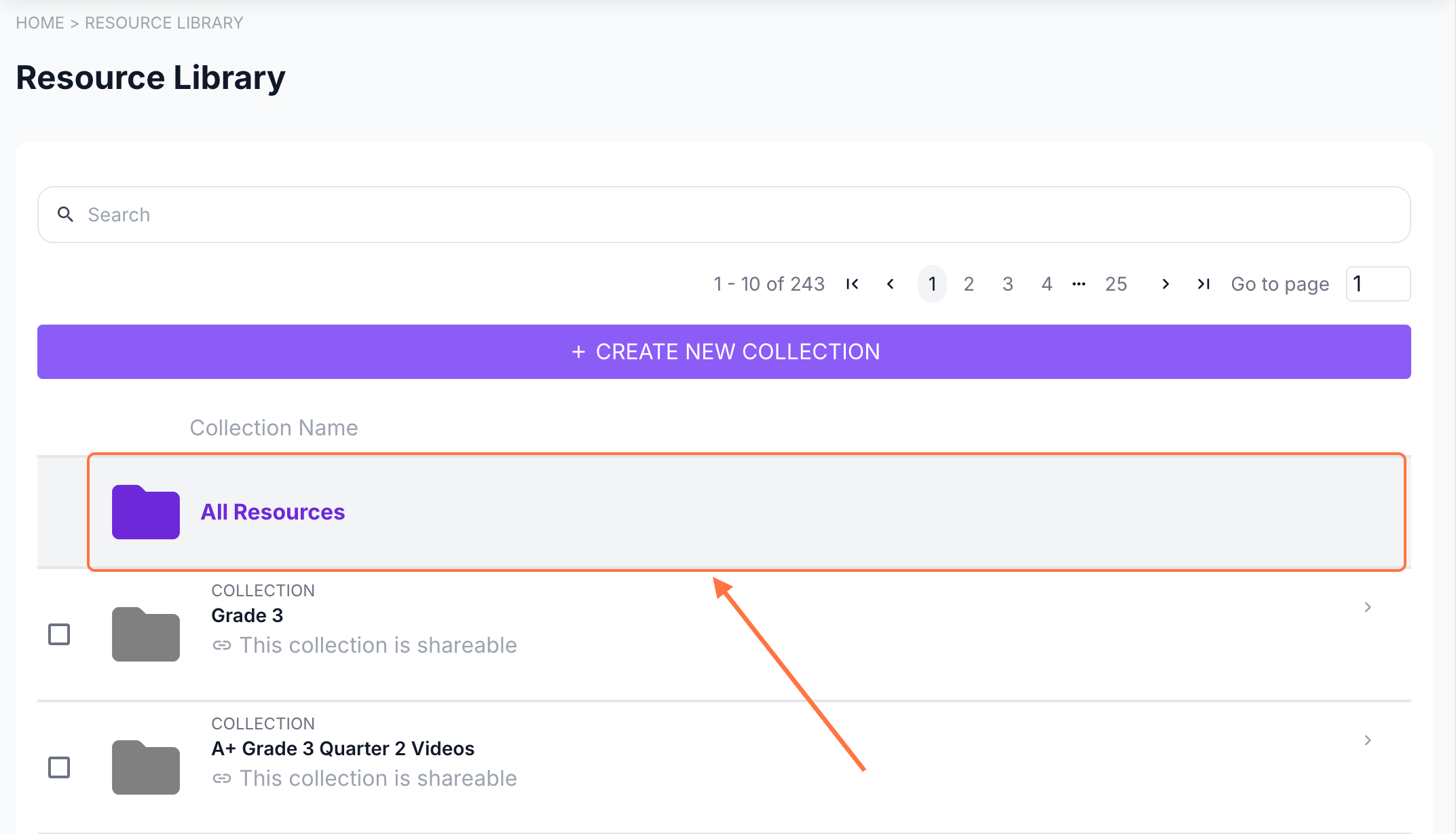
2. Click on All Resources to easily search for your resource.
Alternatively, you can open the course’s resource folder from the list.
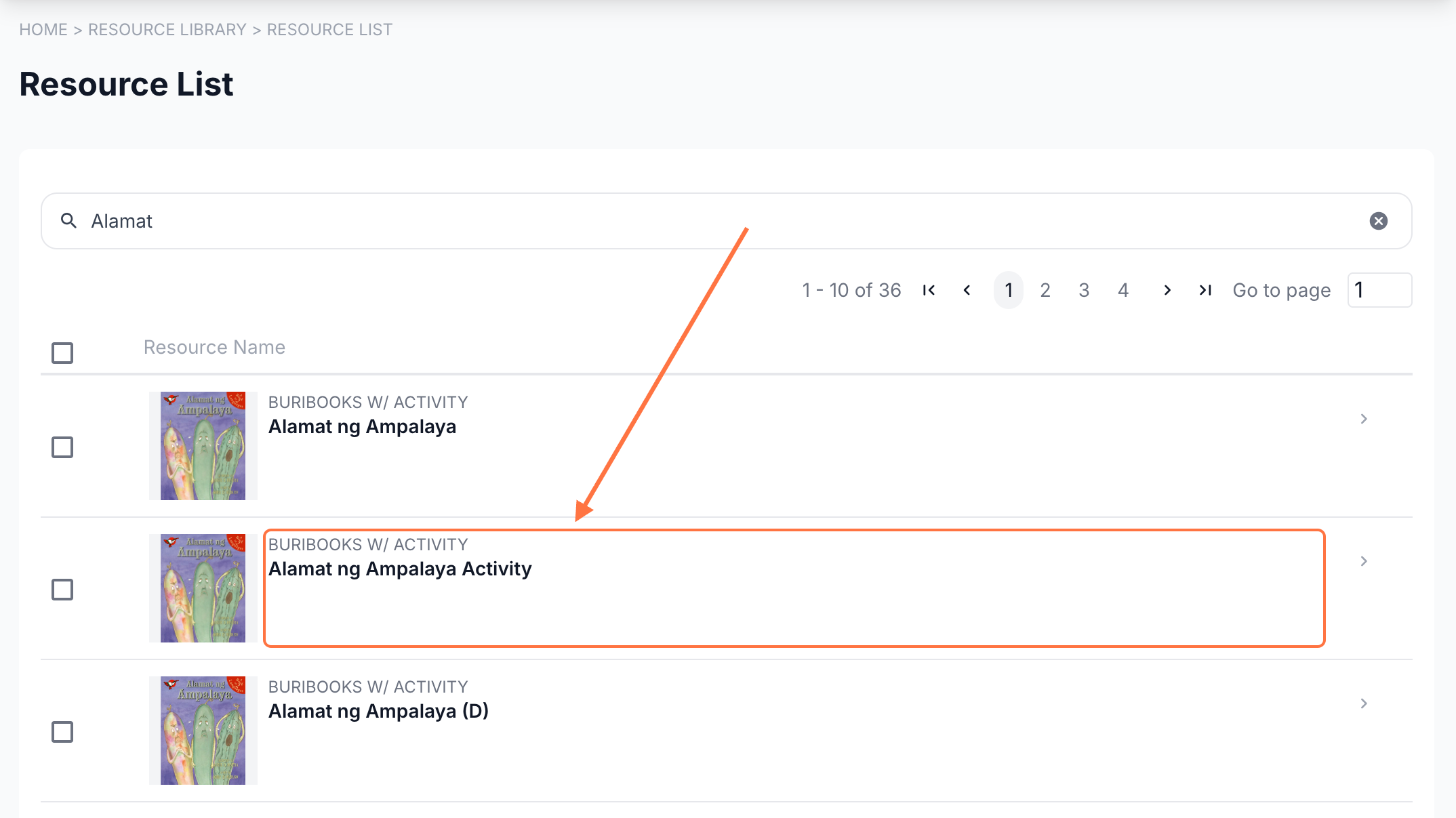
Search for the resource and click on it.
3. In the resource profile, select Student Answers.
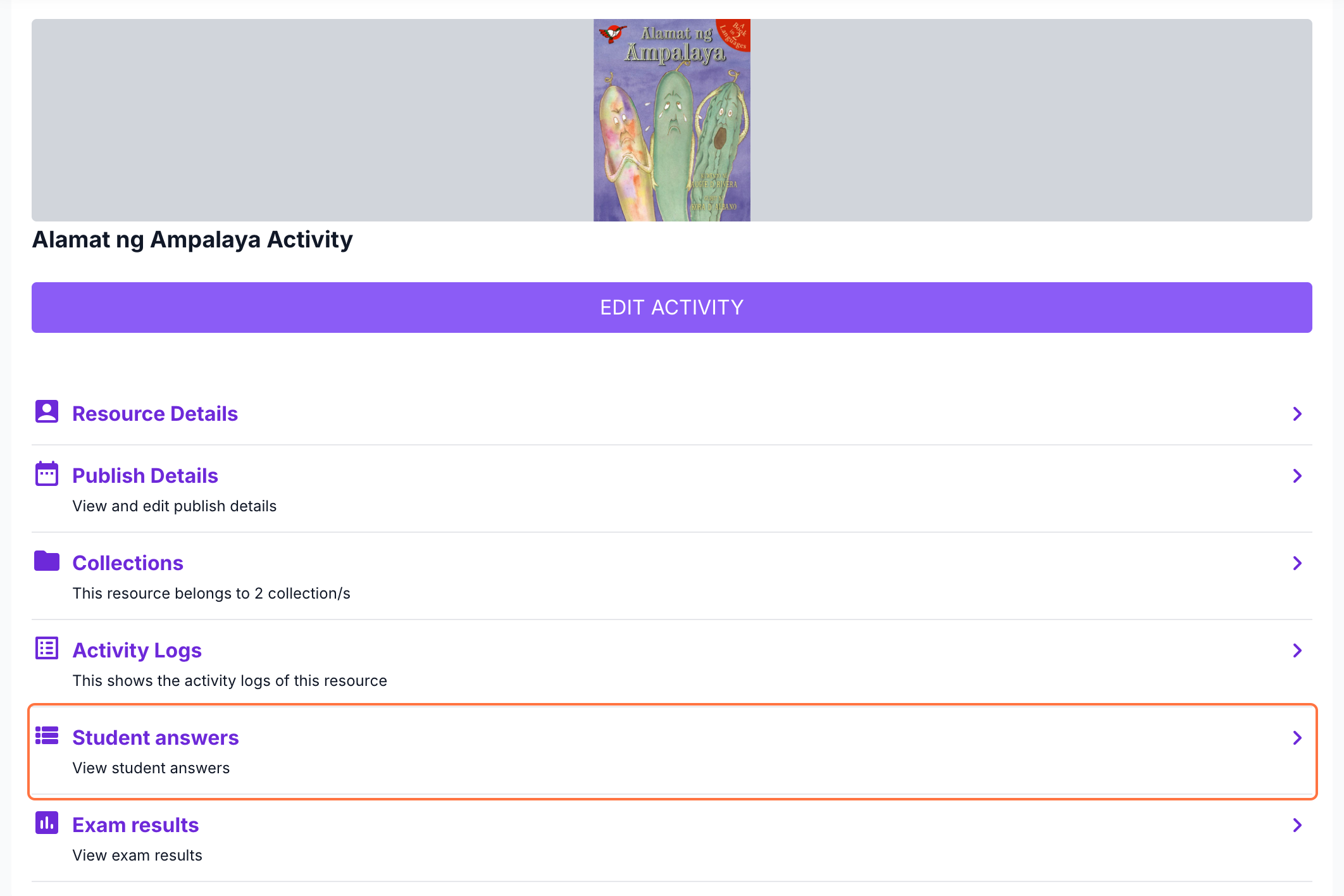
This will display the names and email addresses of users who answered activities inside BuriBooks.
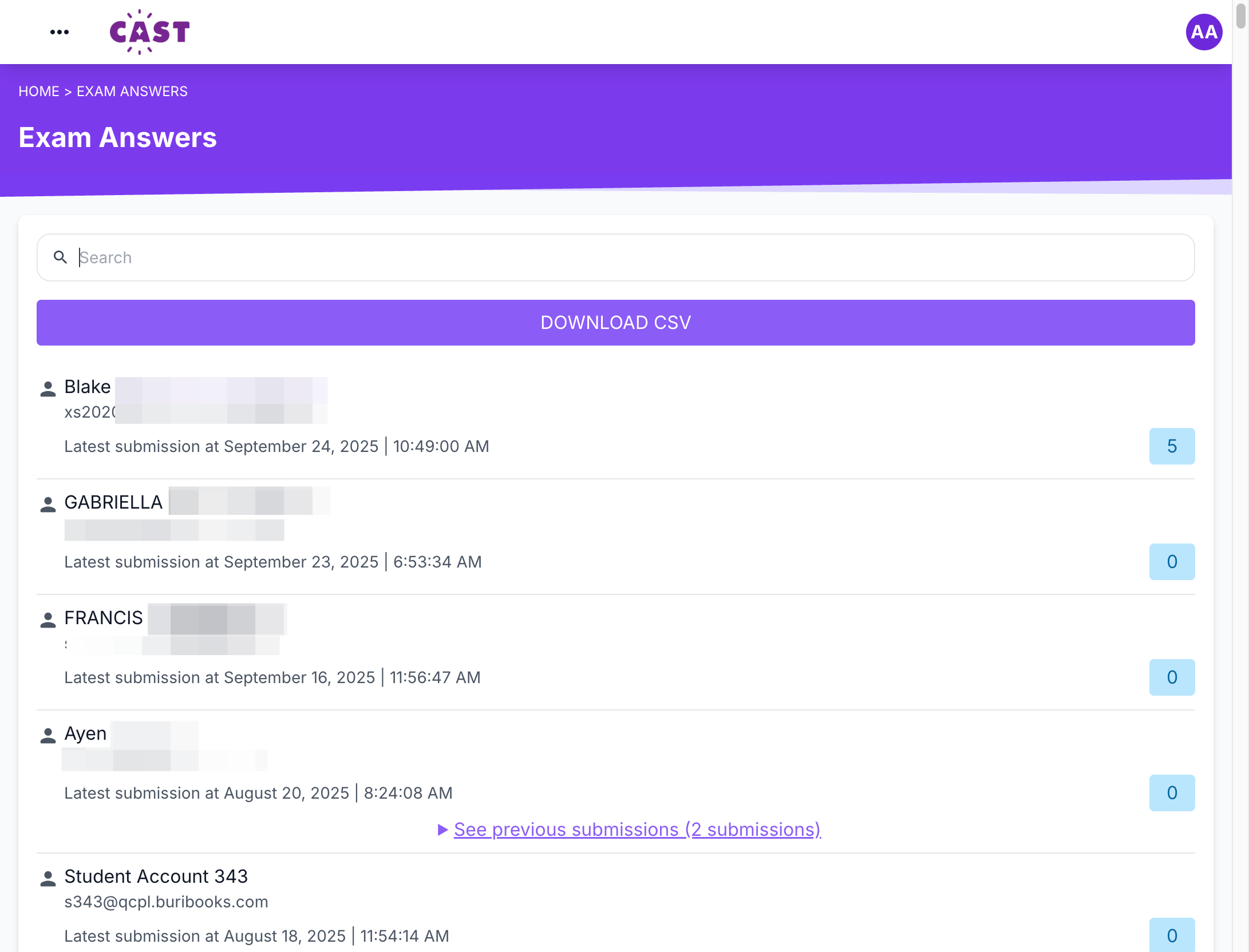
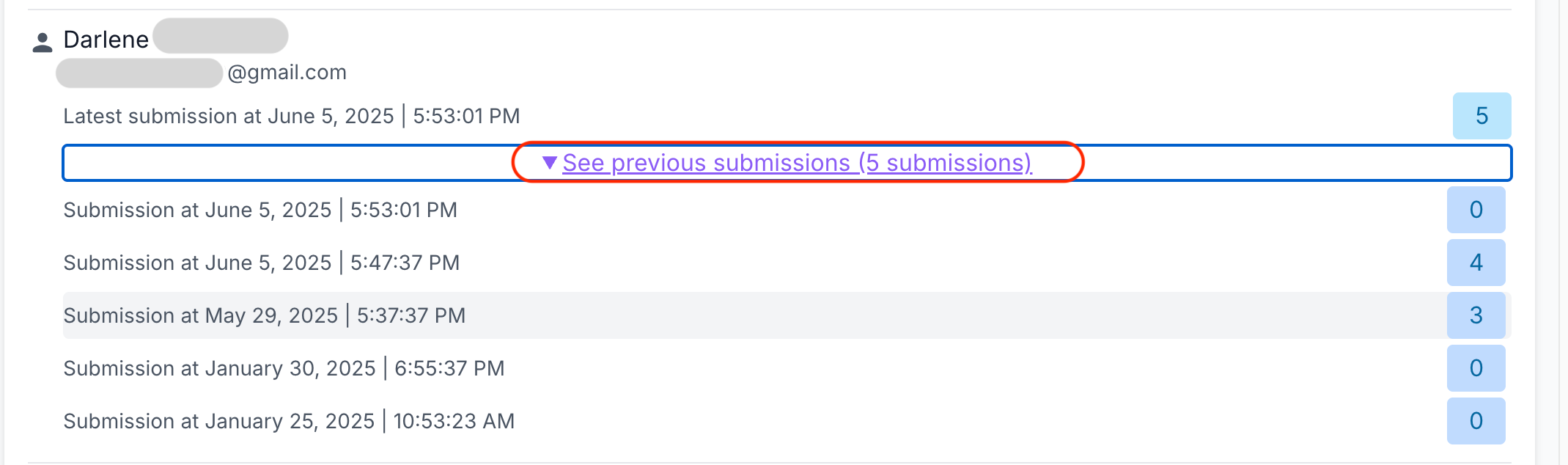
Below each user’s email address, you’ll see the timestamp of their latest attempt. To the right, inside the blue box, is the score the user received for that attempt. Click on it to view the student’s answers.


When you view an attempt, it will show which questions the user answered correctly and incorrectly.
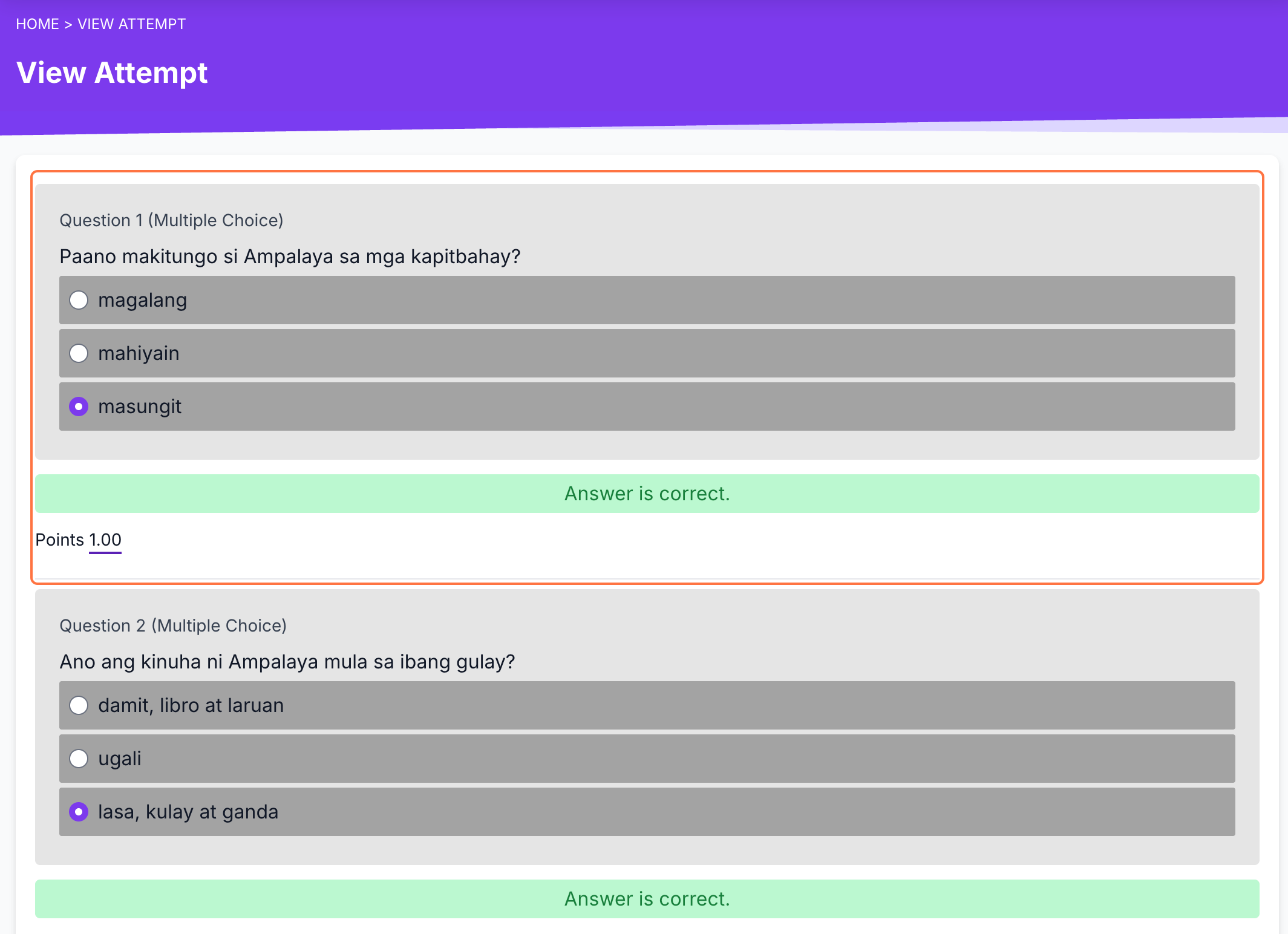
If a user has multiple attempts for the same activity, a See Previous Submissions button will appear. Click this to view the list of earlier submissions, each with its own timestamp. Click on any timestamp to view the attempt.