

1. From your browser, type or paste the URL provided by your institution.
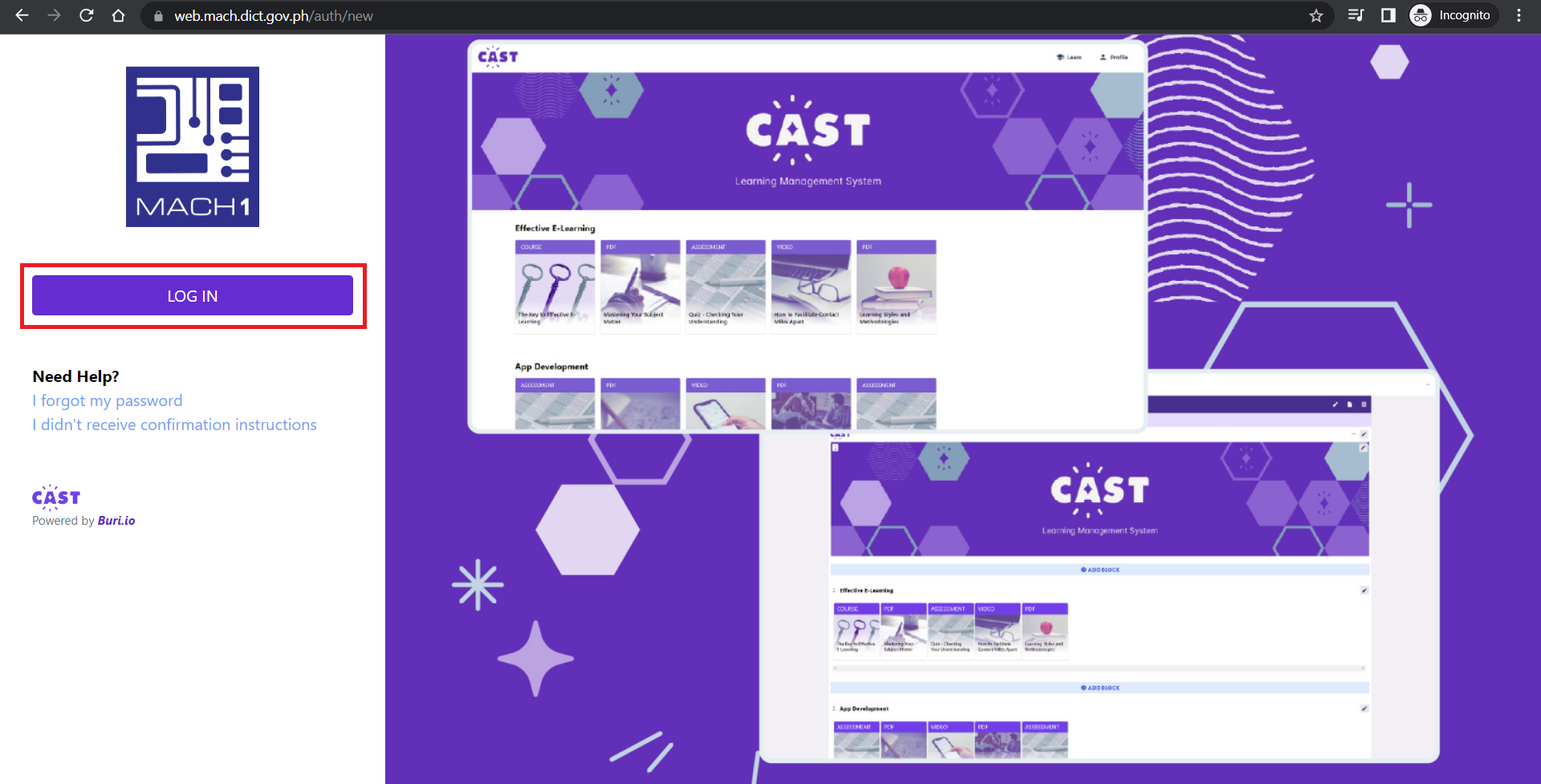
2. Click on Log in.
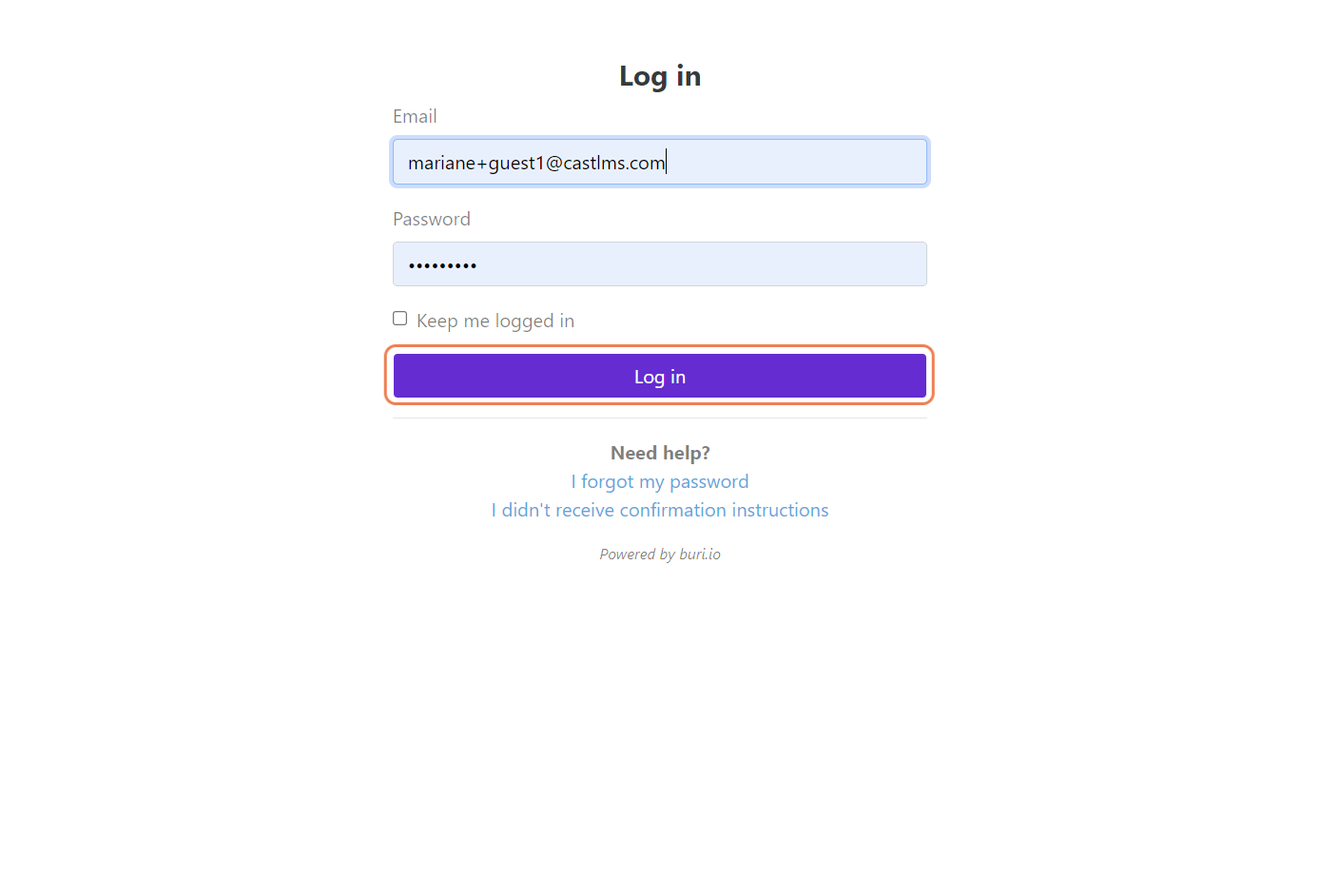
3. This leads you to the login page. On the space provided, type your login credentials. Click "Log in" to be taken to the portal.
Once you're logged in to your portal, you can now access your courses and other resources.
Here's how to begin learning using your Cast LMS: https://support.castlms.com/help/how-do-i-begin-my-course