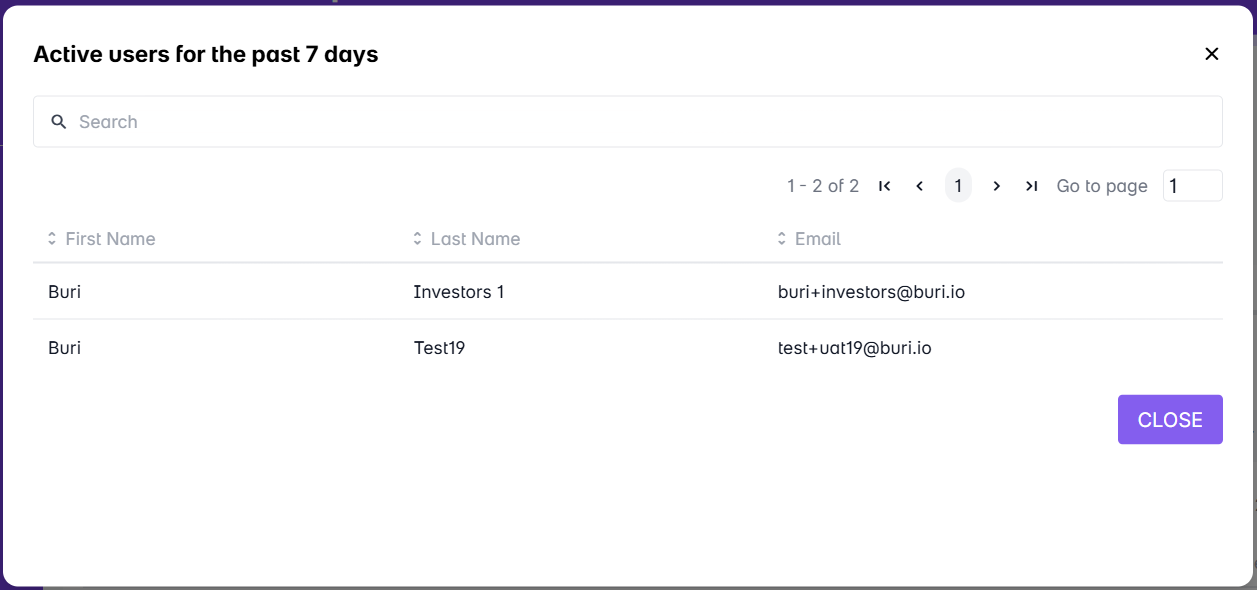
Active users refer to users that have logged in the LMS within a month. It counts all the users that accessed or have accessed the LMS portals in the current month.
1. From the Admin Dashboard, go to Users and Groups.
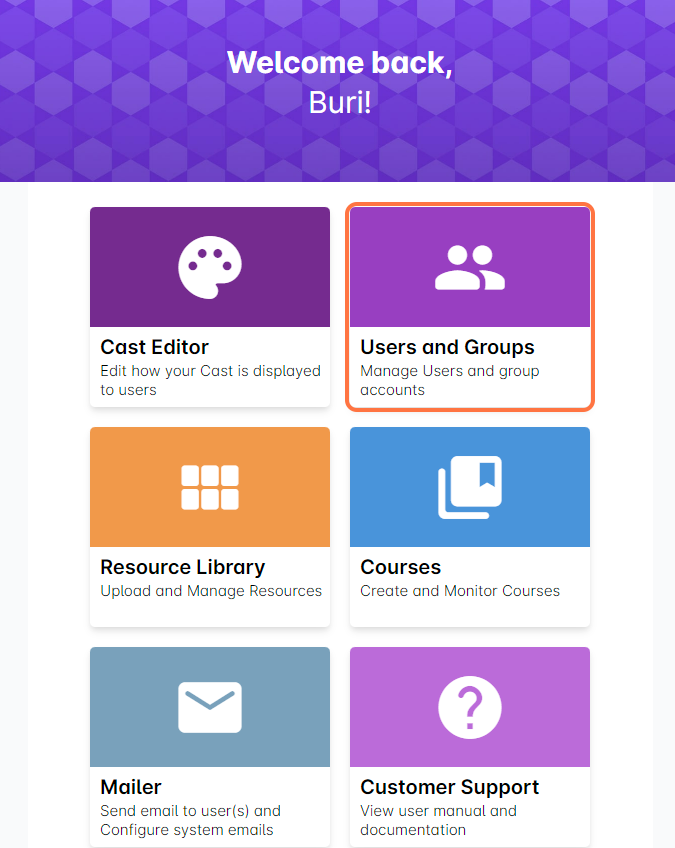
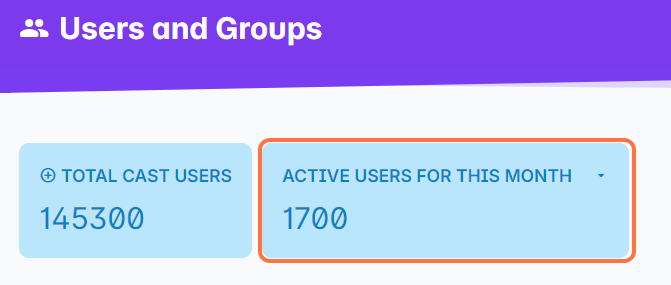
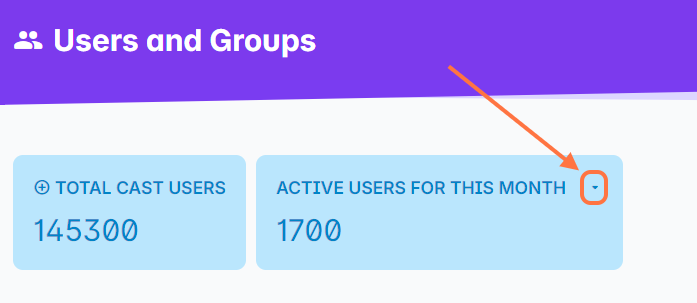
2. Beside the count for Total Cast Users is the number of Active users for this month. The count resets at the start of the calendar month.
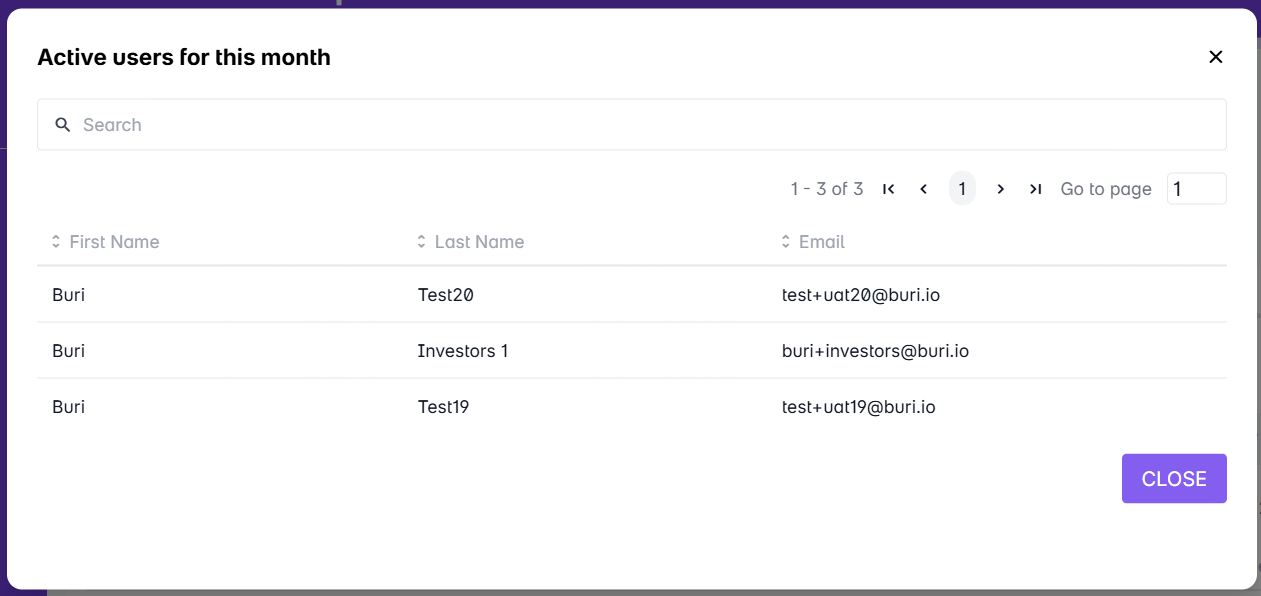
When you click on the Active Users box, the list of active users for the month will appear as a popup.
The active status is also indicated for each user in the user list. If the user is marked as Active, it means that they have successfully logged in to the portal using the account.

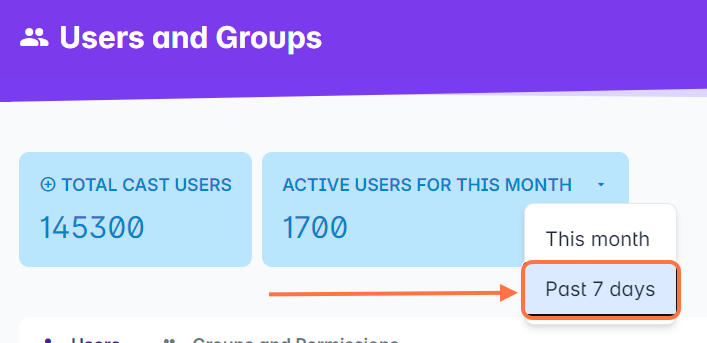
3. You can also view the number of Active users for the past 7 days. Click on the drop down button in Active Users.
Select Past 7 Days.
Wait for the page to load until it shows the number of active users for the past 7 days.
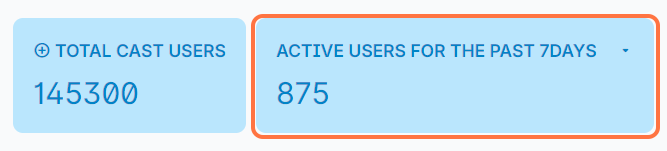
You can also click on the Active Users box to view the list of active users for the past 7 days.