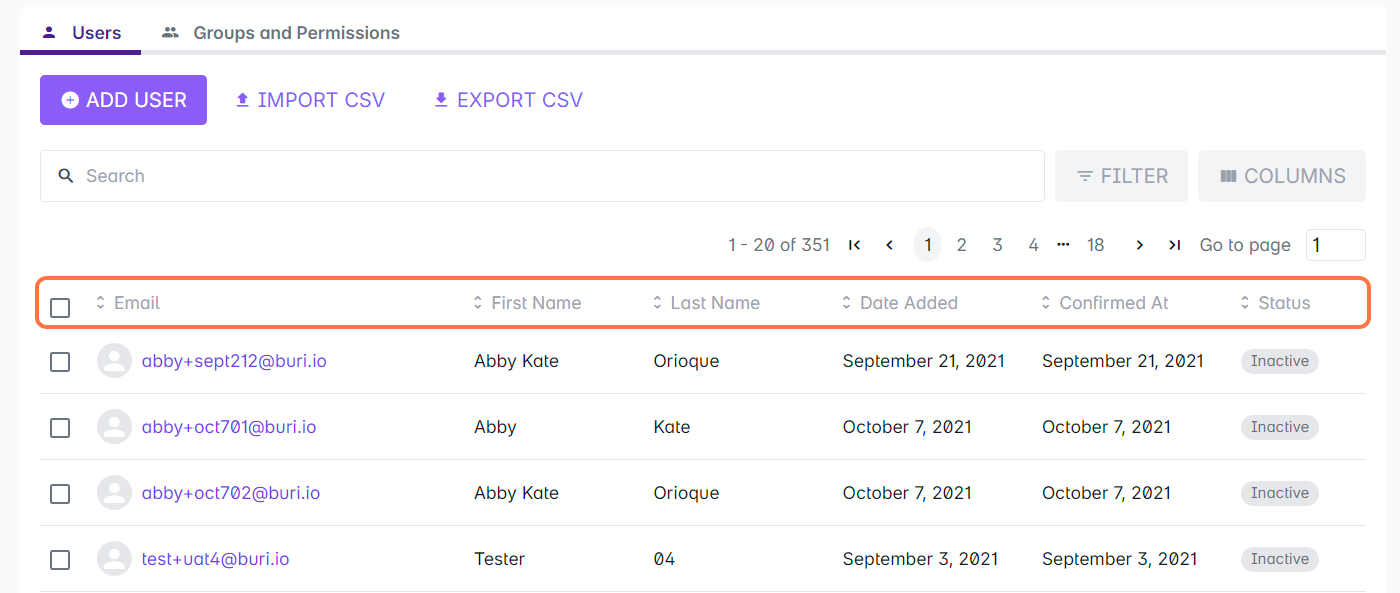
You can sort your list of Cast users by using any of the displayed columns.
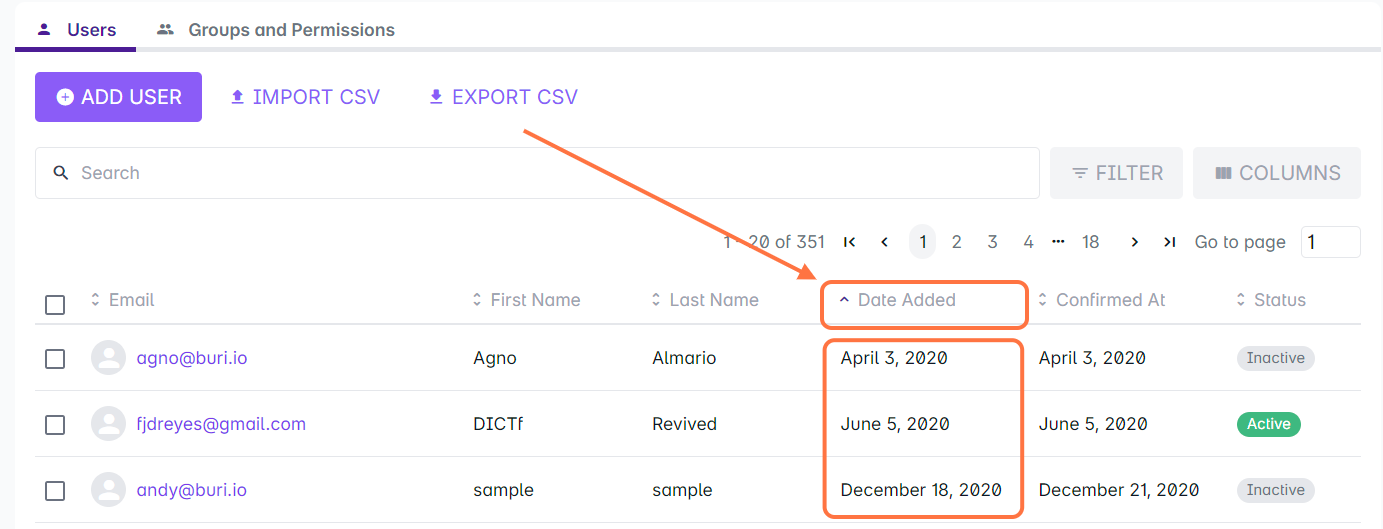
1. Click on the column header once to arrange the list in ascending order. (Entries are arranged from 0 to Z if values contain both numbers and letters) When arranged in this order, the column header should have an arrow pointing upwards.
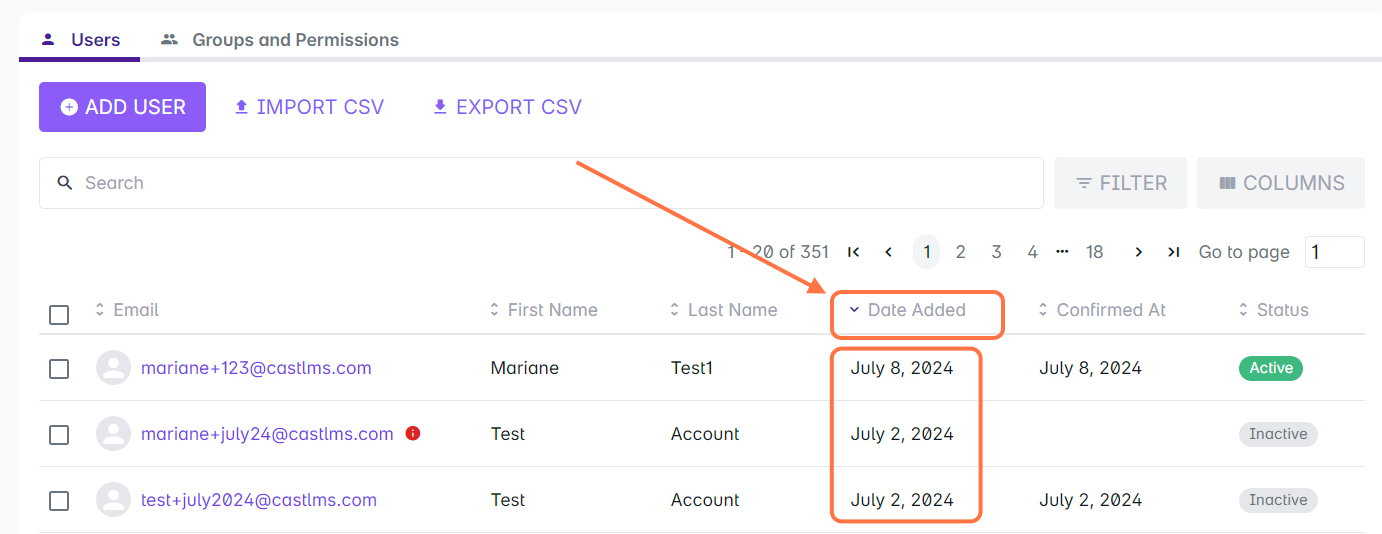
2. Click on the column header twice to arrange the list in descending order. (Entries are arranged from Z to 0 if values contain both numbers and letters) When arranged in this order, the column header should have an arrow pointing downwards.
These are the basic columns in the Cast User List that can be used to sort your users:
Email address
First name
Last name
Date added
Confirmed at
Status