Go to the App Store/Play Store on your phone.
Search for BuriBooks Plus. You can also directly access the app through these links:
Play Store
App StoreClick on Install or Get to install the app on your device.
Once you have successfully installed the BuriBooks app, you can now click on it to access BuriBooks.
In the home page, fill in the link of the BuriBooks portal you want to access. Then, click ENTER.

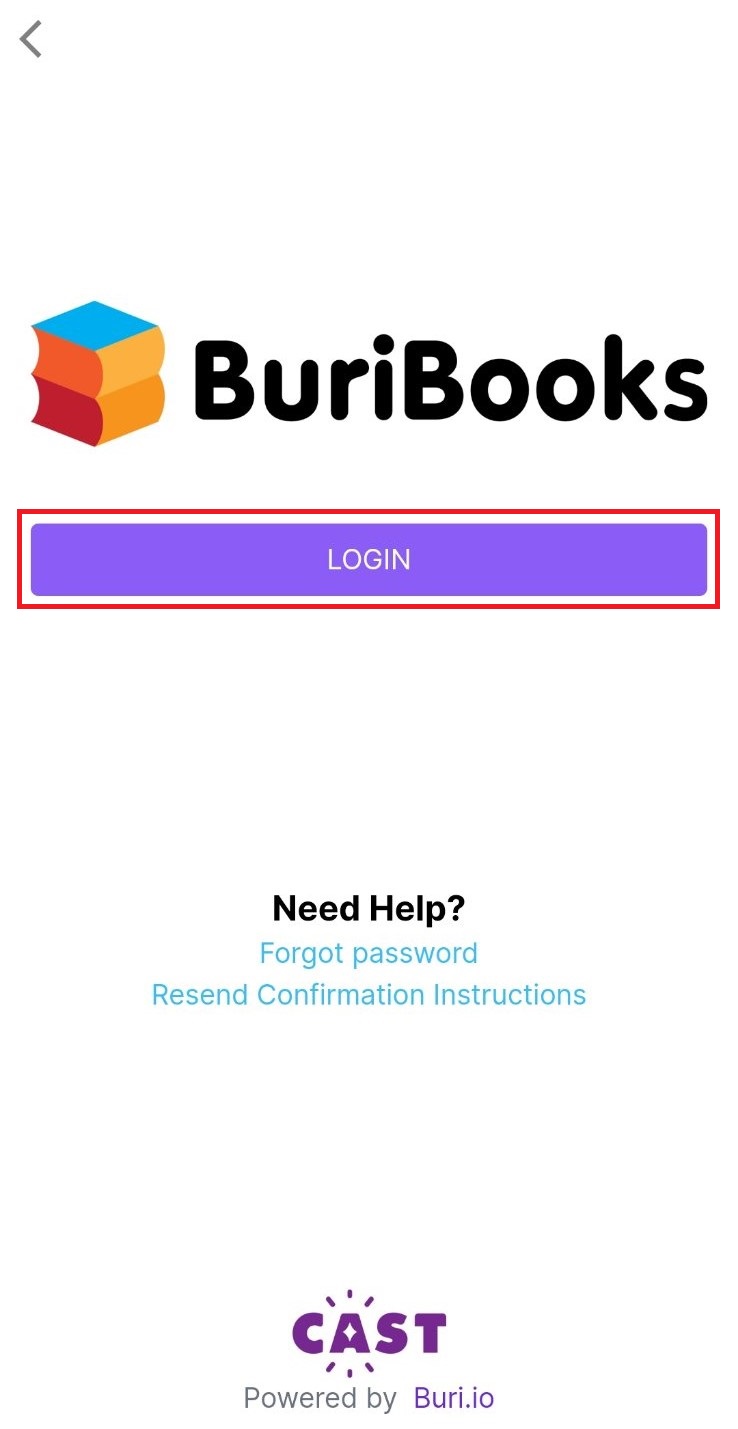
Click on LOGIN.
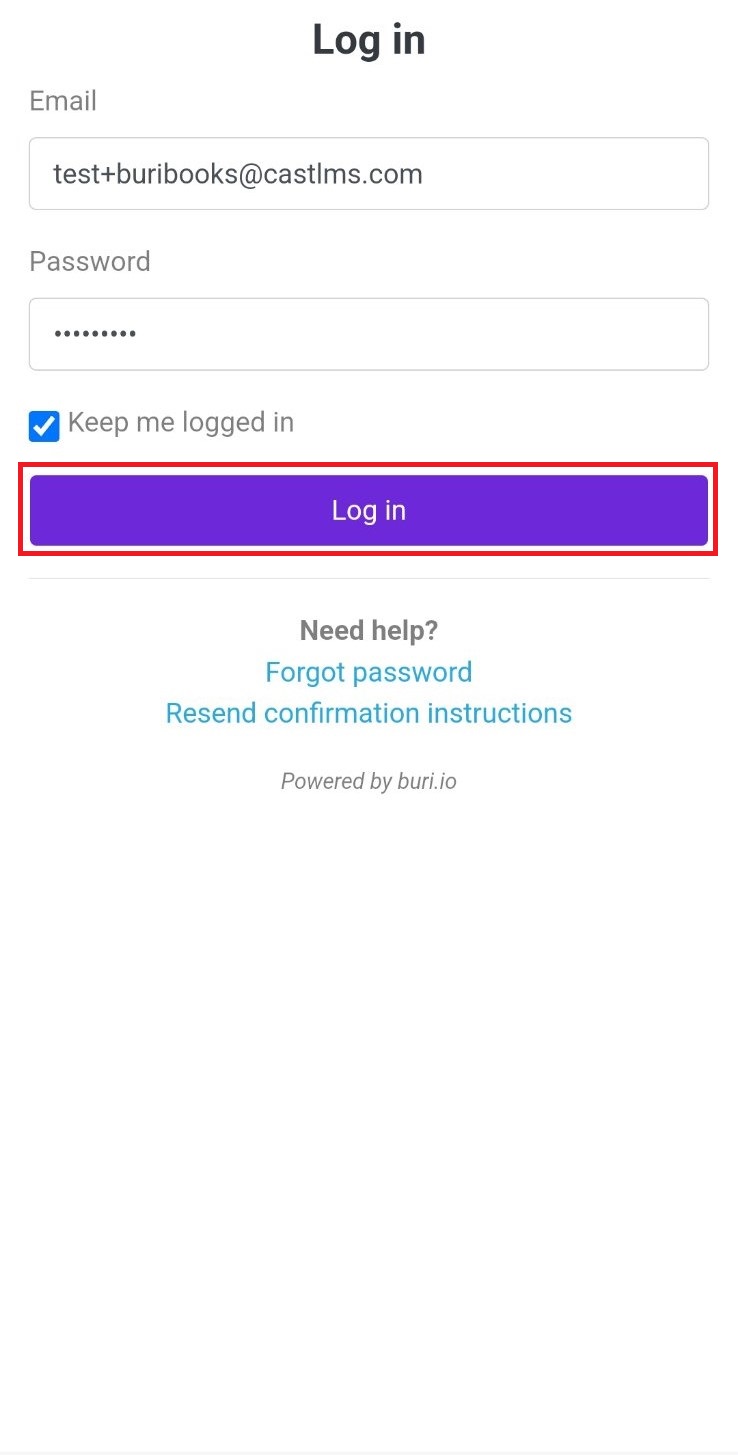
Type in your registered email address and password. Click Log in to proceed.
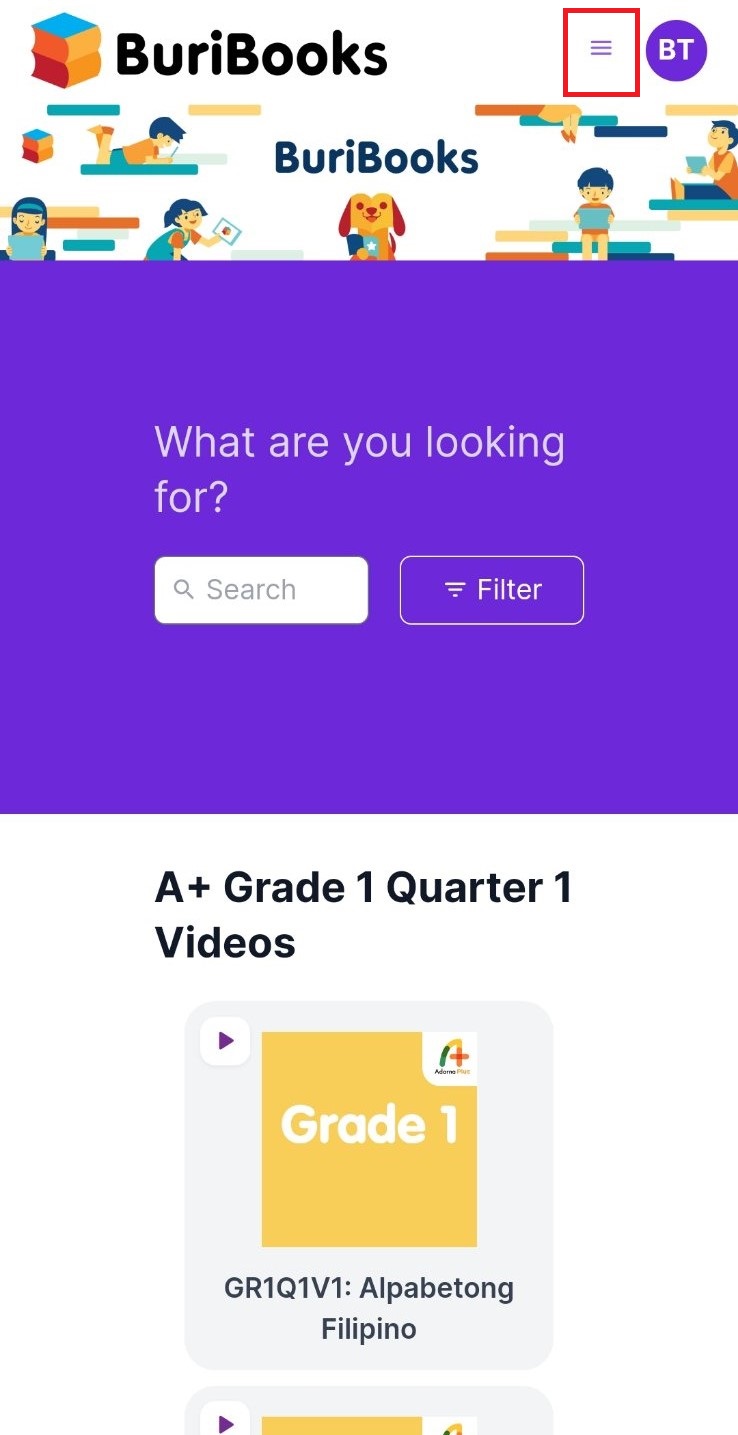
Navigate to the different pages in BuriBooks by clicking on the menu icon on the top right corner of the page.