Whether through web or mobile, you can navigate the new BuriBooks platform and browse the wide selection of books and other learning materials. Here are some of the things that you could do with your BuriBooks account.
BuriBooks Pages
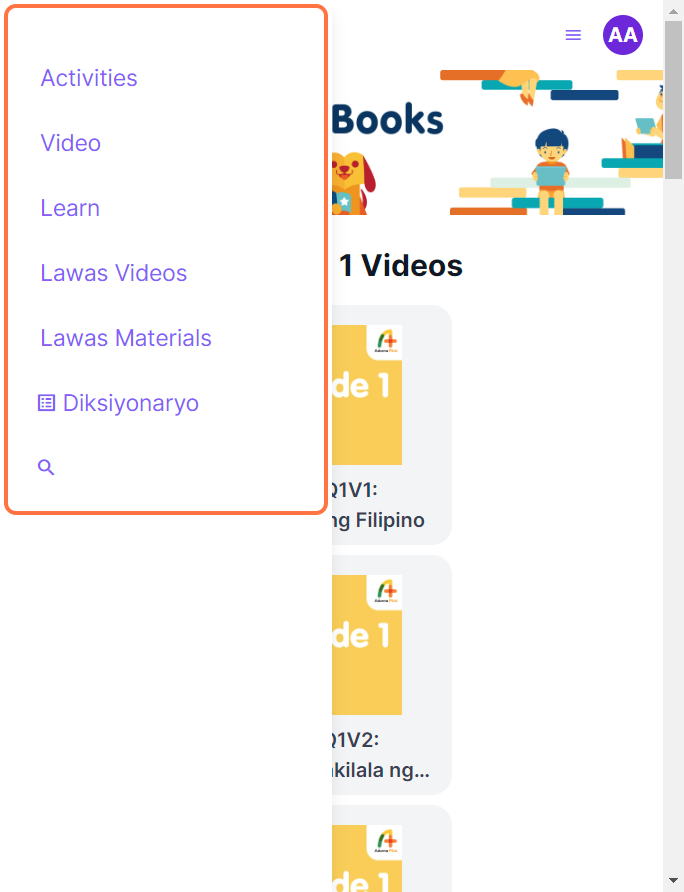
Select a page in the navigation bar that contains different kinds of materials. The different pages in BuriBooks are the following:
Learn - this contains award-winning storybooks and K-12 aligned reviewers arranged by reading level. These books are available in English, Filipino, or bilingual.
Video - this contains K-6 aligned videos available for supplementary watching for learners.
Lawas Materials/Videos - an innovative program for the modern high school Filipino classroom that will make learning Filipino come alive for students. There is a page for videos and other forms of media.
Wikahon - the very first leveled tool in improving reading in Filipino, to be used independently by preschool, elementary, and high school students. (Note: This is only available for schools)
Diksiyonaryo - if you need to search for the meaning of a Filipino word, go to this page and learn its meaning,
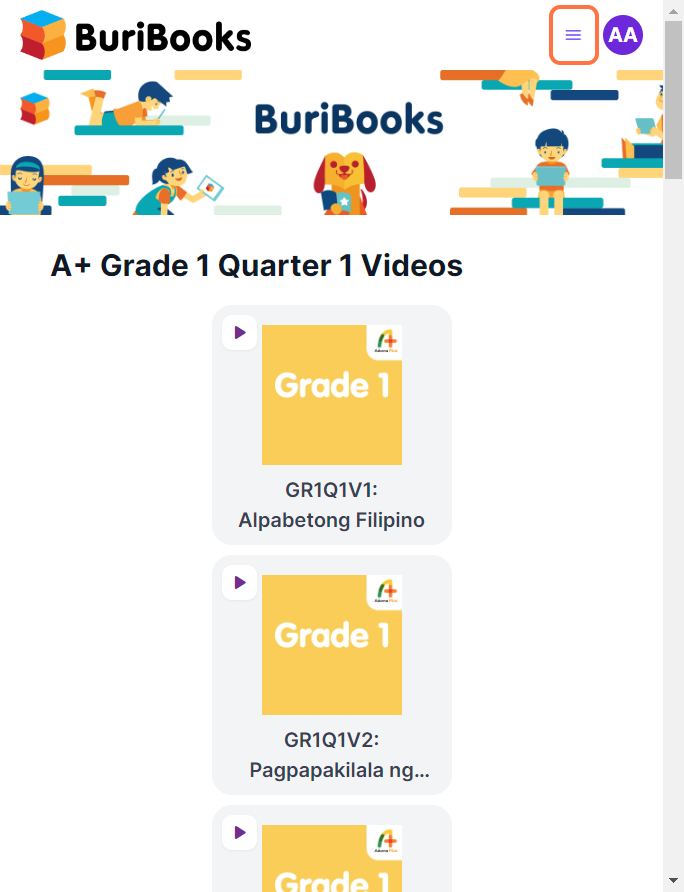
Click on the menu icon to navigate to different pages if your device's screen is small and not all of these pages are visible. Make sure to click on the menu again to view the page in full.
Activity Log
Go to Activity Log to view the most recent materials you opened. In the mobile app for BuriBooks, all the materials you have previously viewed and loaded completely while using the internet can also be opened offline.
Reading BuriBooks
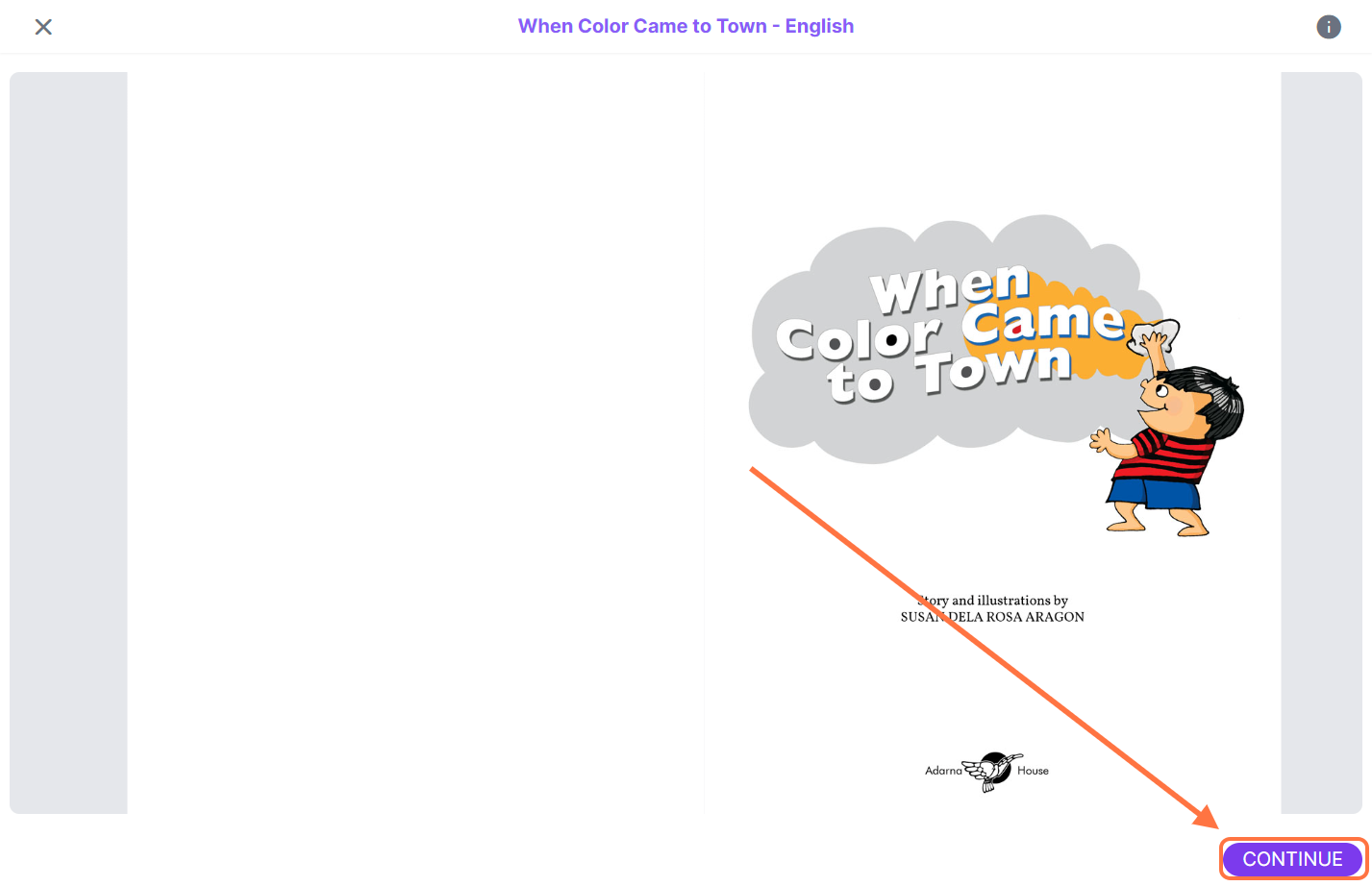
In opening BuriBooks, click on CONTINUE to navigate to the next pages of the book.
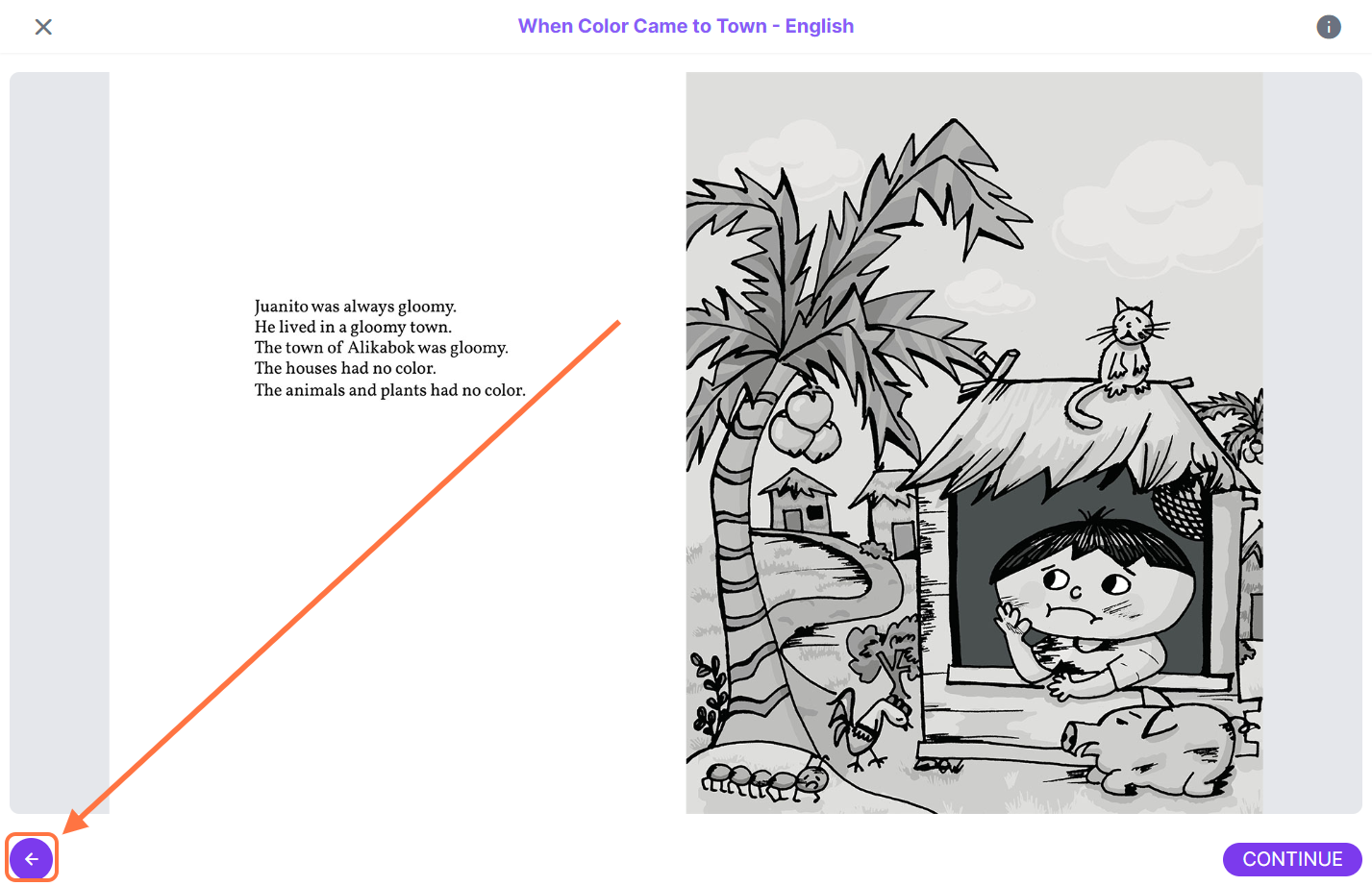
To go back to the previous page, click on the back button on the lower left side of the screen.
To zoom in or out to the page of the book, use the scroll in your mouse or double click on the page. For mobile apps, you can pinch to zoom in or out.
Viewing videos
There are a variety of materials available in the BuriBooks app, including videos that you can watch.
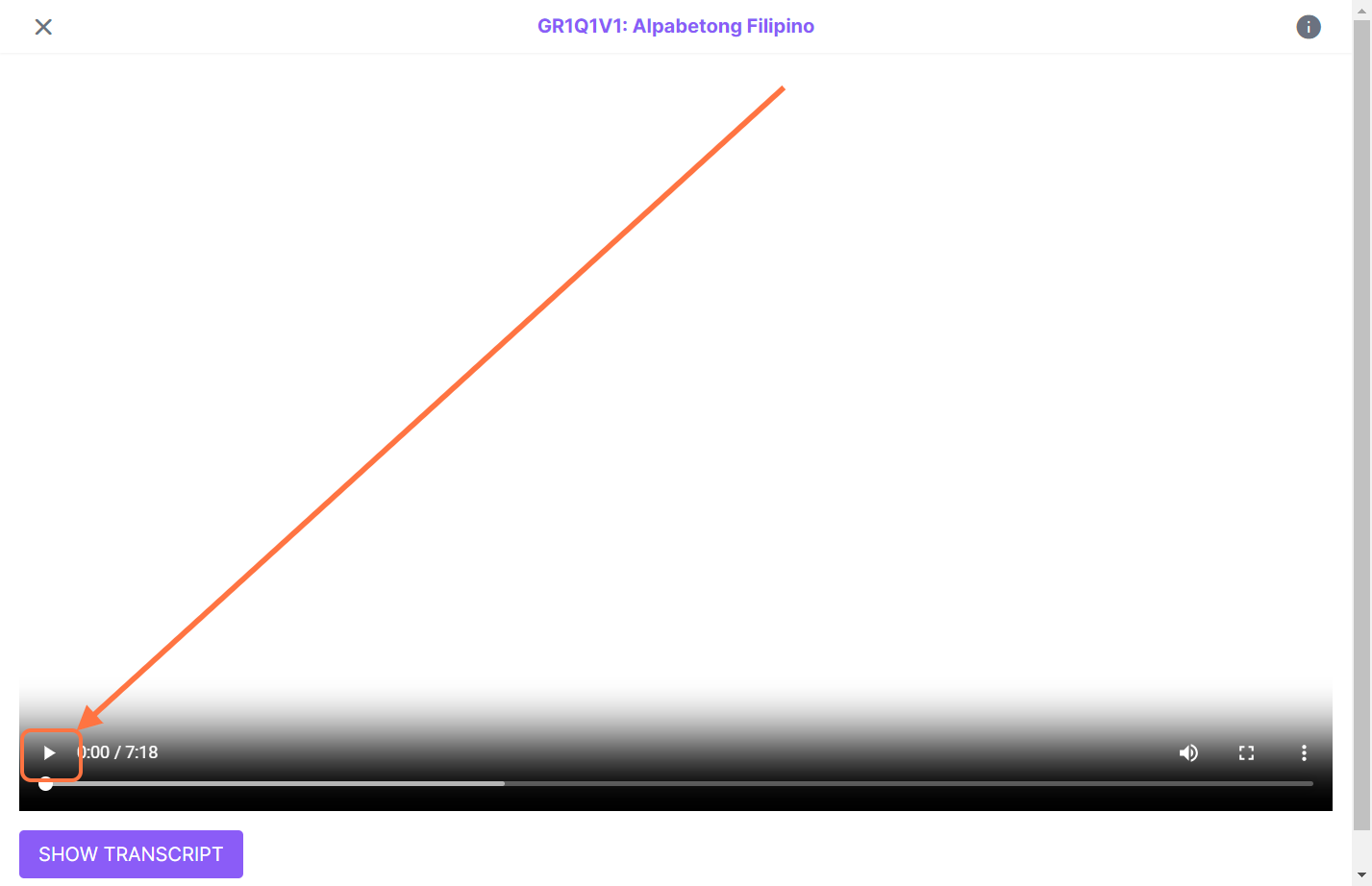
To start viewing a video, click on any available video in the portal. Make sure to click on the play icon within the video to start playing the video.