

1. Visit web.buribooks.com.
This leads you to the login page.
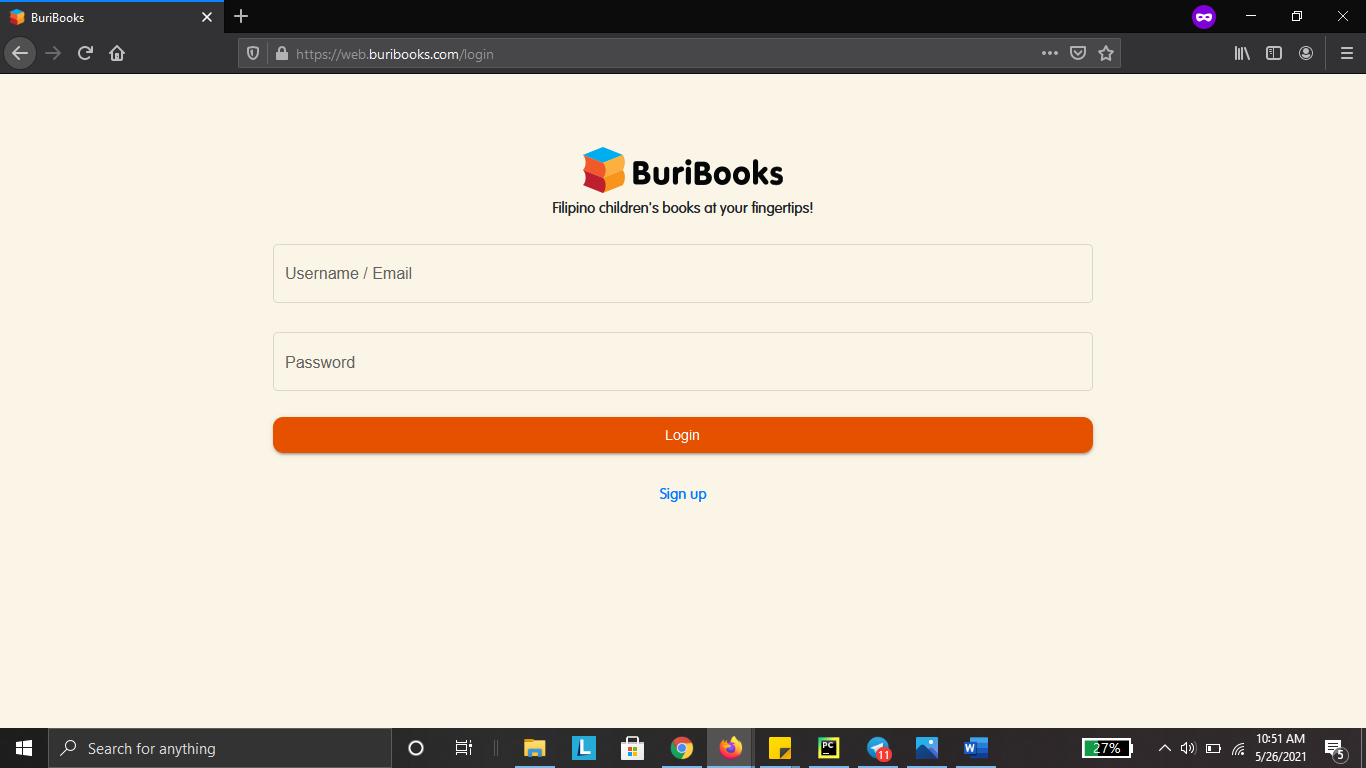
2. Type your username and password.
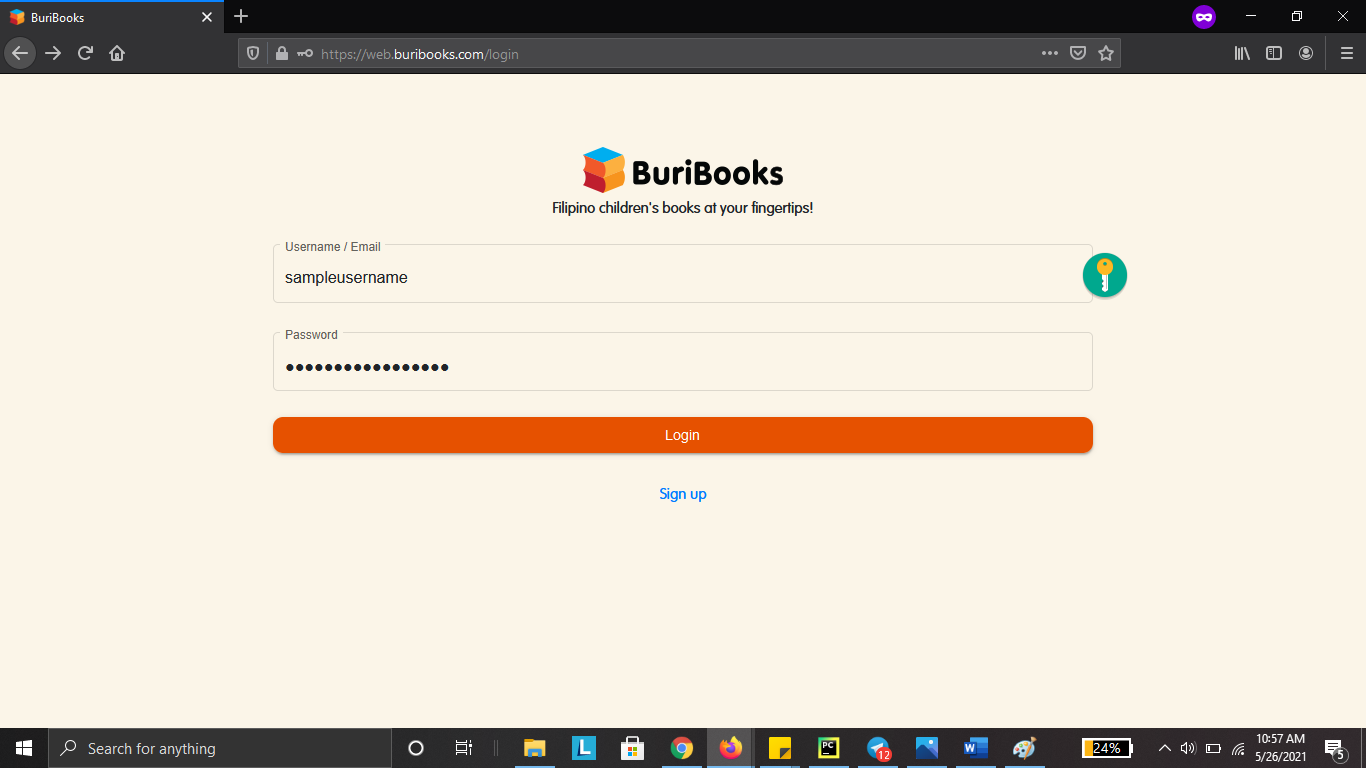
Make sure that you type it correctly!
Passwords in BuriBooks are case-sensitive. Be careful with spaces, too.
Here's how to access the books: https://support.castlms.com/help/accessing-the-books-using-your-laptop