

If there are multiple users that have not confirmed their accounts yet, you can resend the confirmation instructions emails in bulk through the new system email feature in Mailer.
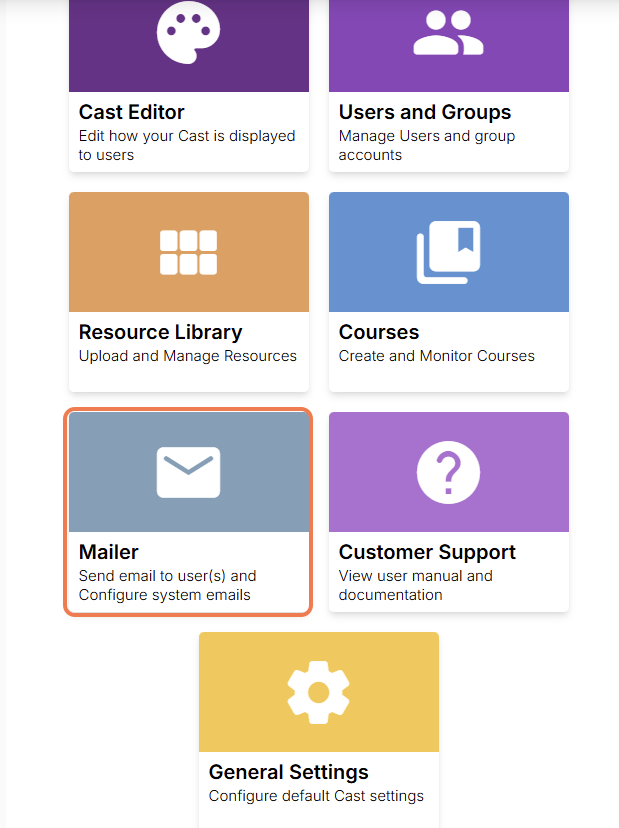
From the dashboard, go to Mailer.
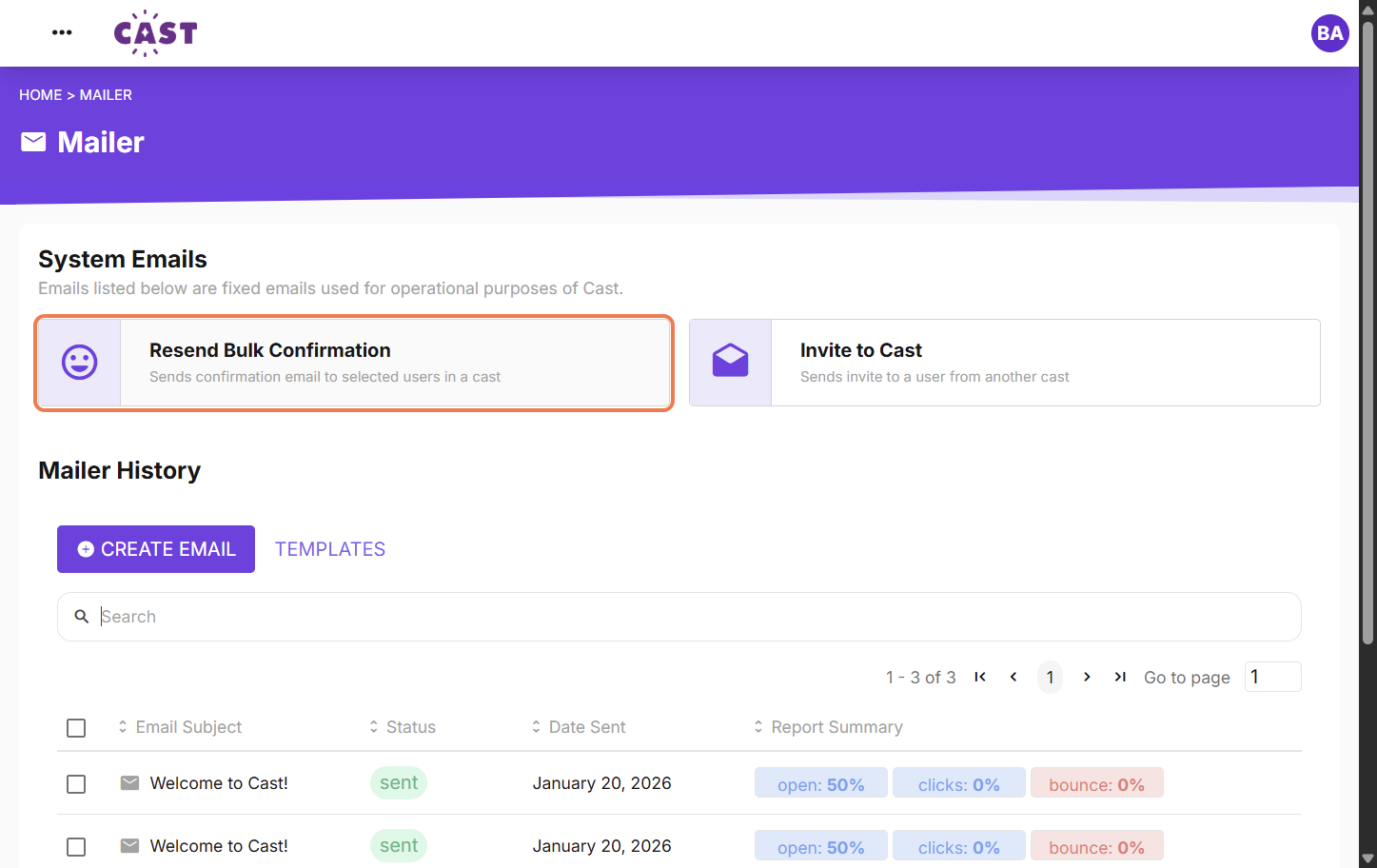
Click Resend bulk confirmation under System Emails.
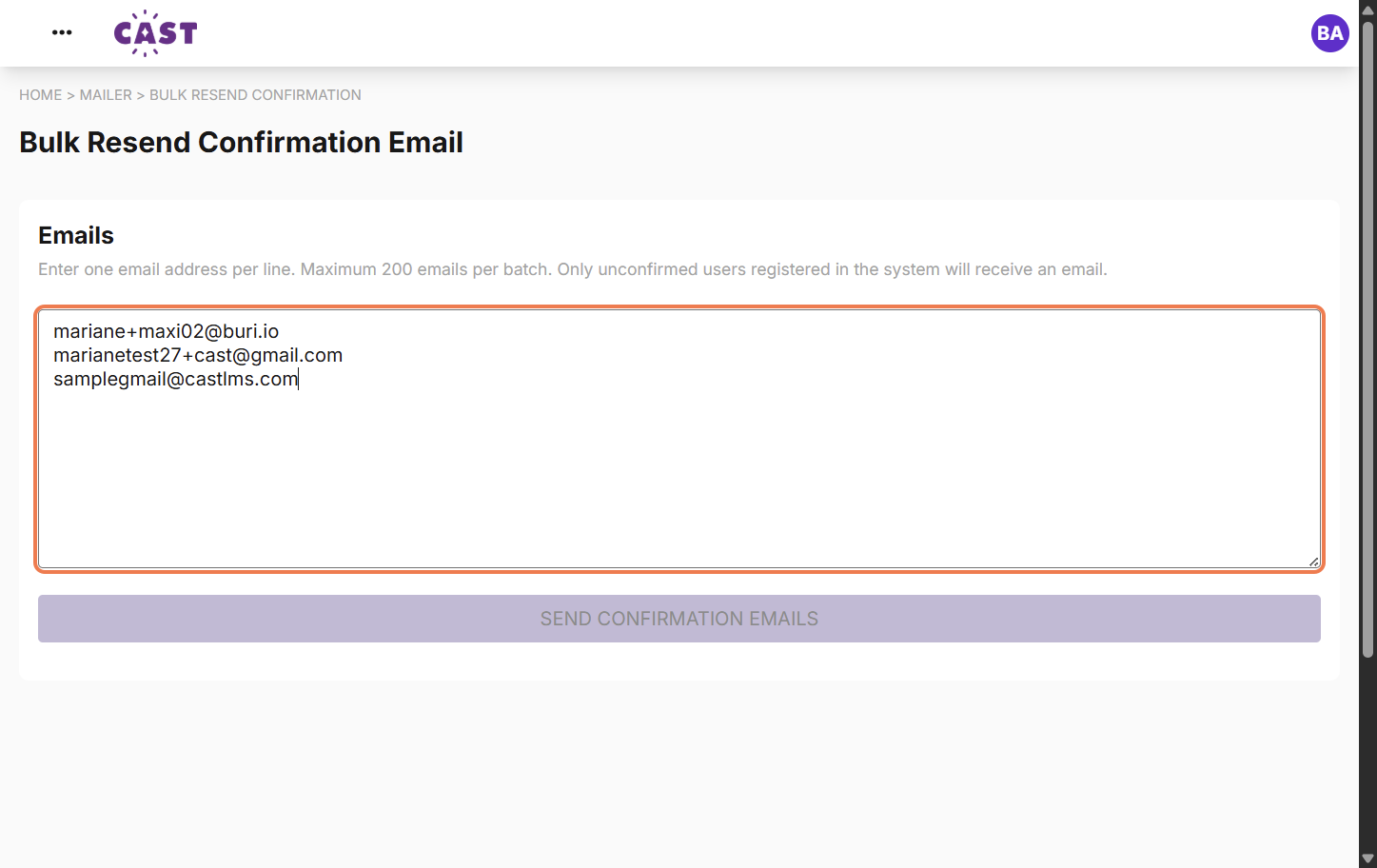
Copy and paste the list of email addresses of users you want to resend confirmation emails to in the box under Emails.
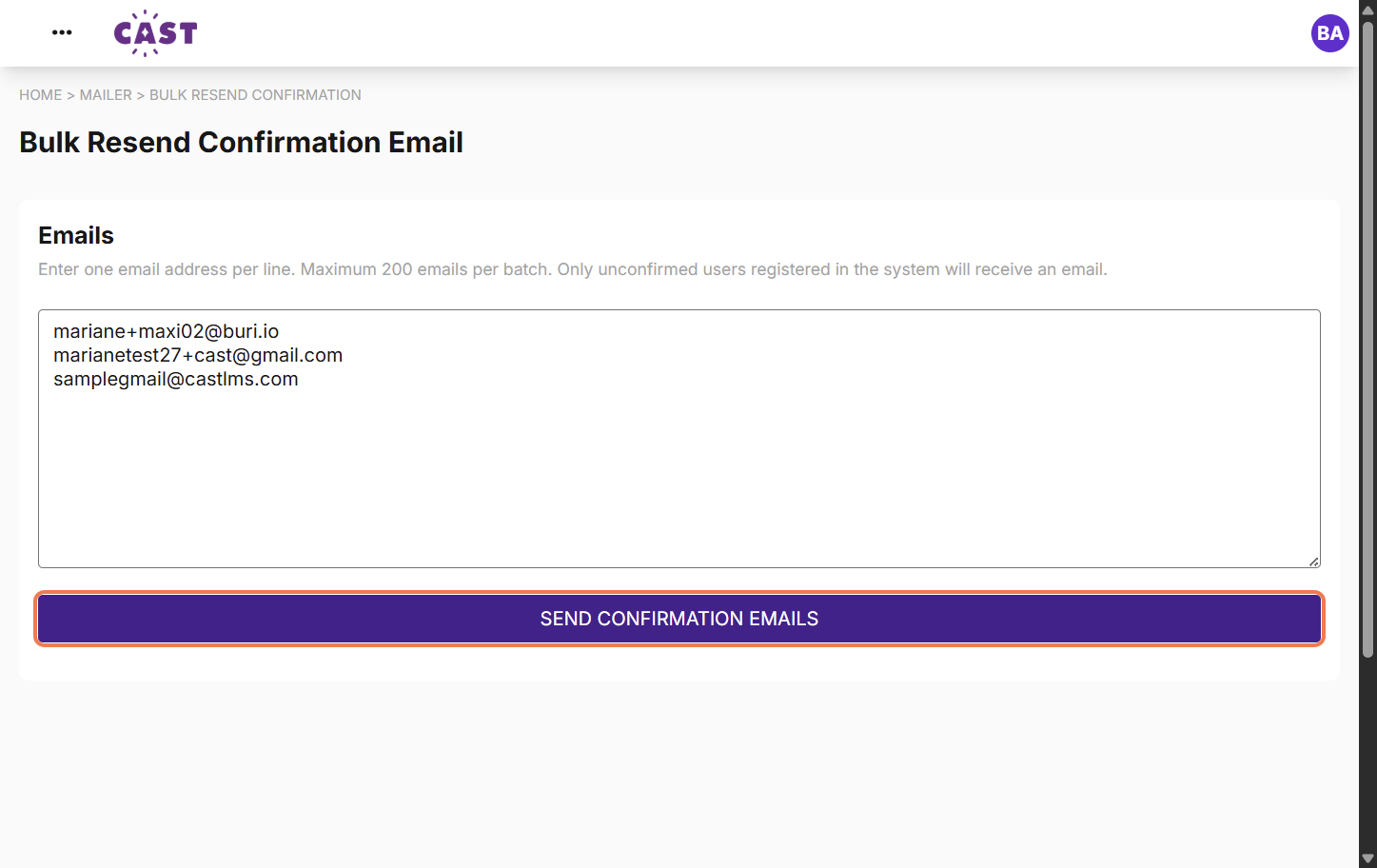
Then, click SEND CONFIRMATION EMAILS.
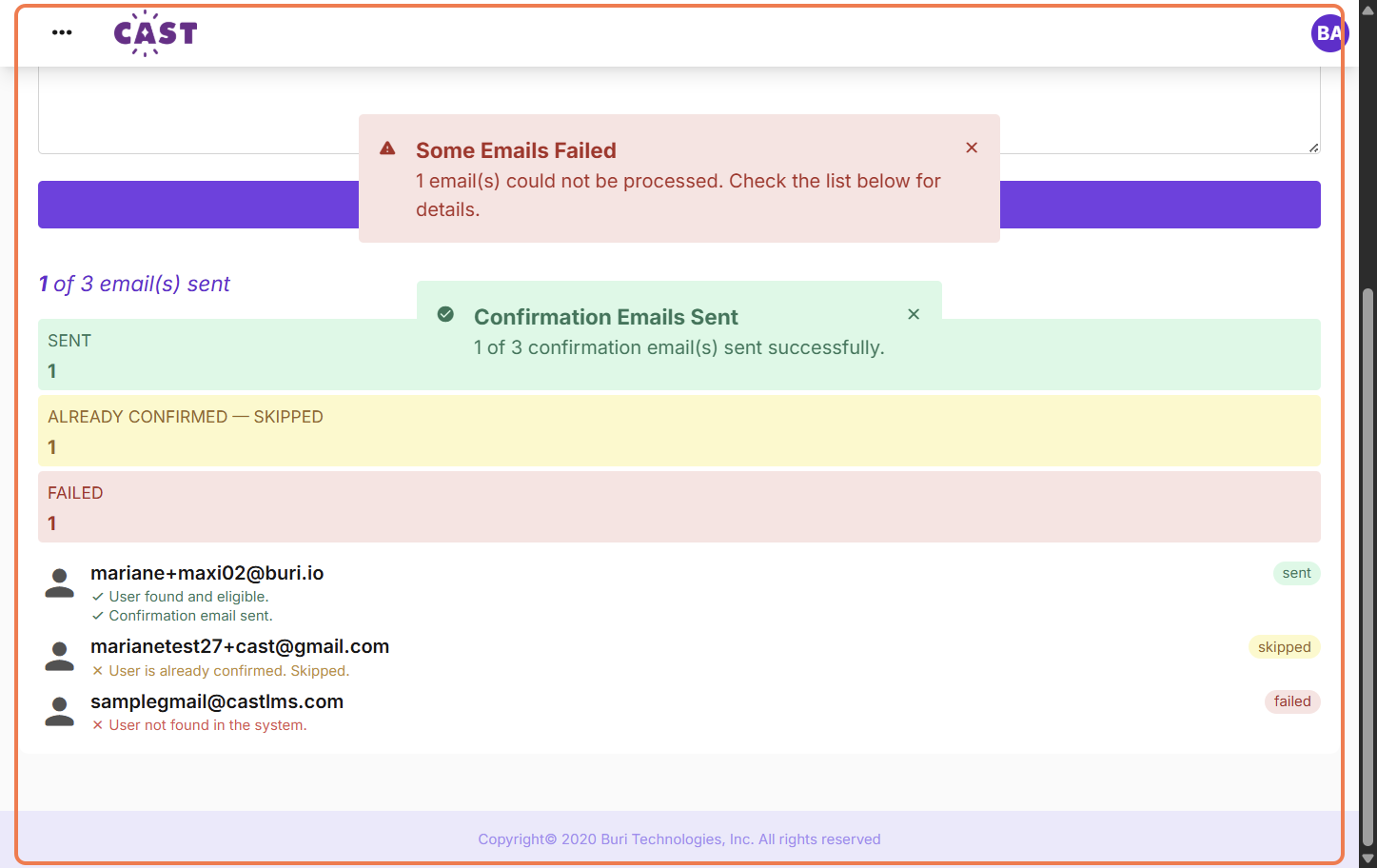
The status of sending for each listed email will appear below. Sending will be unsuccessful if:
the user has already confirmed their account
the user is not registered to your LMS
Once done, inform the users that the confirmation instructions email has been sent to them so they can confirm their accounts.