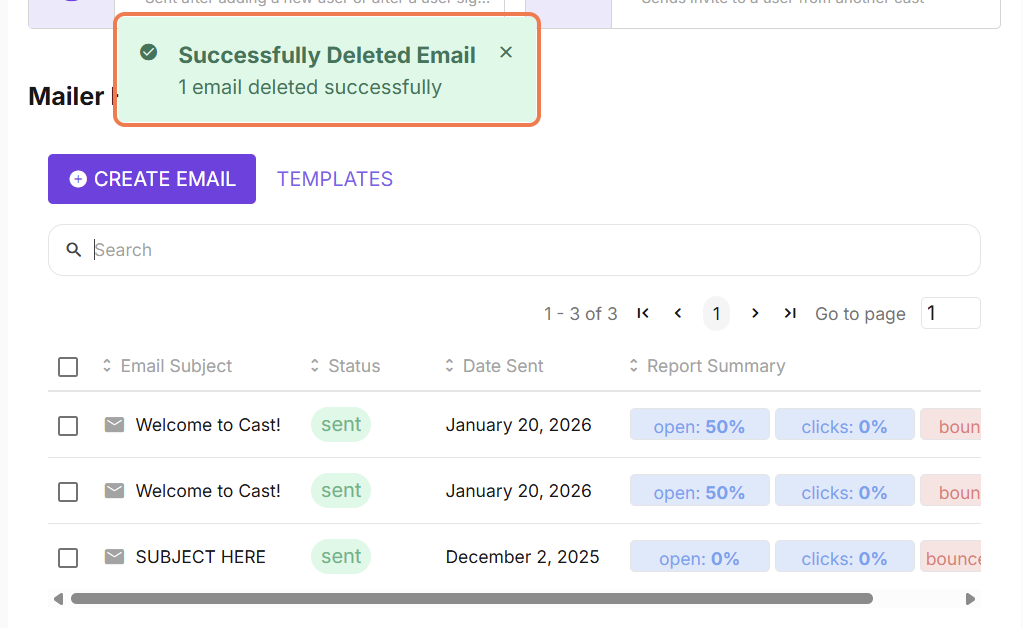
You can delete emails listed in the mailer history, if they ever fail or you want to reduce the clutter in this page.
To delete an email from Mailer History, follow these instructions:
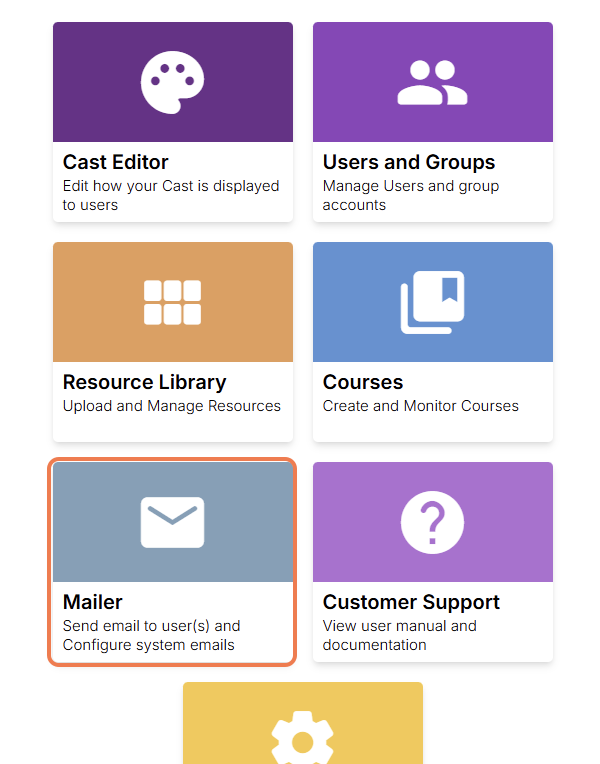
From the dashboard homepage, go to Mailer.
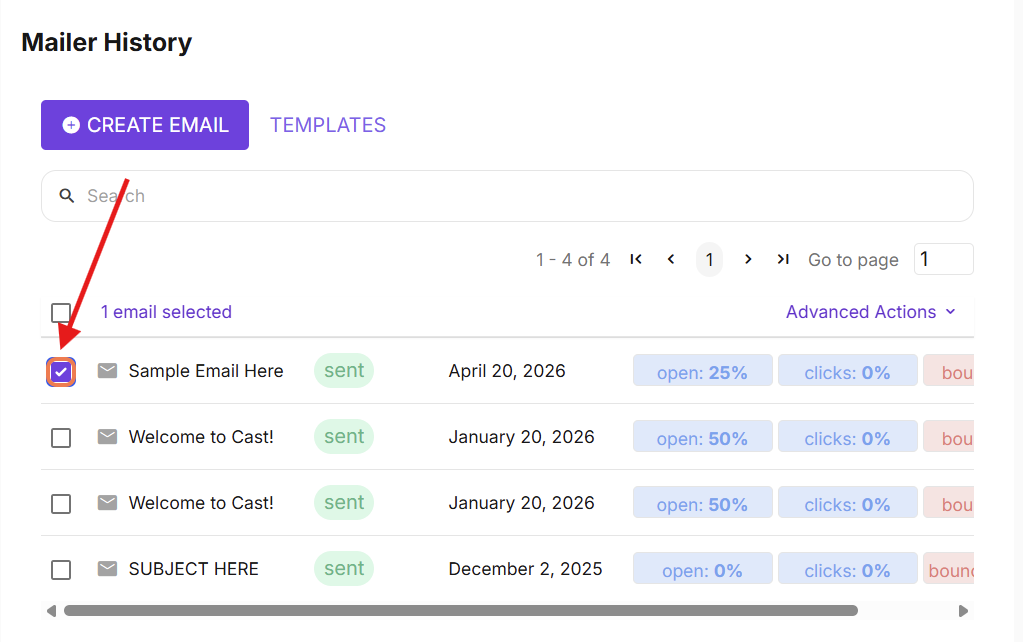
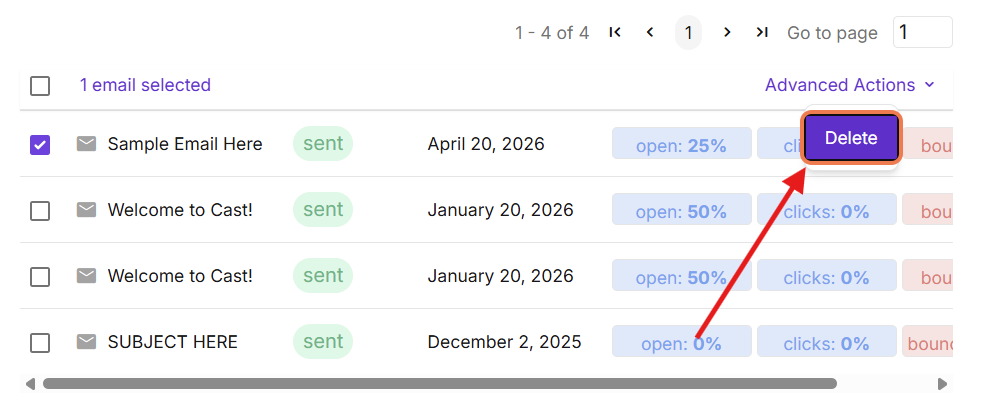
Select the email you want to delete from the mailer history by checking the box beside the subject text.
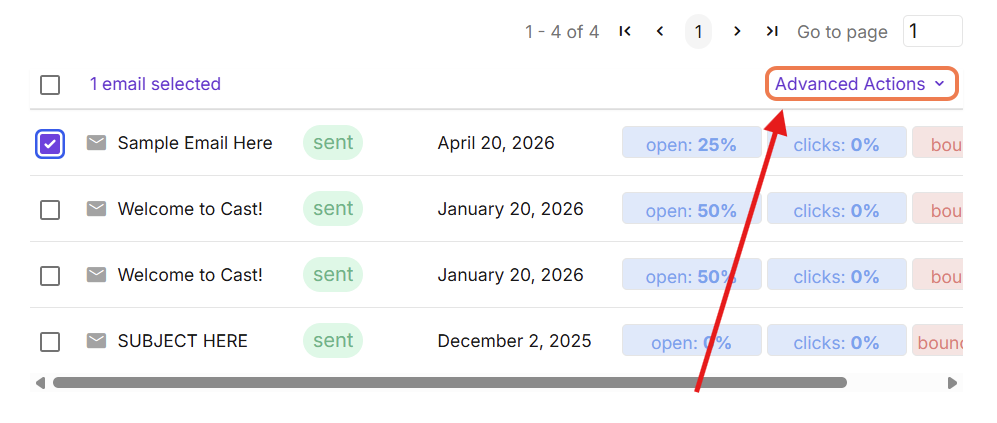
Click Advanced Actions.
Then, select Delete.
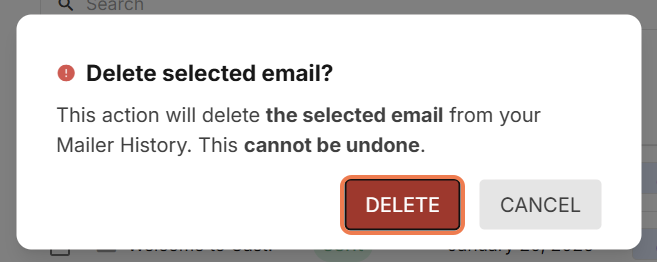
Click DELETE if you would like to proceed with the action. Click CANCEL, if otherwise.
The page will refresh and your email will now be removed from your Mailer History. If the email is scheduled, the email sending will be cancelled.