

Suggested image size is 220x220px.
Accepted file types: jpeg, png, and gif.
To know the size and file type of your image, place your cursor over the image.
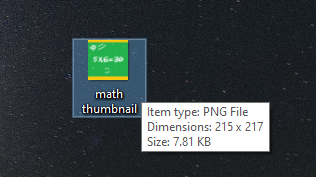
Make sure to select an image that appropriately reflects what your course is about. This will make the course or resource easily identifiable for your users.
For example, if your course is about math, your thumbnail could be an equation.
Related Article:
What is a Thumbnail? - https://support.castlms.com/help/what-is-a-thumbnail