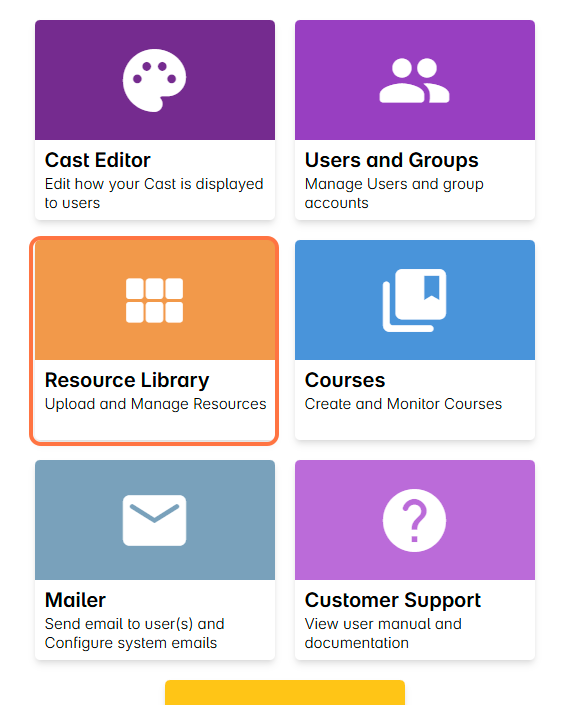
1. Go to the Resource Library.
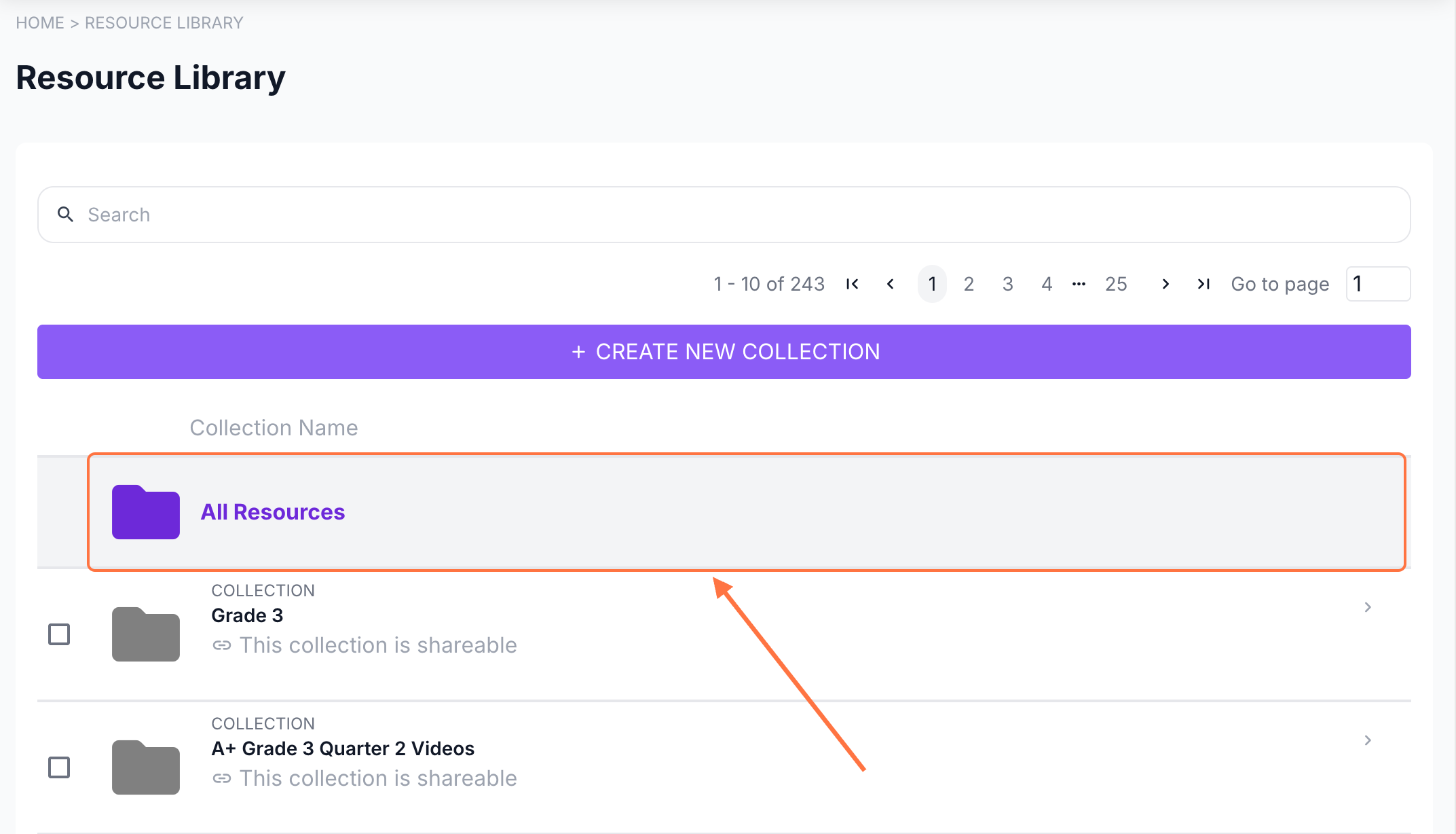
2. Click on All Resources to easily search for your resource.
Alternatively, you can open the course’s resource folder from the list.
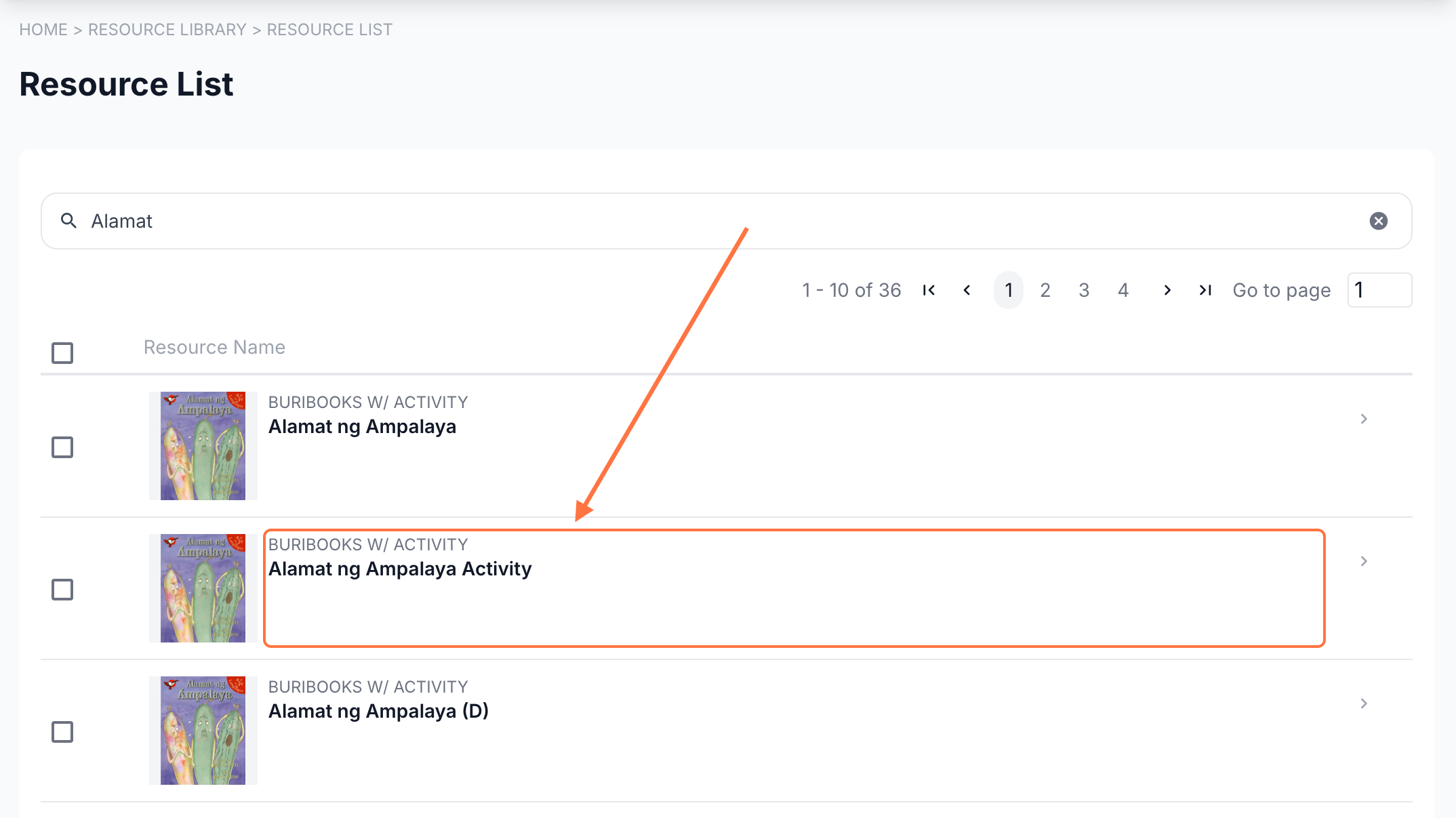
Search for the resource and click on it.
3. In the resource profile, select Activity Logs.
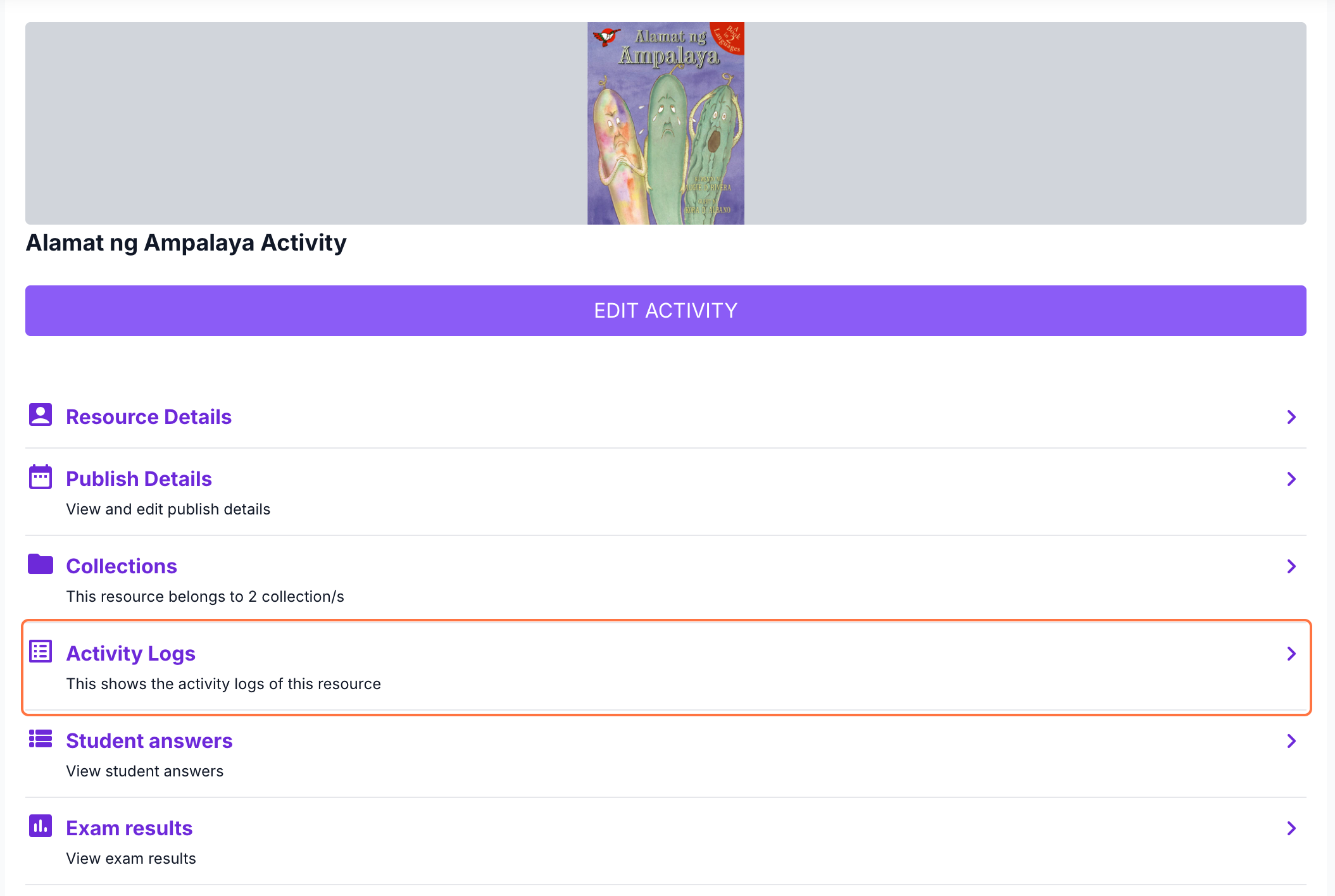
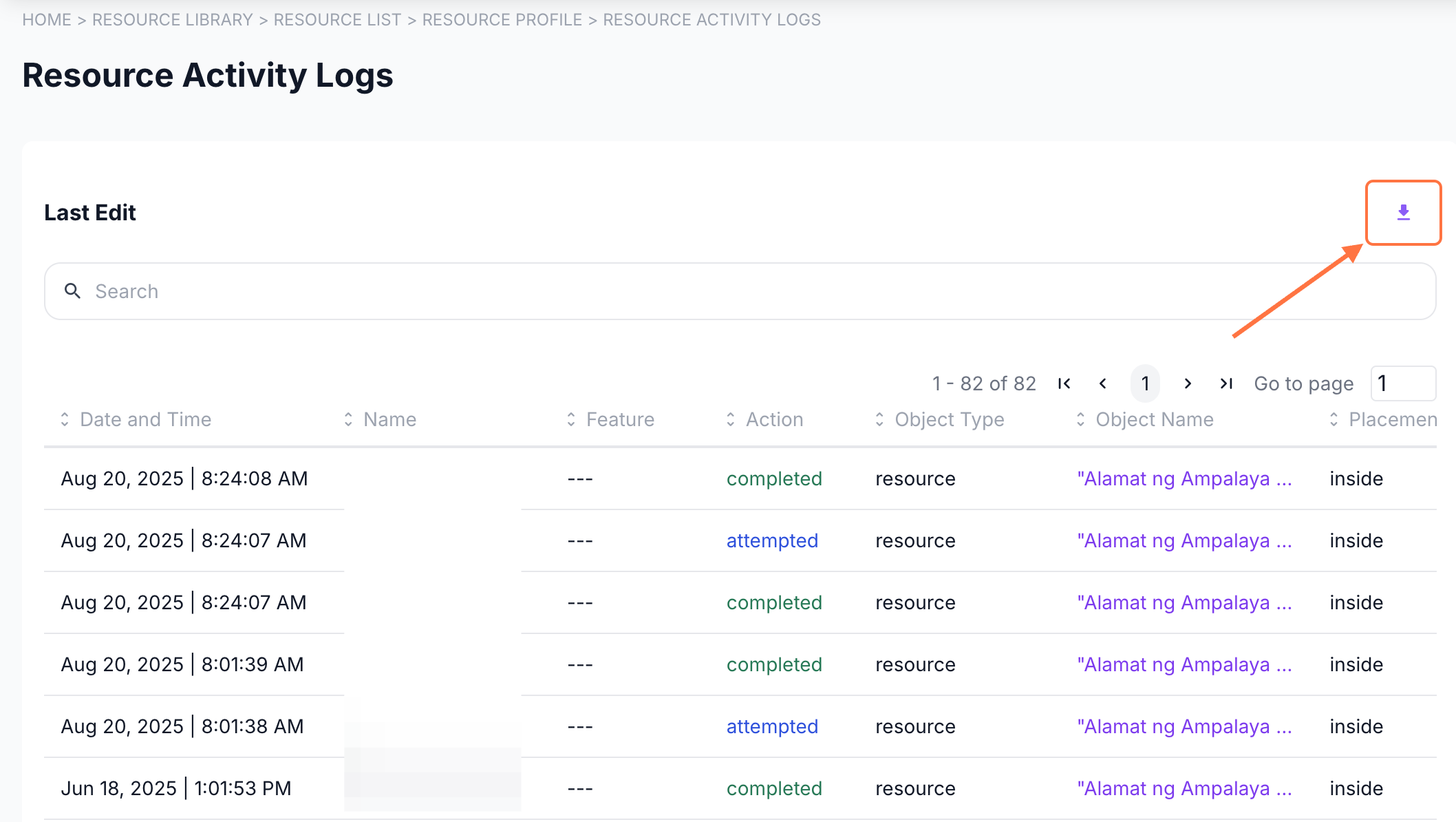
Here, you can view all users who have accessed the resource along with the timestamp of each access.
The start of access or viewing is marked as Attempted.
The completion or end of access is marked as Completed.
You can use the search bar to look up a specific user by name.
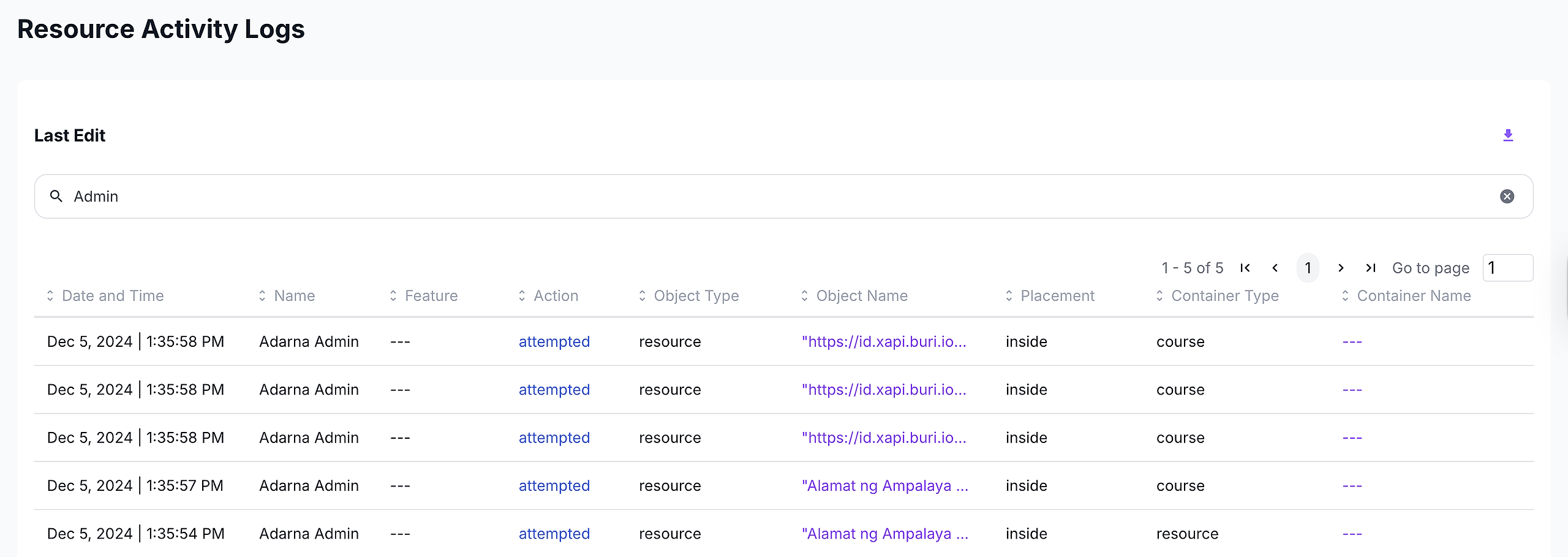
To download the data, click the download button at the top of the page.