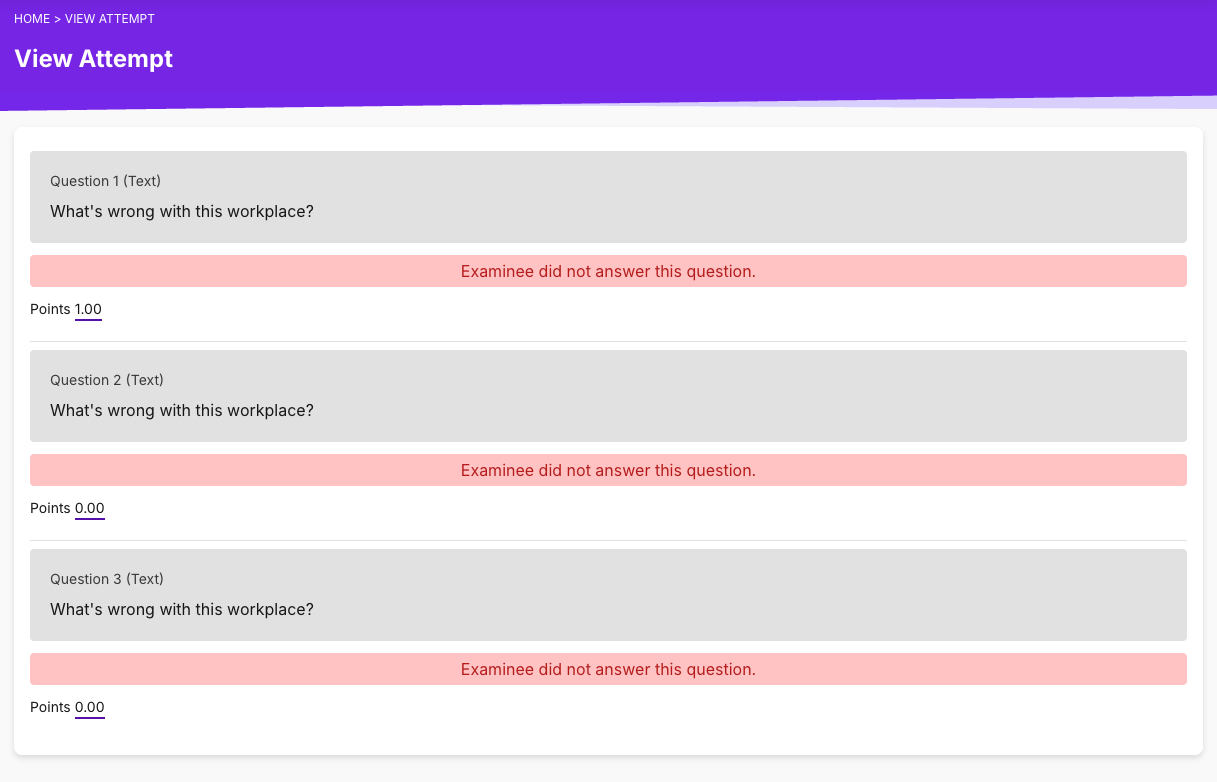

If you want to manually check or view the student's latest attempt in an assessment, you can follow these steps.
1. From the Admin Dashboard, go to Courses or Cast Editor.


2. In Courses, select your chosen course from the list.

In the Cast Editor, click on your preferred course card.

3. In the Course Profile, click on your preferred batch from the list under Batches.

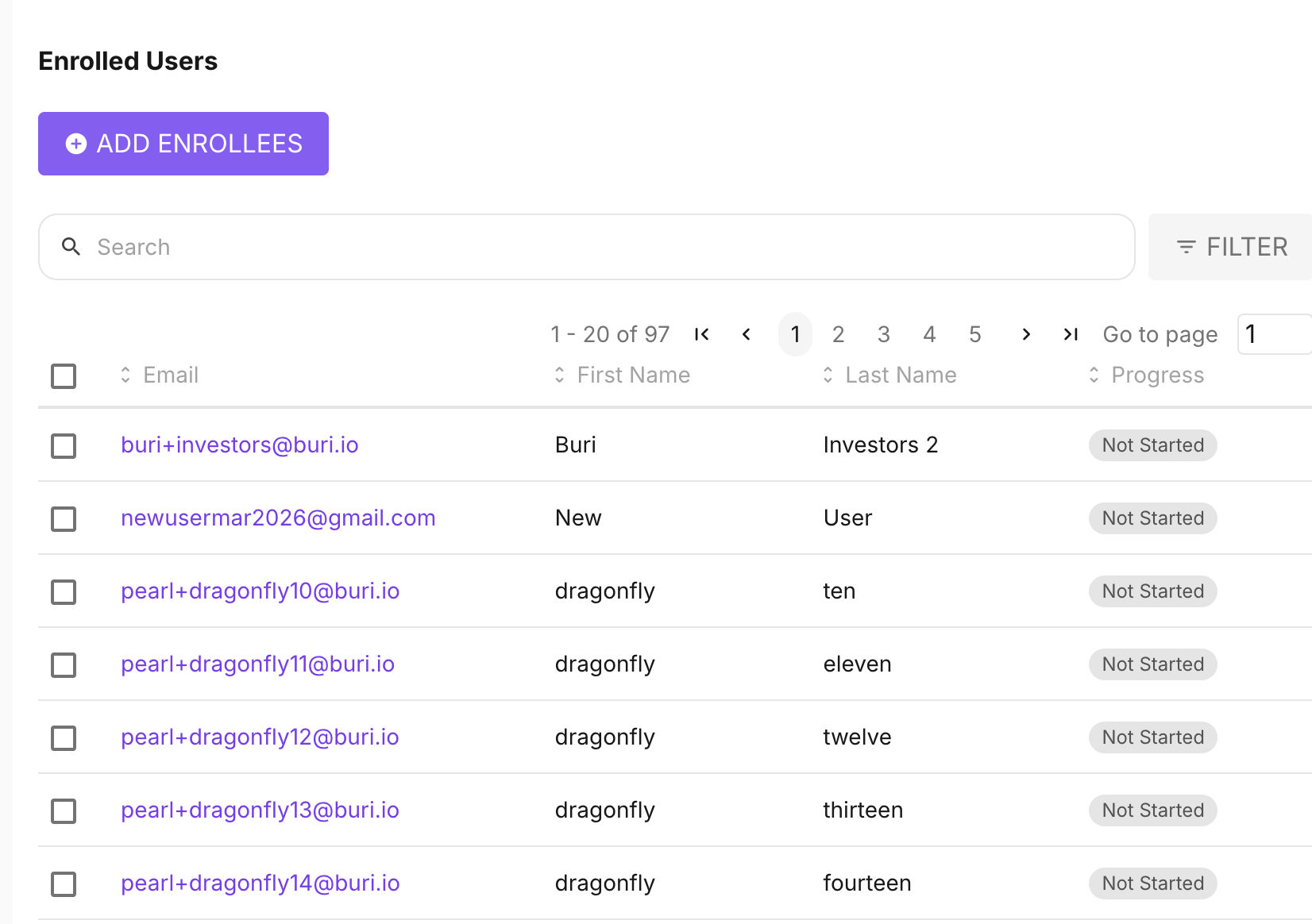
4. In the batch's Enrolled Users list, search for the user whose attempt you want to view. Click on their name.
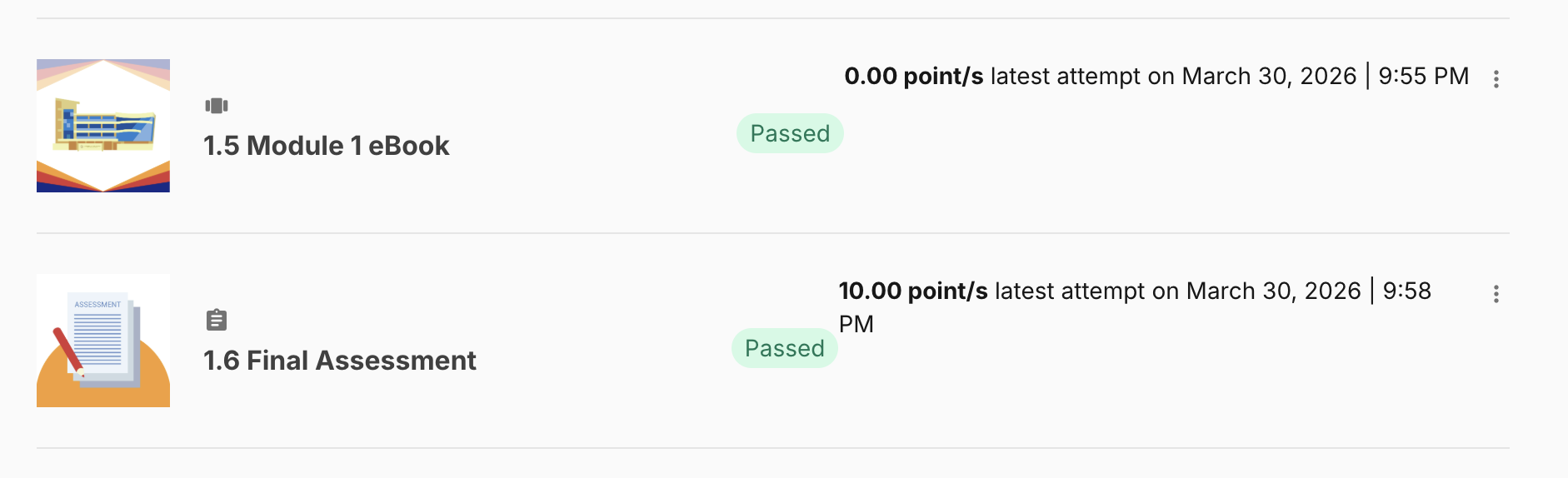
5. Scroll to the assessment you'd like to view. Click on the score or the timestamp of an attempt across the assessment name.
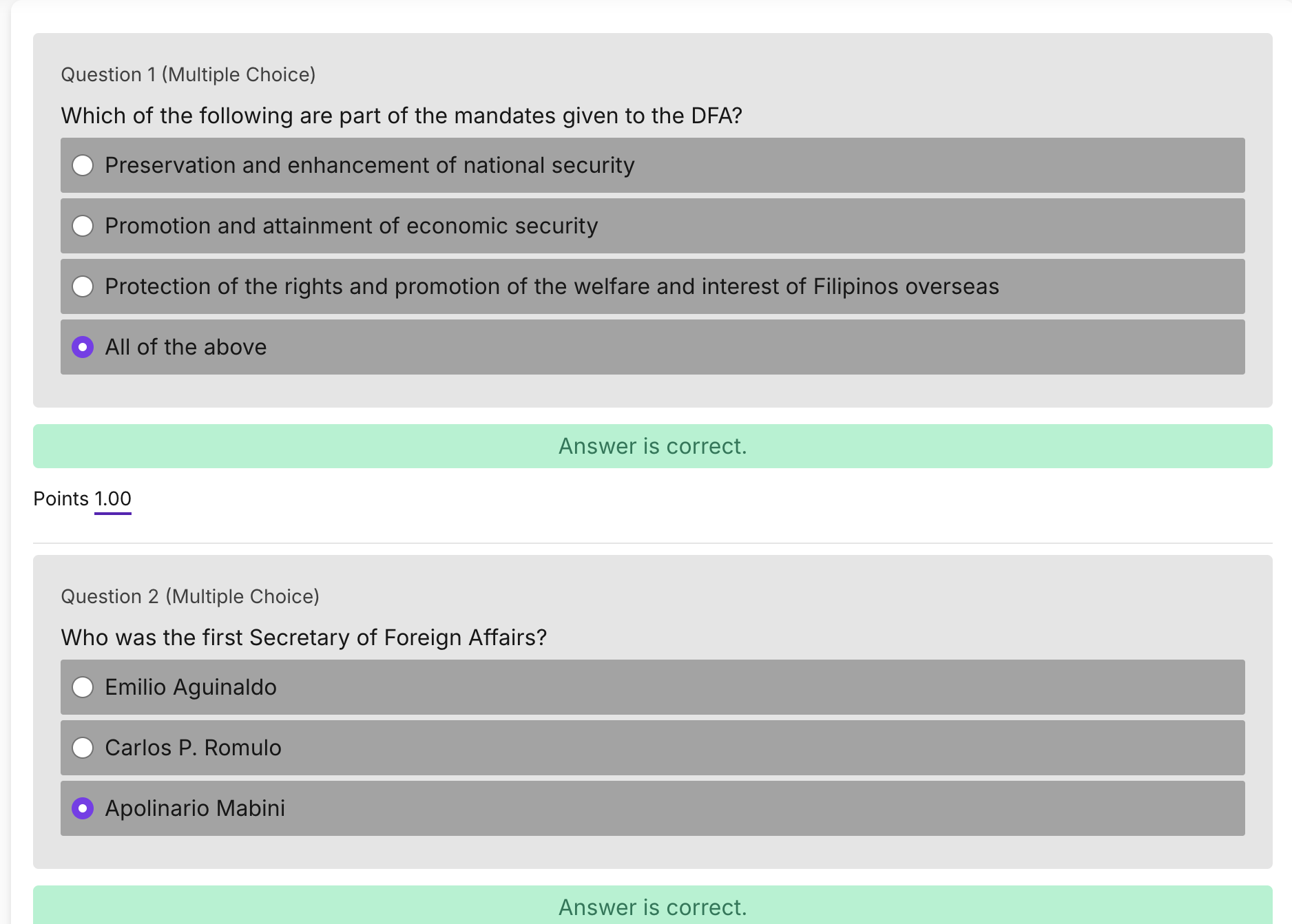
This should redirect you to a page where you can see the learner's answers per question in that specific assessment.
If no score is indicated in the latest attempt, and the displayed status is "In Progress," it means the attempt was saved as a draft and has not been submitted yet. Please remind your learner to submit the attempt for grading in the assessment.
Another way of checking the latest attempt of a learner in an assessment is through the Student Answers tab.
1. Click on any batch in the Batch list.
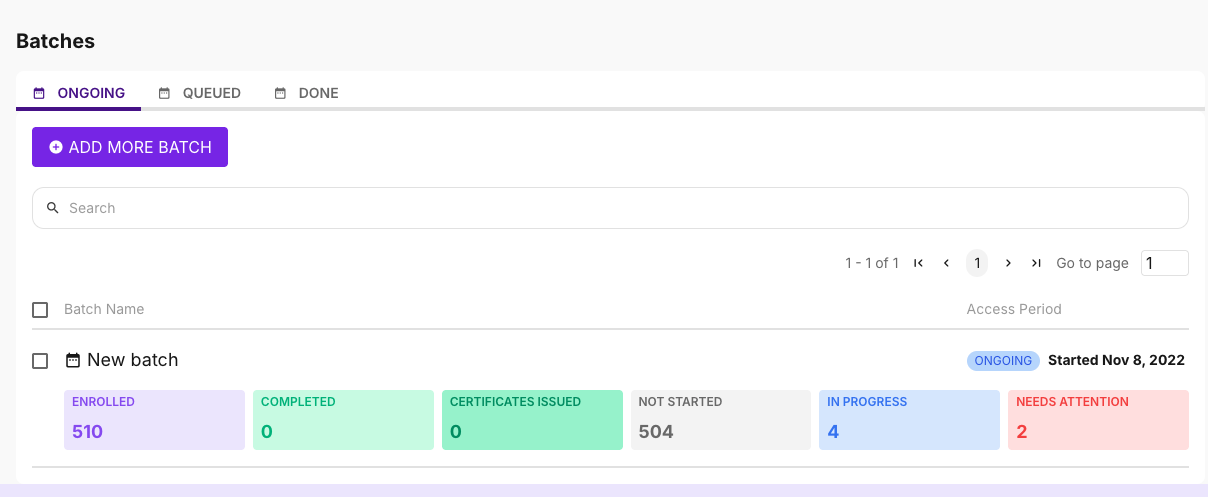
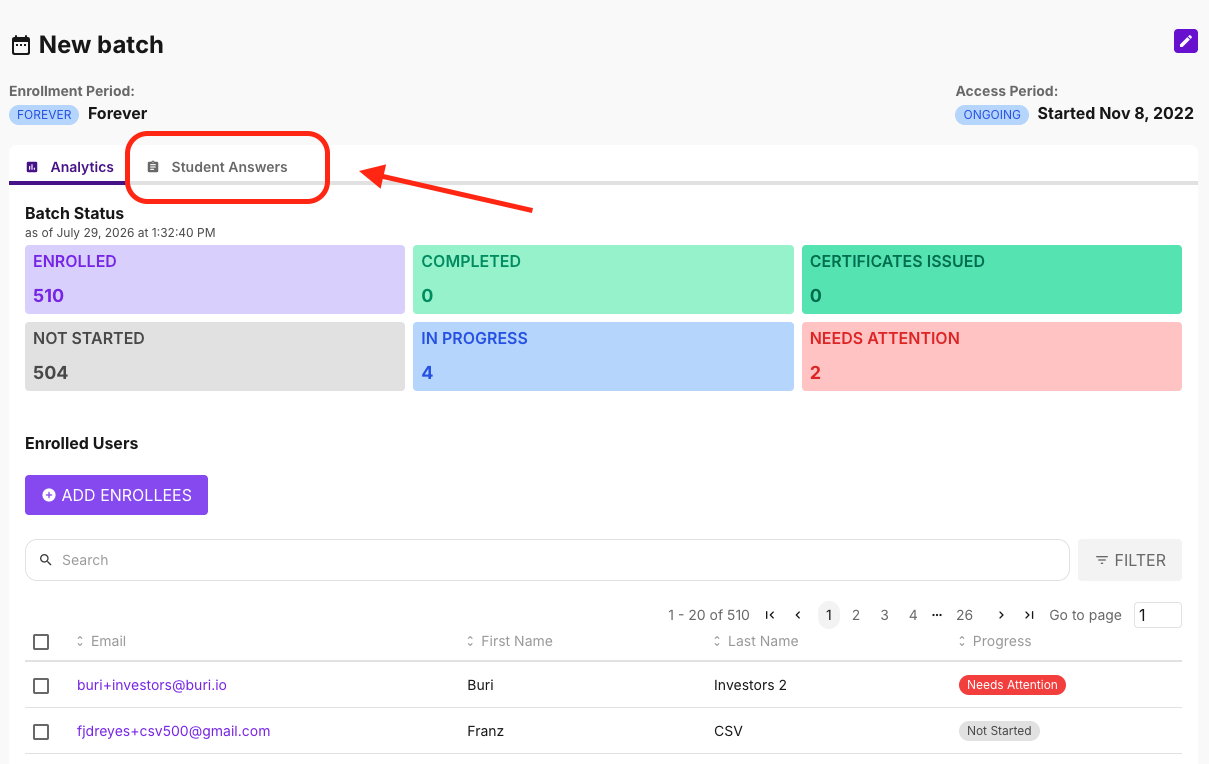
2. Go to the Student Answers tab.
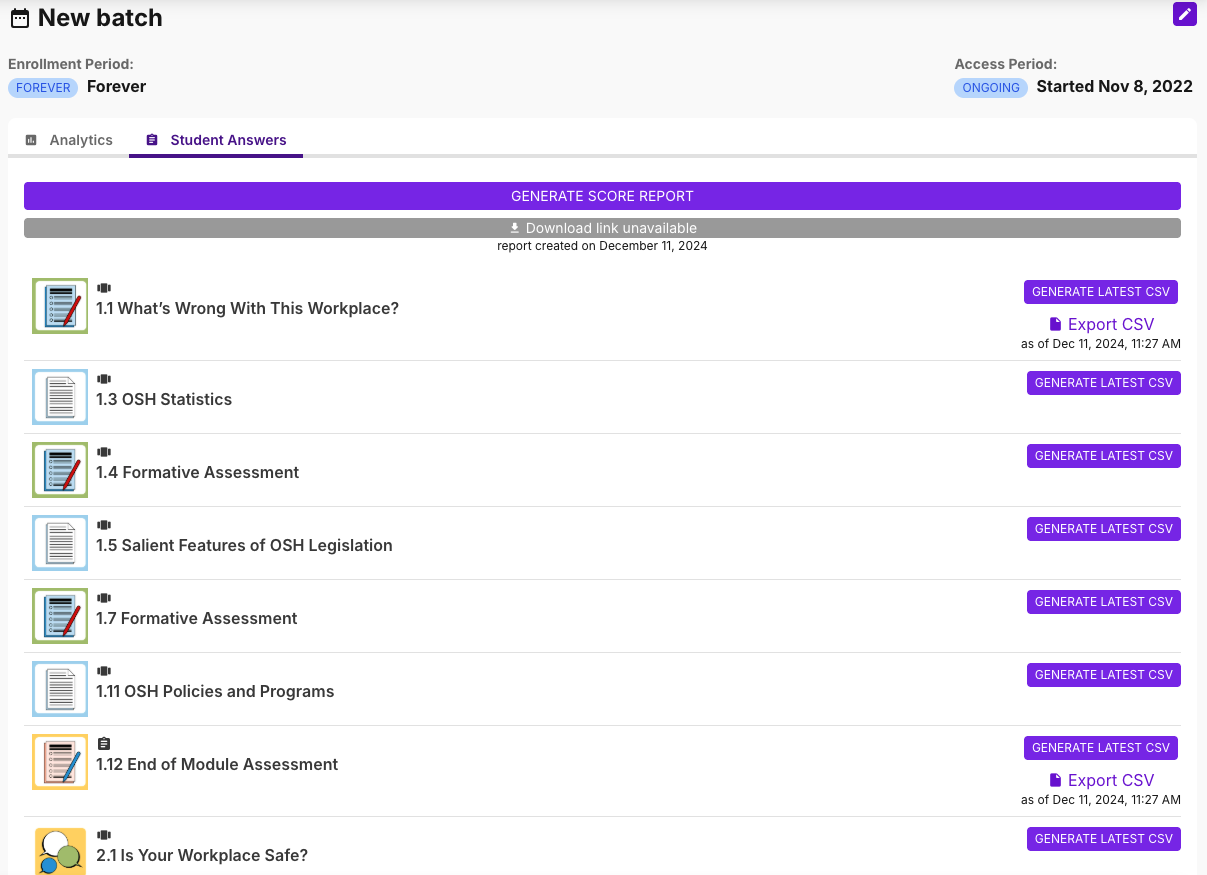
3. Click on any assessment in the list.
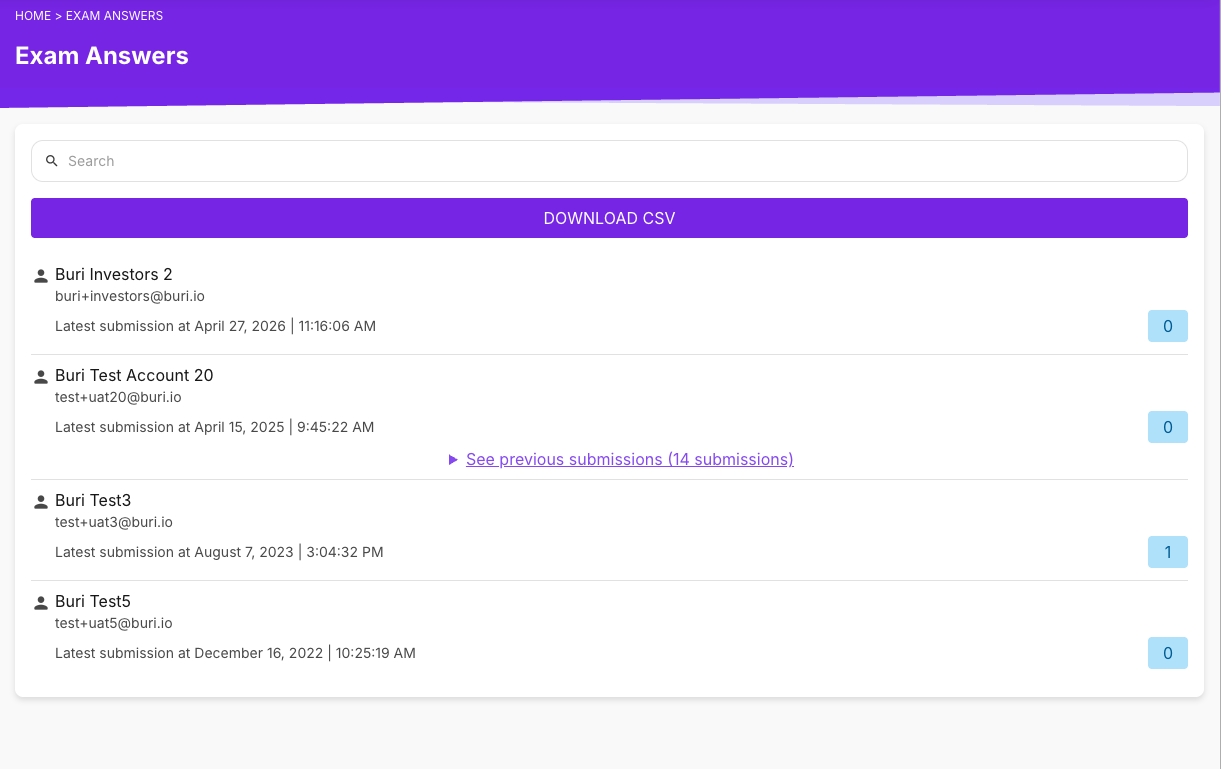
4. Then, search for a specific user and then click on the timestamp of their submission to view their attempt.