

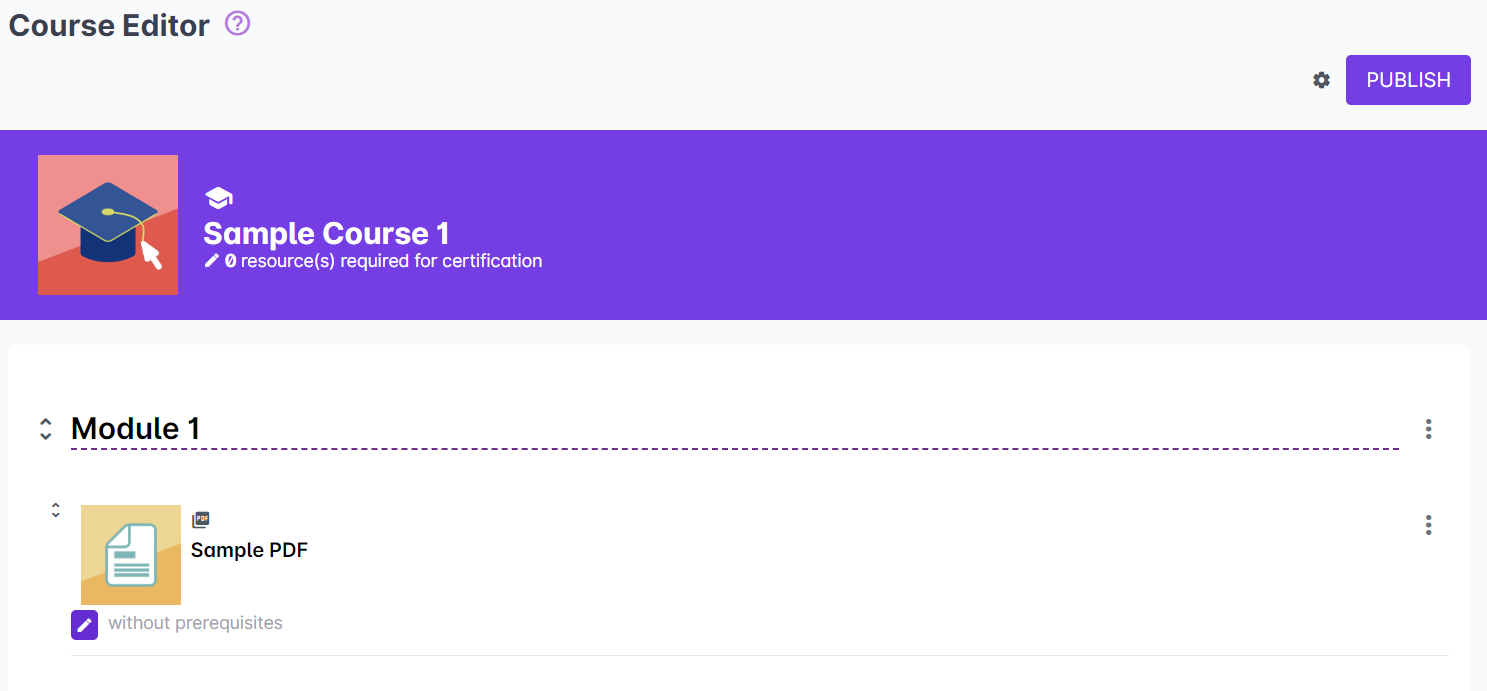
The Course Editor allows you to edit your published course.
On top of the Course Editor is the header containing the course name and the number of resources that have been set as required for certification.
You can add new sections to divide your resources, or upload/add new resources to your course. You can also rearrange the resources and sections easily by dragging and dropping them in the Course Editor area.
Related Article:
How Does the Course Content Editor Work? - https://support.castlms.com/help/how-does-the-course-content-editor-work