

A tag is a searchable keyword related to a course and resource. Tags can help you organize and categorize your resources, so you can easily filter, search, and find related content.
The Tag Manager is where you can manage all your LMS tags on one page.
To access the Tag Manager, go to General Settings.

Then, select Tag Manager.

This is what the Tag Manager looks like in the learner's portal:
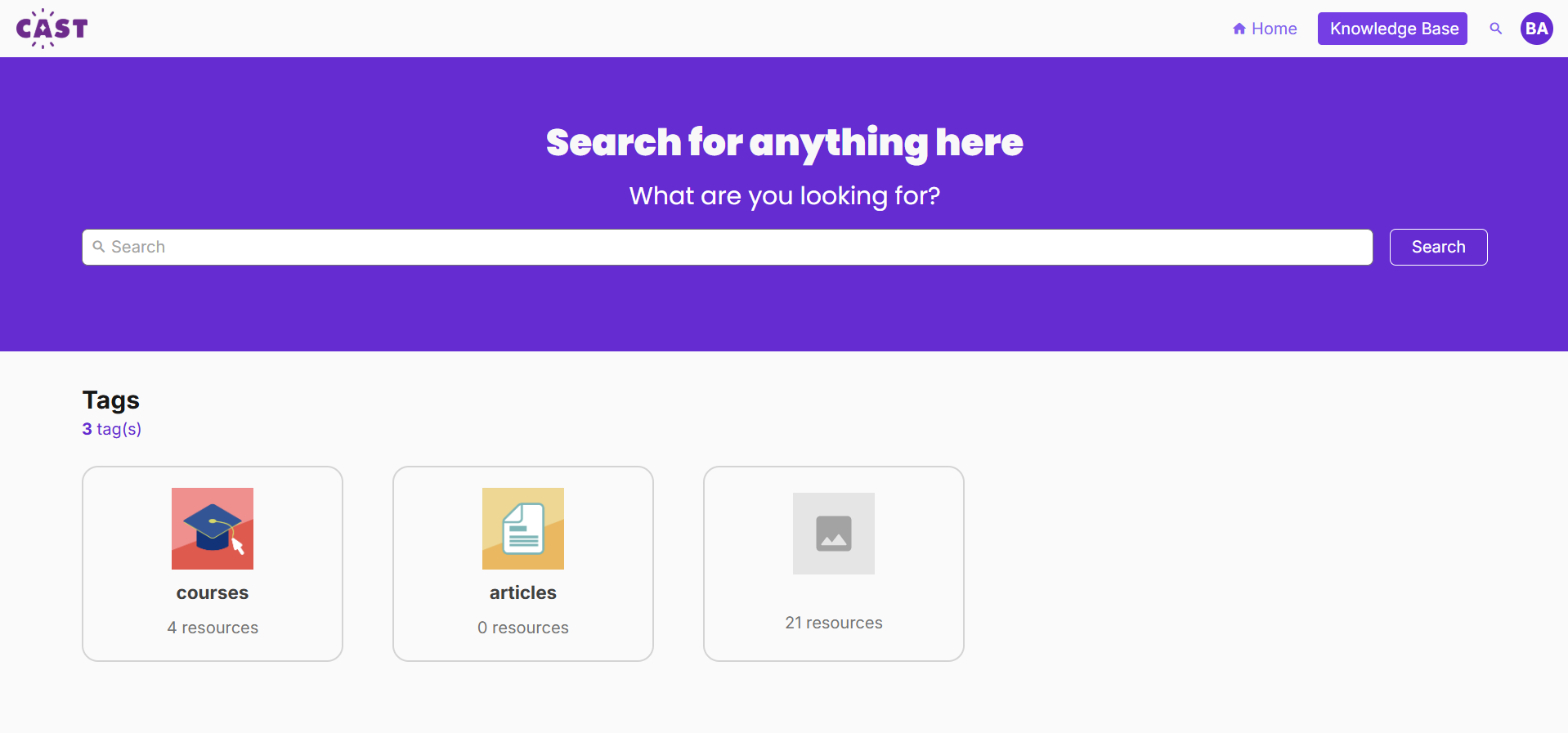
Clicking on a tag will show all the resources that are under this tag.


Now, you can begin adding and organizing your tags. Check these articles that help you know what things you can do with the Tag Manager: