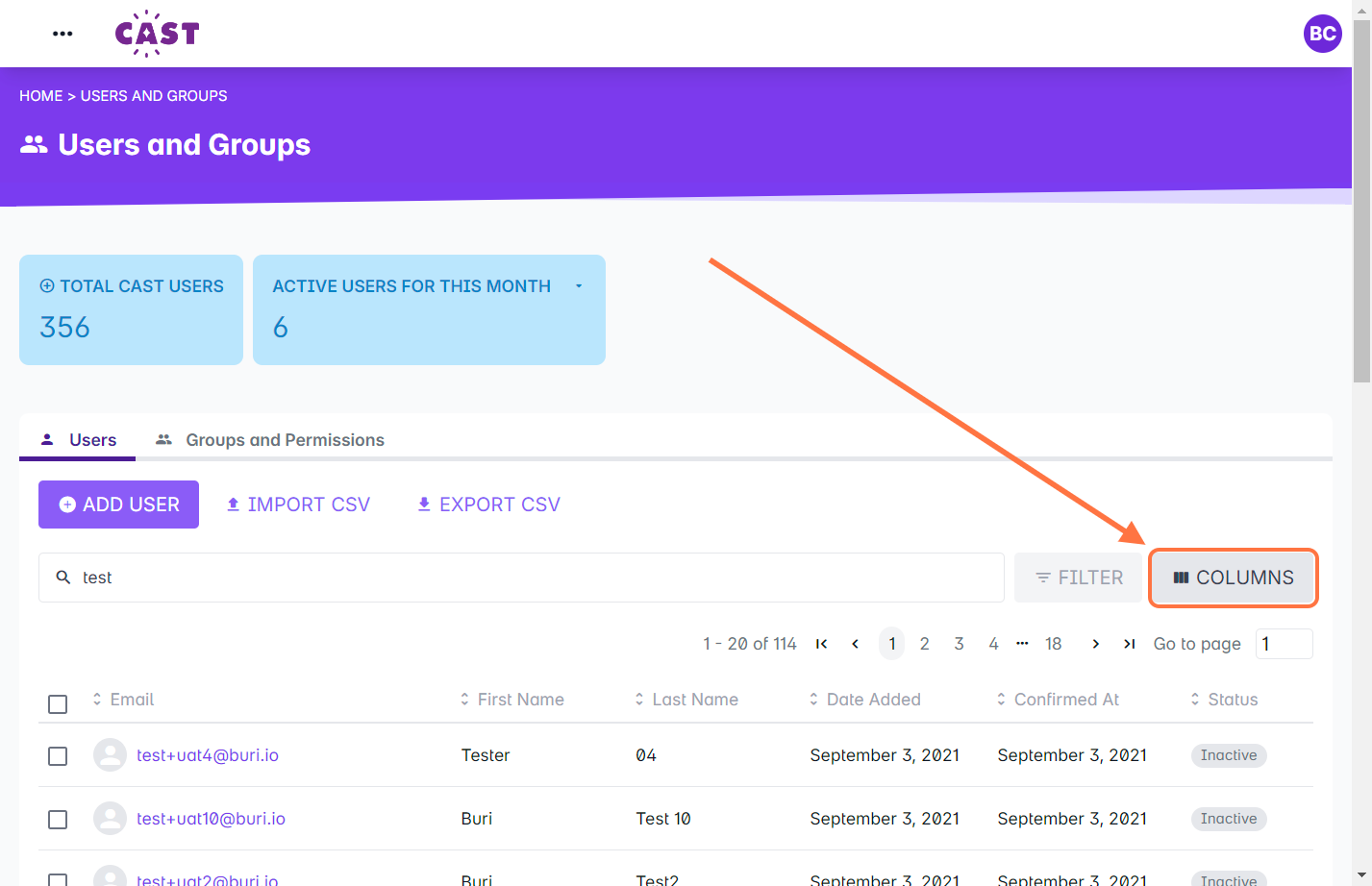
1. Go to Users and Groups.
2. Click on Columns.
3. Tick the checkboxes of the fields you want to show as columns in the User List.
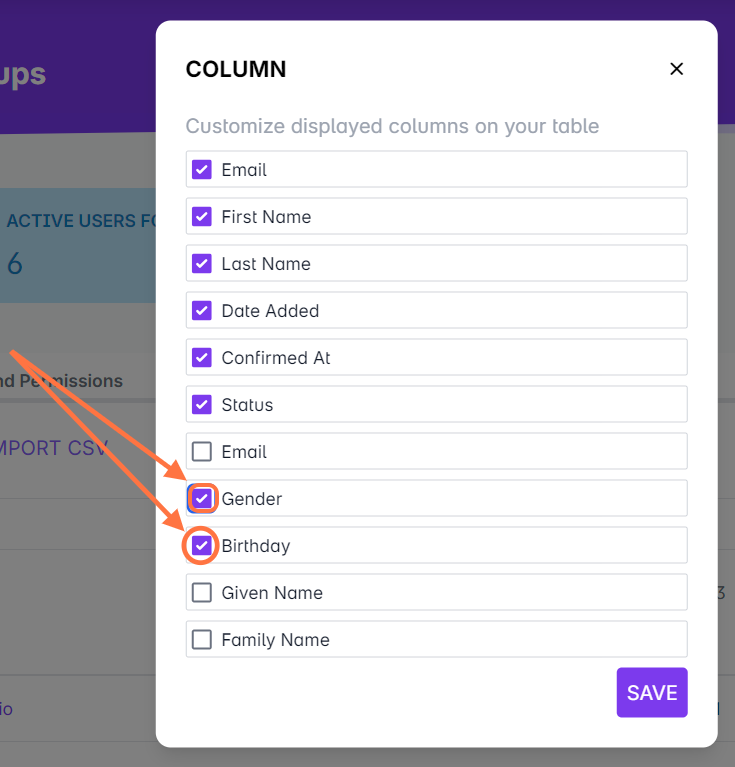
Note: If you have multiple additional fields, you can choose any of the fields to be displayed in the user list. You can add these fields to the exported CSV, as well. To know more about exporting CSV of user list, please read this article.
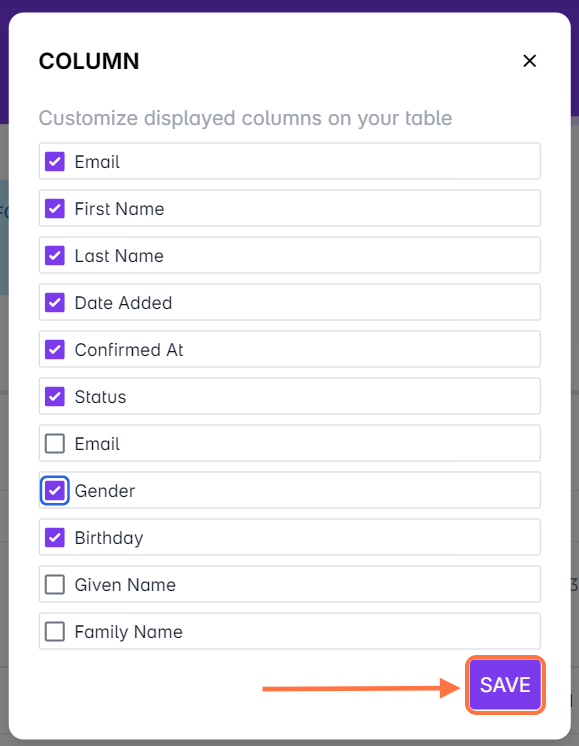
4. Click SAVE.
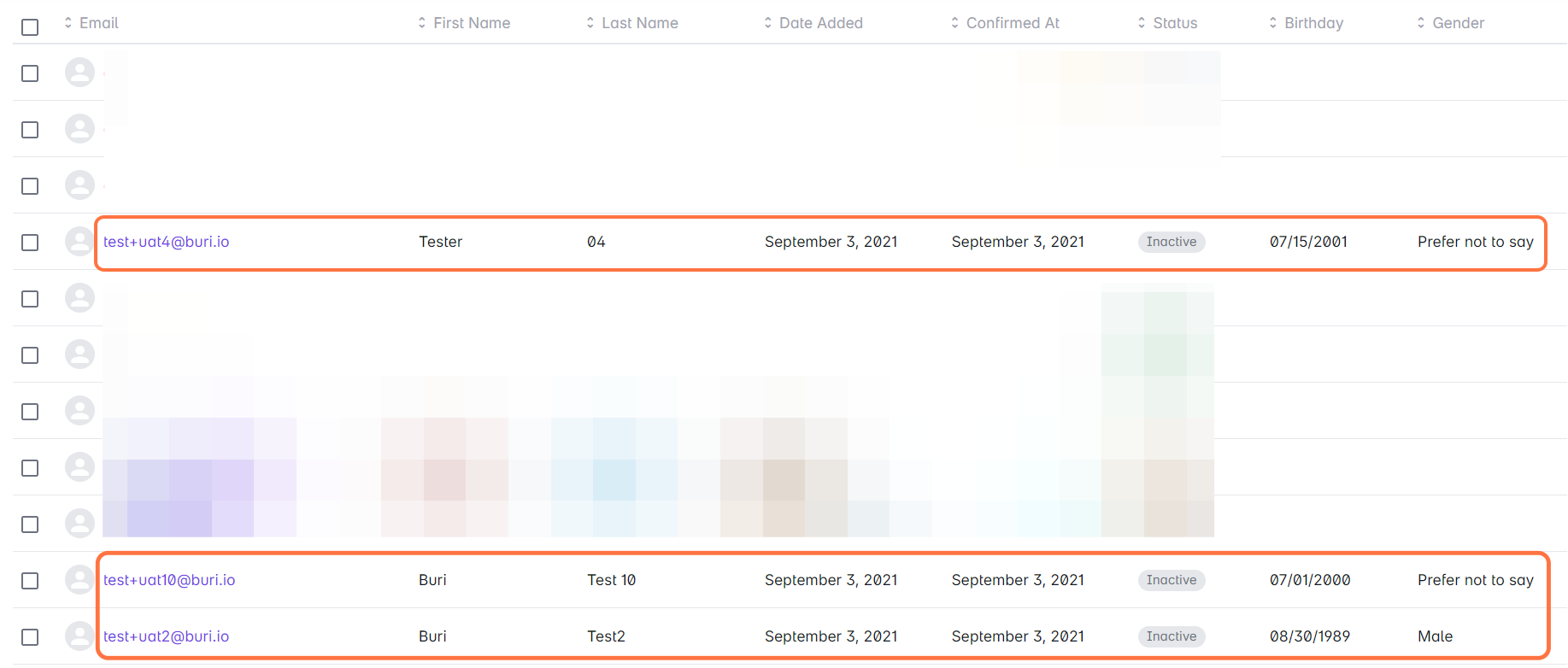
5. Wait for a few seconds for the page to load and for the columns to appear in the user list.