You can automatically set the prerequisites for all resources in your course without setting them one by one.
1. Go to the admin dashboard.
2. Click on Cast Editor or Courses.
3. Search and select your preferred course.
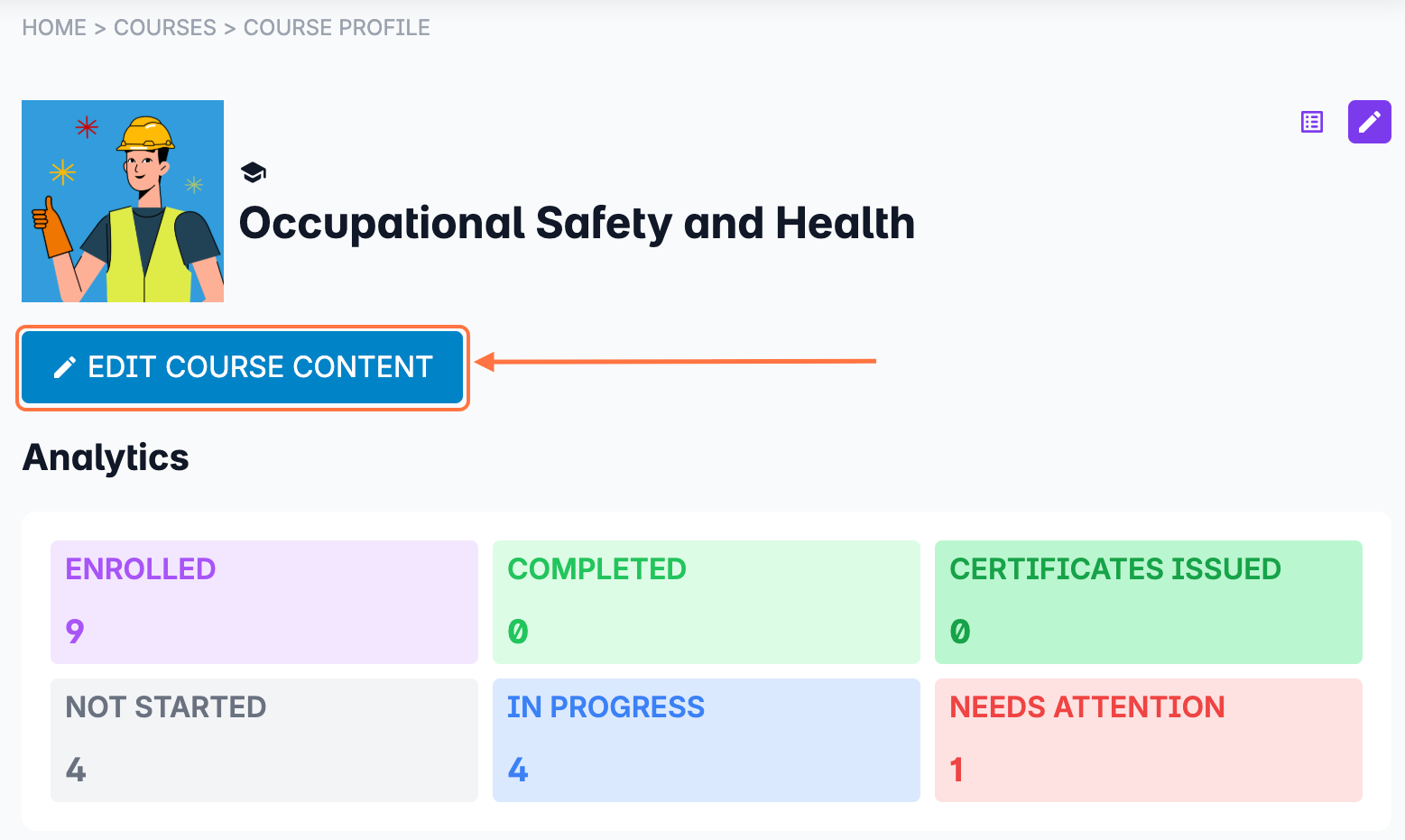
4. Click on the EDIT COURSE CONTENT button.
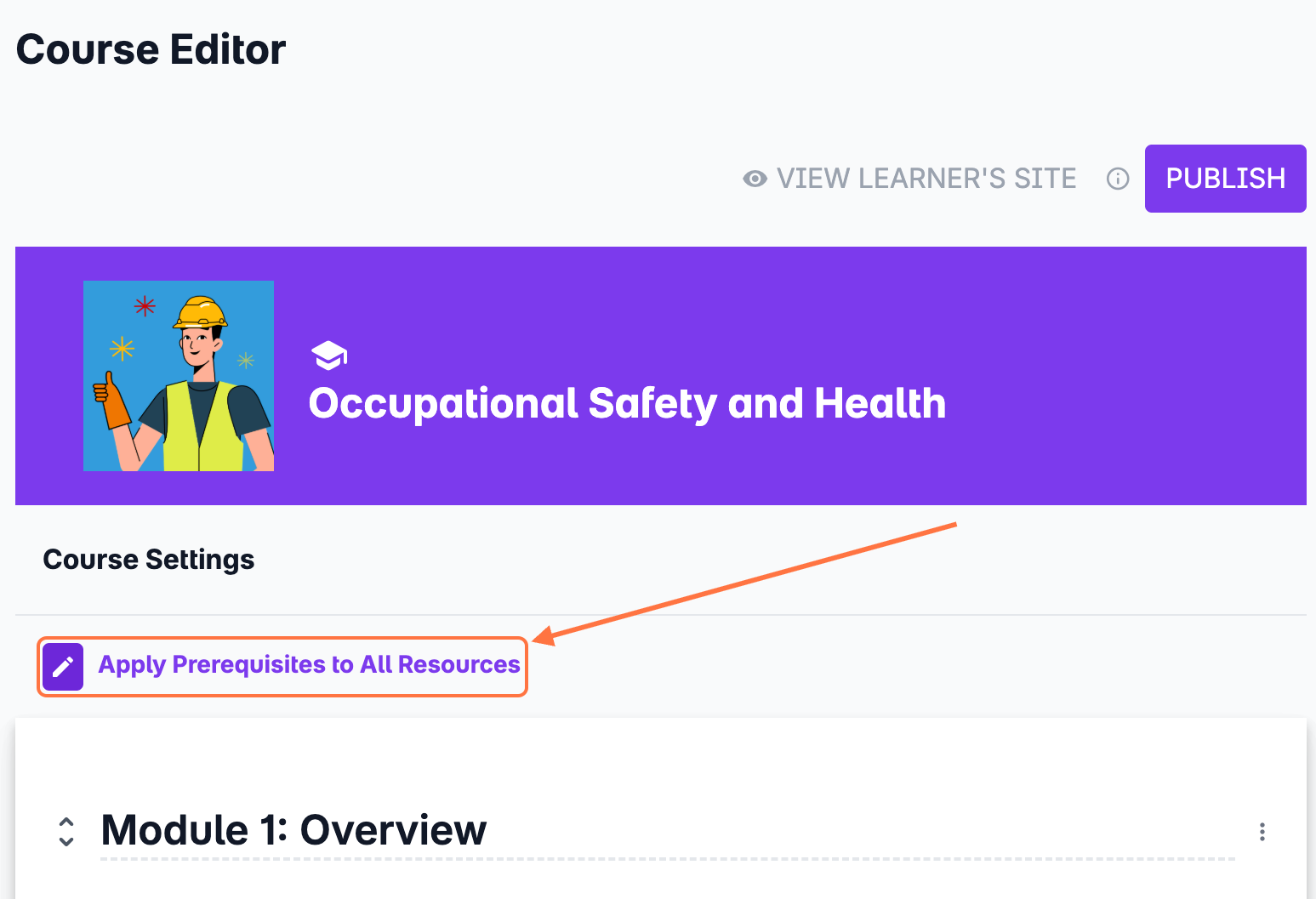
5. Select Apply Prerequisites to All Resources. This option will automatically assign the previous resource as the prerequisite. This way, you don't have to set it one by one.
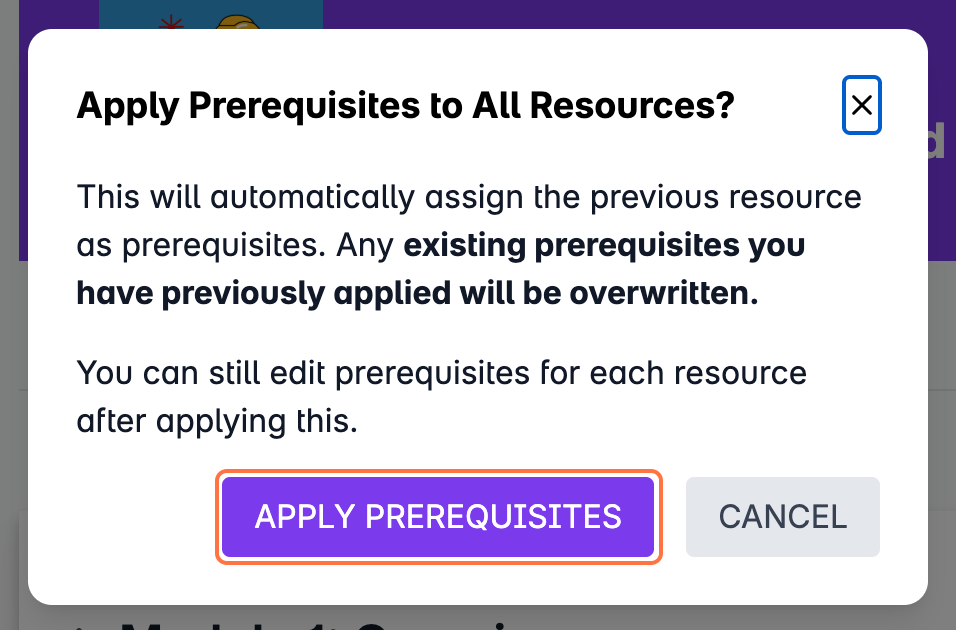
6. A confirmation dialog box will appear. Click on Apply Prerequisites to proceed. If you have previously set prerequisites for the course, this will be overwritten.
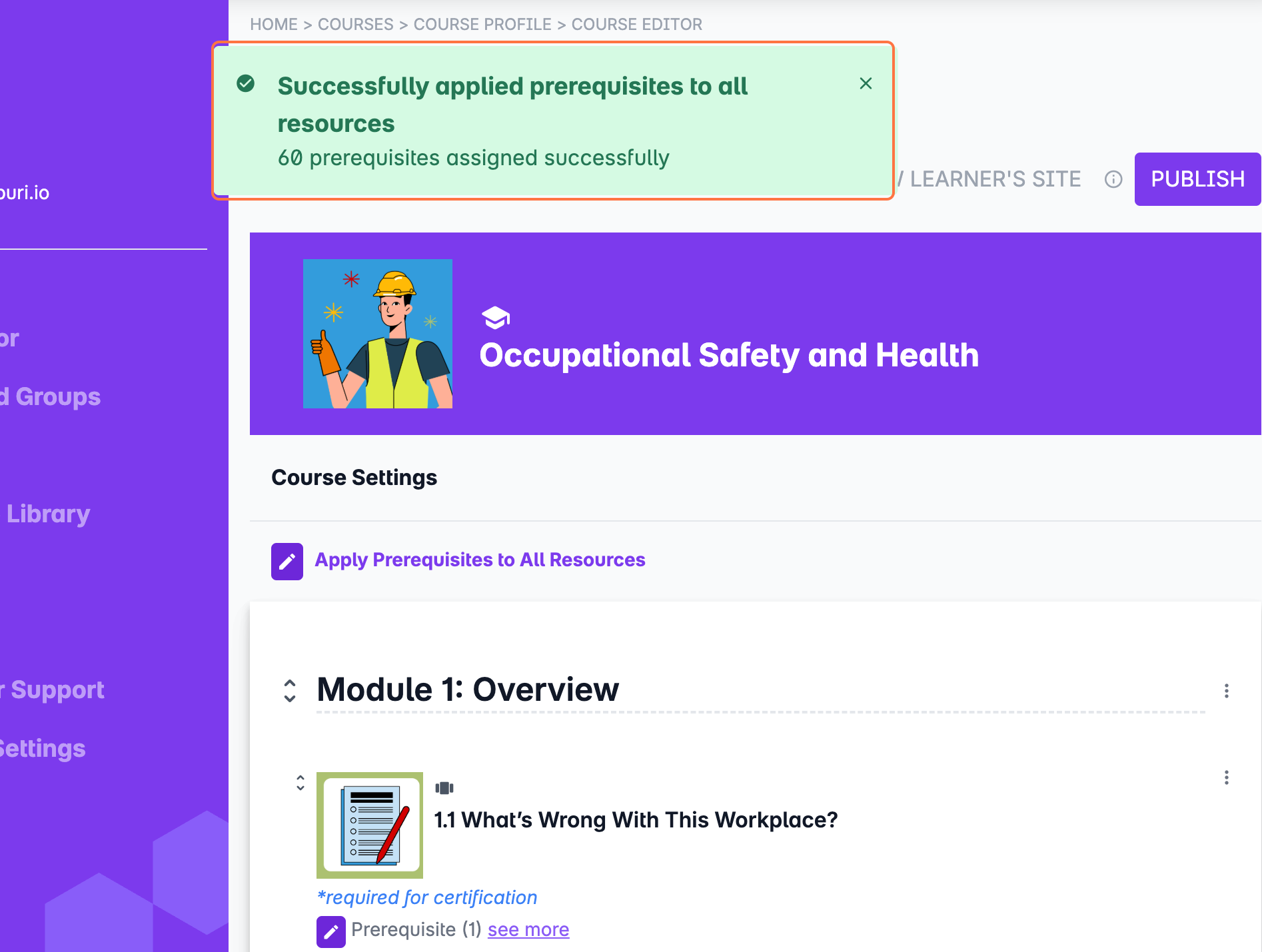
7. Wait for a few moments until all prerequisites for the course have been set.
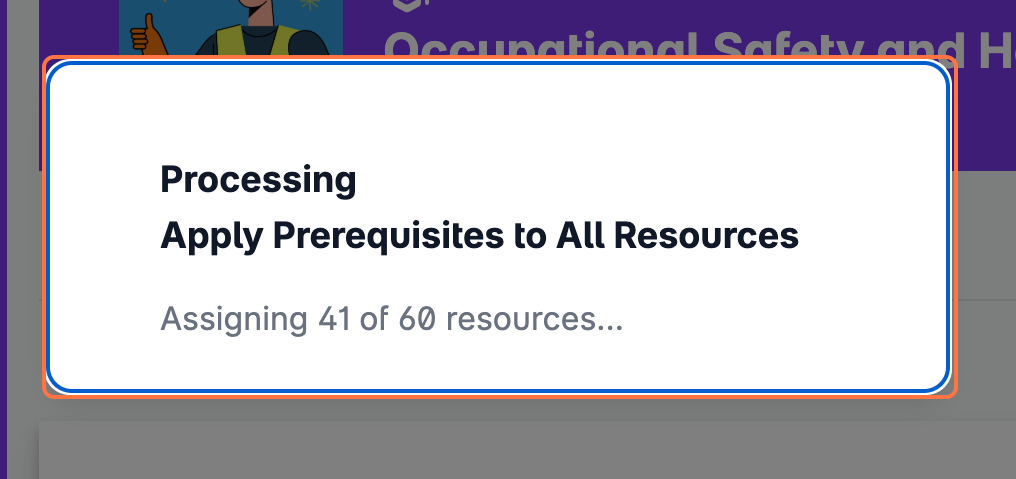
A message will appear once the prerequisites have been successfully applied to all the resources in the course. You can still modify these prerequisites by following these instructions: Adding prerequisites to your resources