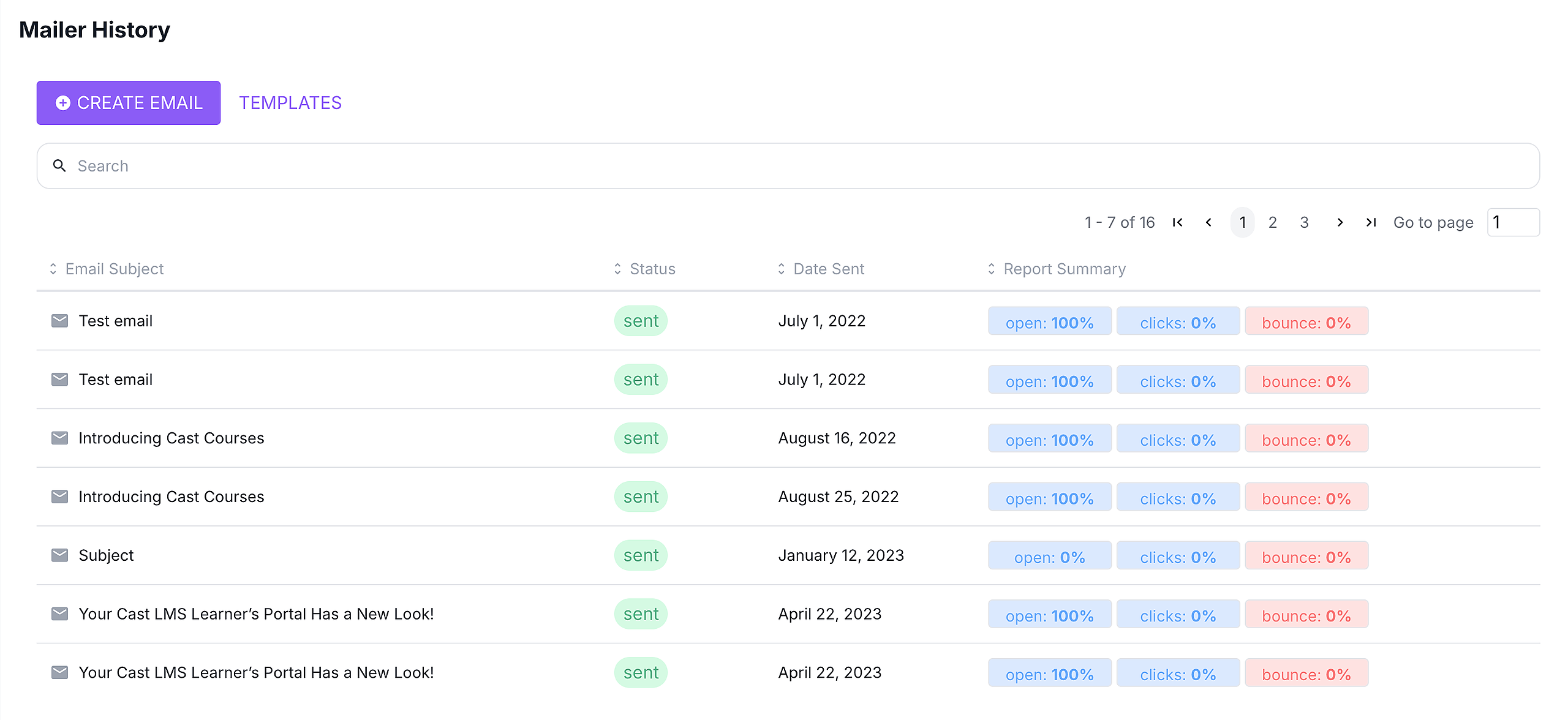
The Mailer History shows the emails that have been sent or those scheduled to be sent to recipients. It shows the status and the date when the email was sent or scheduled to be sent.
Mailer History
When you go to Mailer, the Mailer History is readily available on the page. All the emails you have sent and scheduled for sending are available under Mailer History.
The details available in the history list show the following:
Status (either scheduled or sent)
Date Sent (date when the email is sent/scheduled to be sent)
Report Summary (percentage of recipients who opened, clicked on a link inside the email, and bounced)
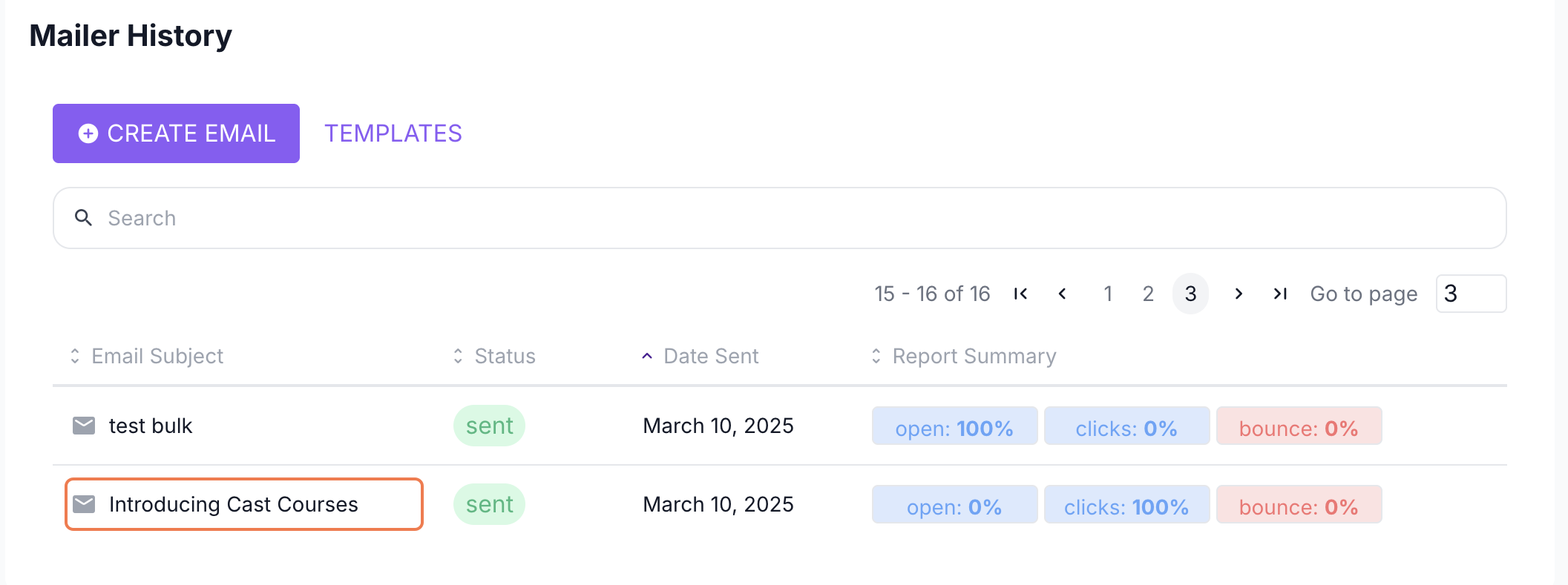
After confirming a schedule for your email, this should appear in Mailer History. Remember to check this page after creating and setting a scheduled email for sending.
Email Reports
You can also view the individual email report by clicking on any sent or scheduled email in the Mailer History.
The email report shows the list of names of the recipients and the status of the sent email. The date when the email was sent is displayed under the email subject at the top of the page.
In the email report, the overview of the status of recipients' interaction with the email is displayed.
OPEN - measures the number of users who have opened the email sent to them from mailer@castlms.com
CLICKS - measures the number of users who clicked on the link inside the email sent to them. (Please note that this will only work if there is a clickable link inside the email)
NOT SEEN - measures the number of users who haven't seen the message.
BOUNCE RATE - measures the number of emails that bounced due to the unavailability of the registered email address.
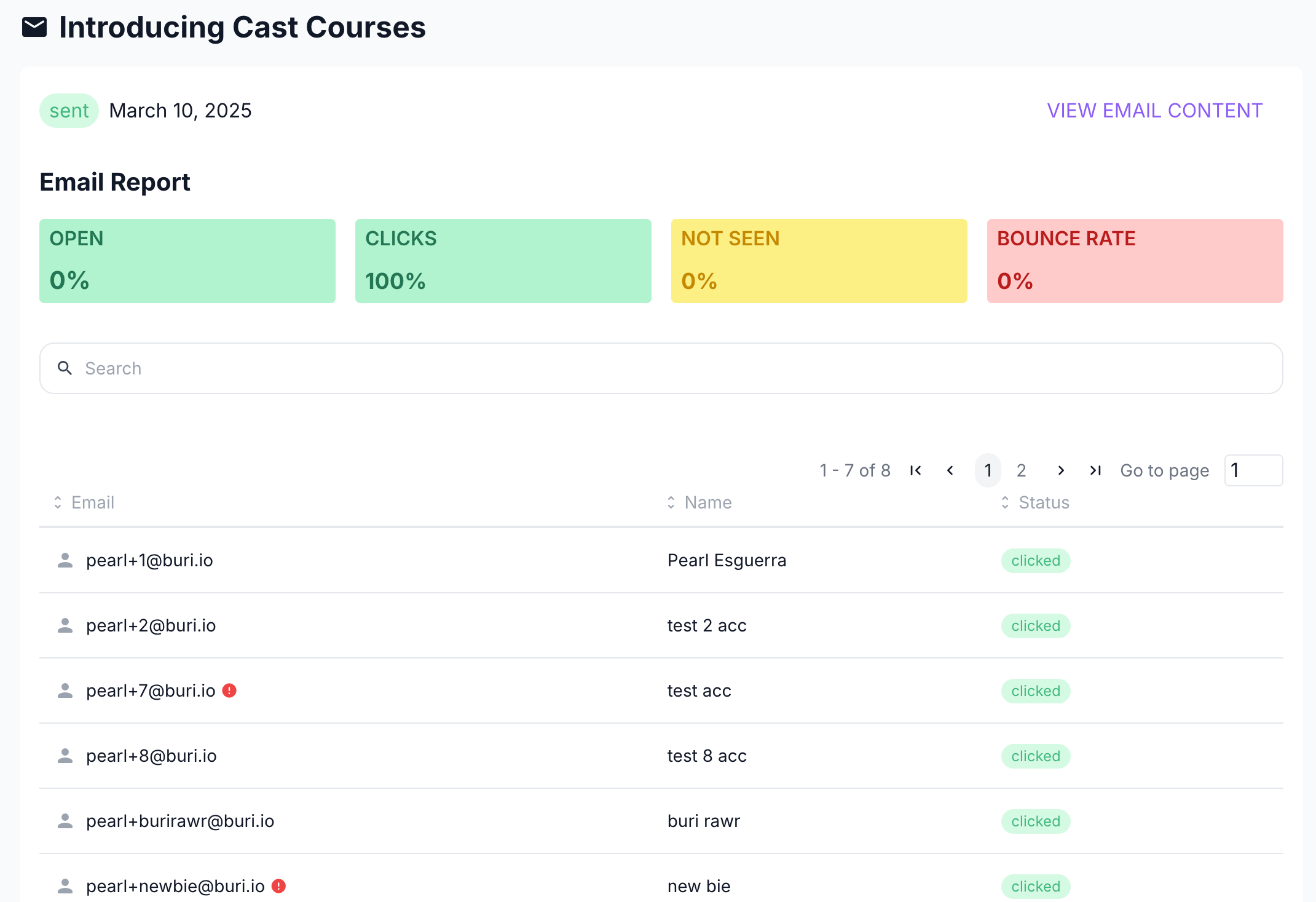
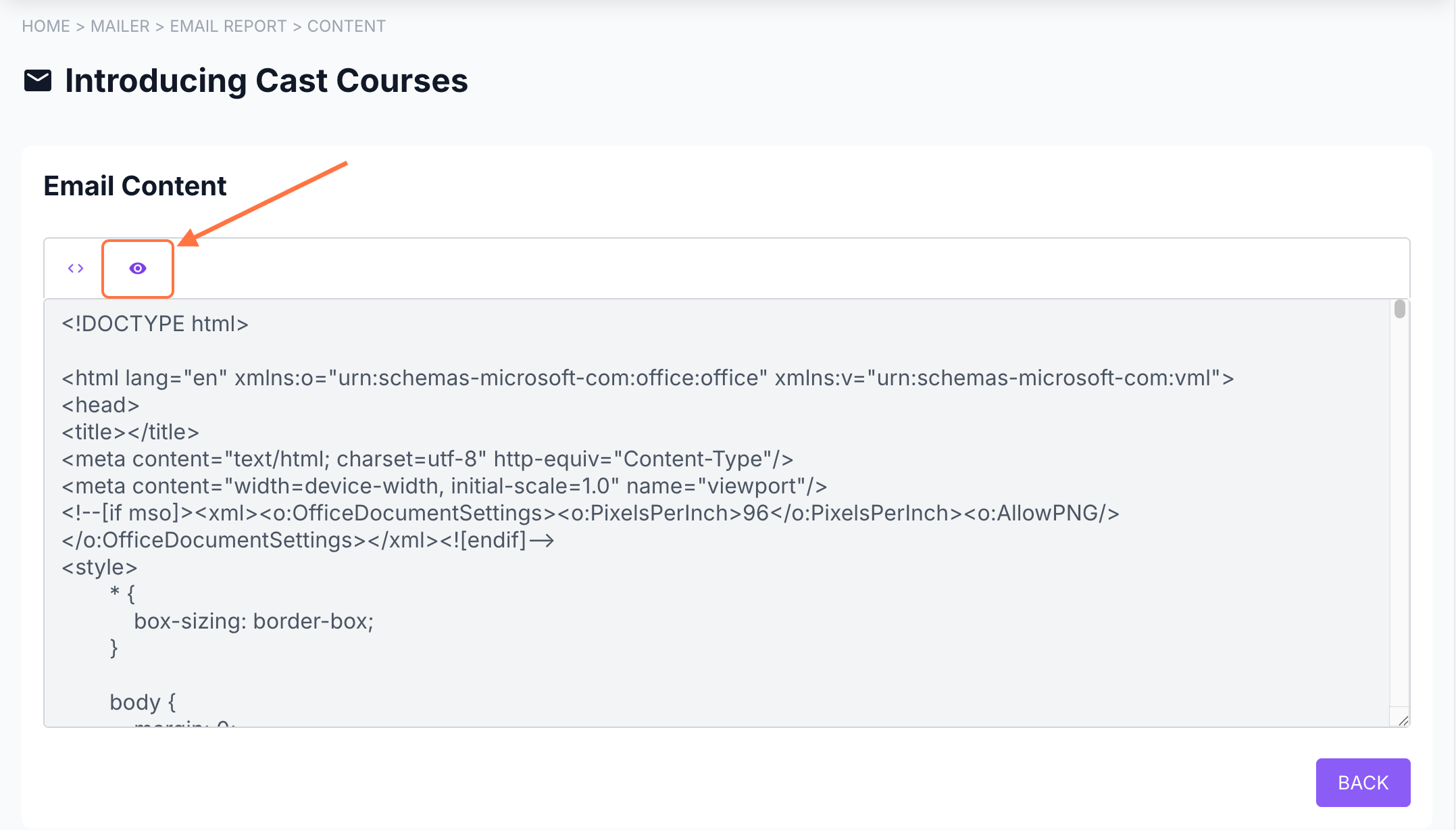
Lastly, you can view the content of the email you sent by clicking on VIEW EMAIL CONTENT.
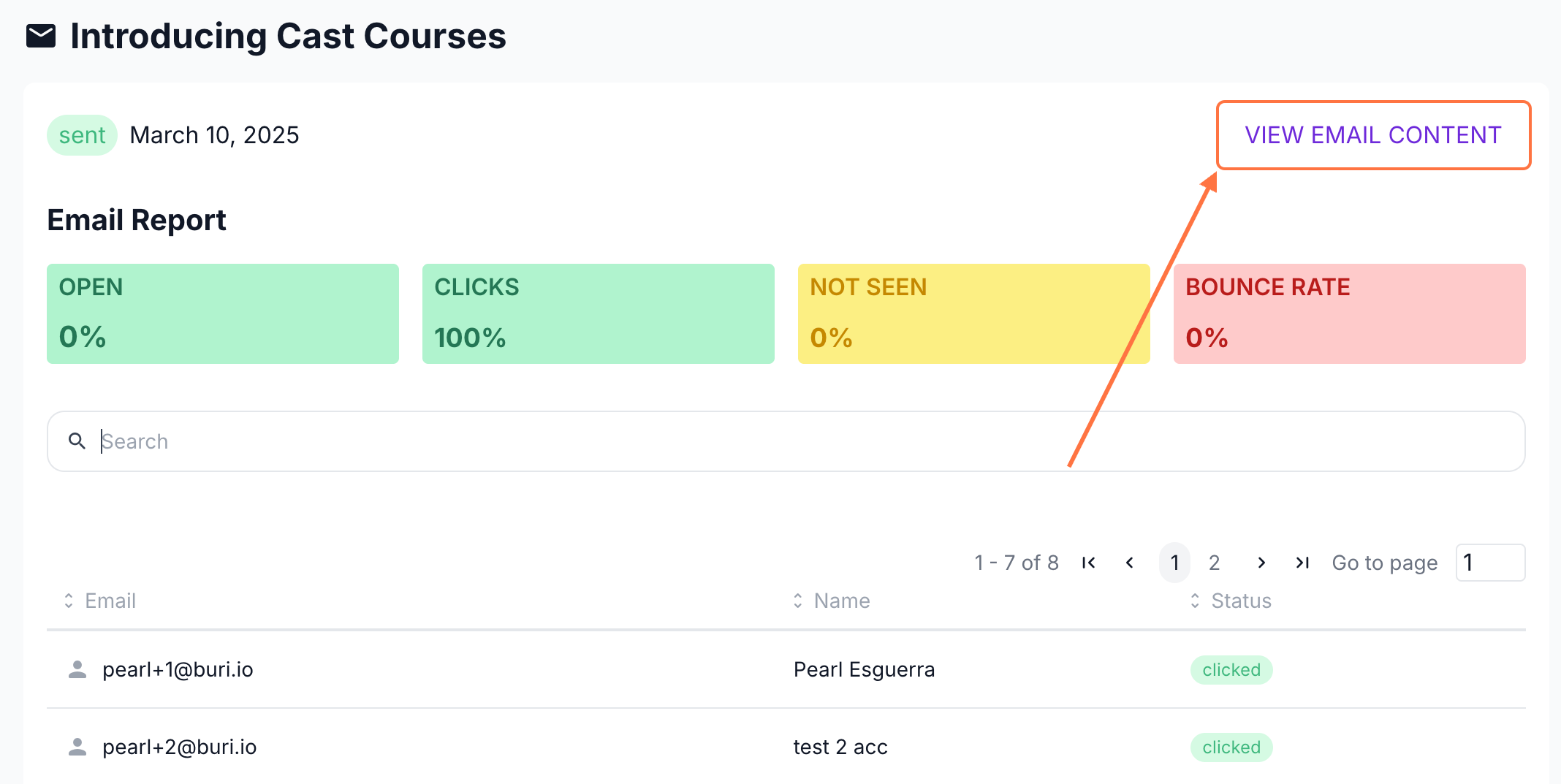
Click on the preview icon to check the content of the actual email.