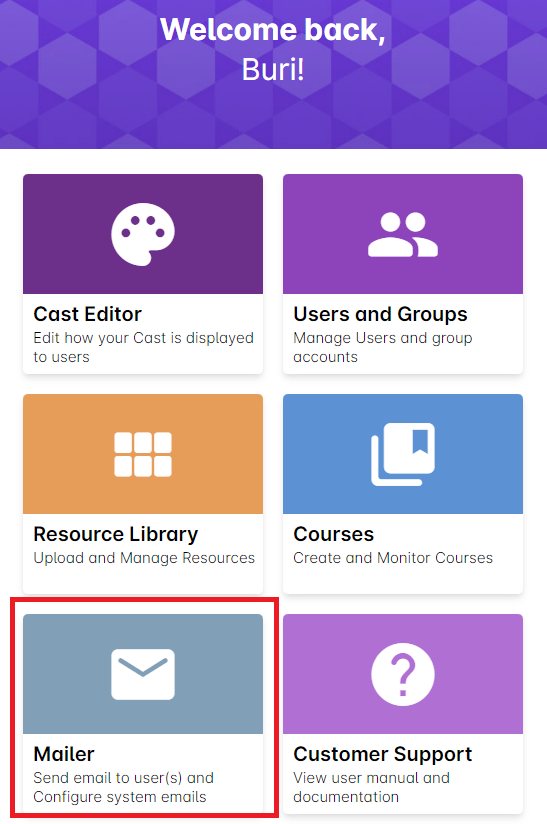
1. Go to Mailer.
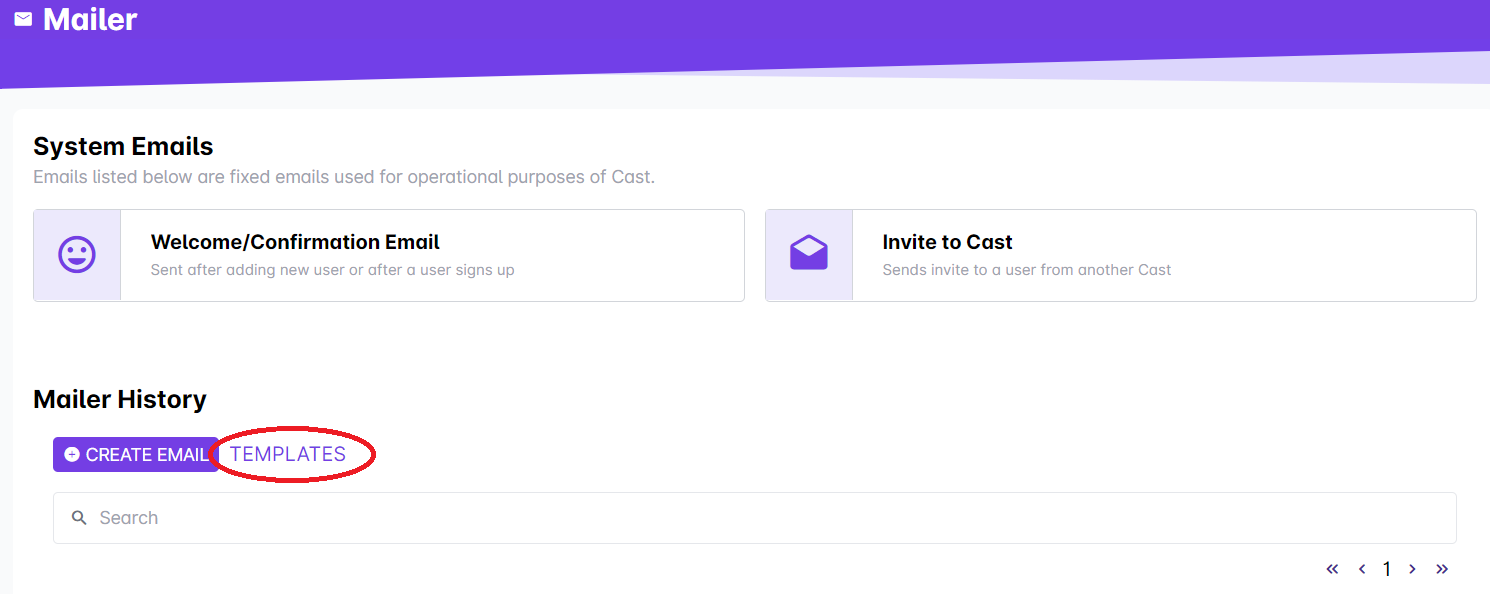
2. Click on Templates.
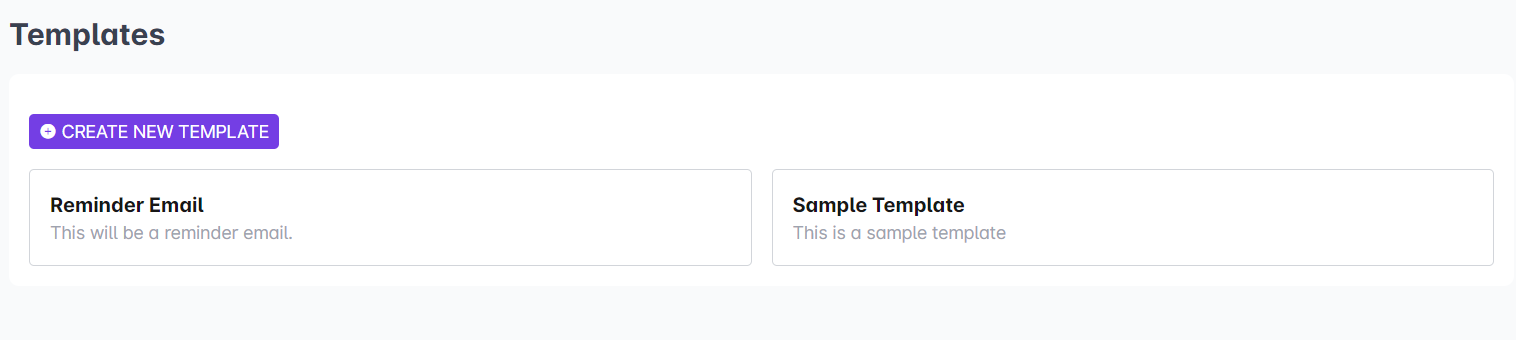
3. Click on the email template you want to edit.
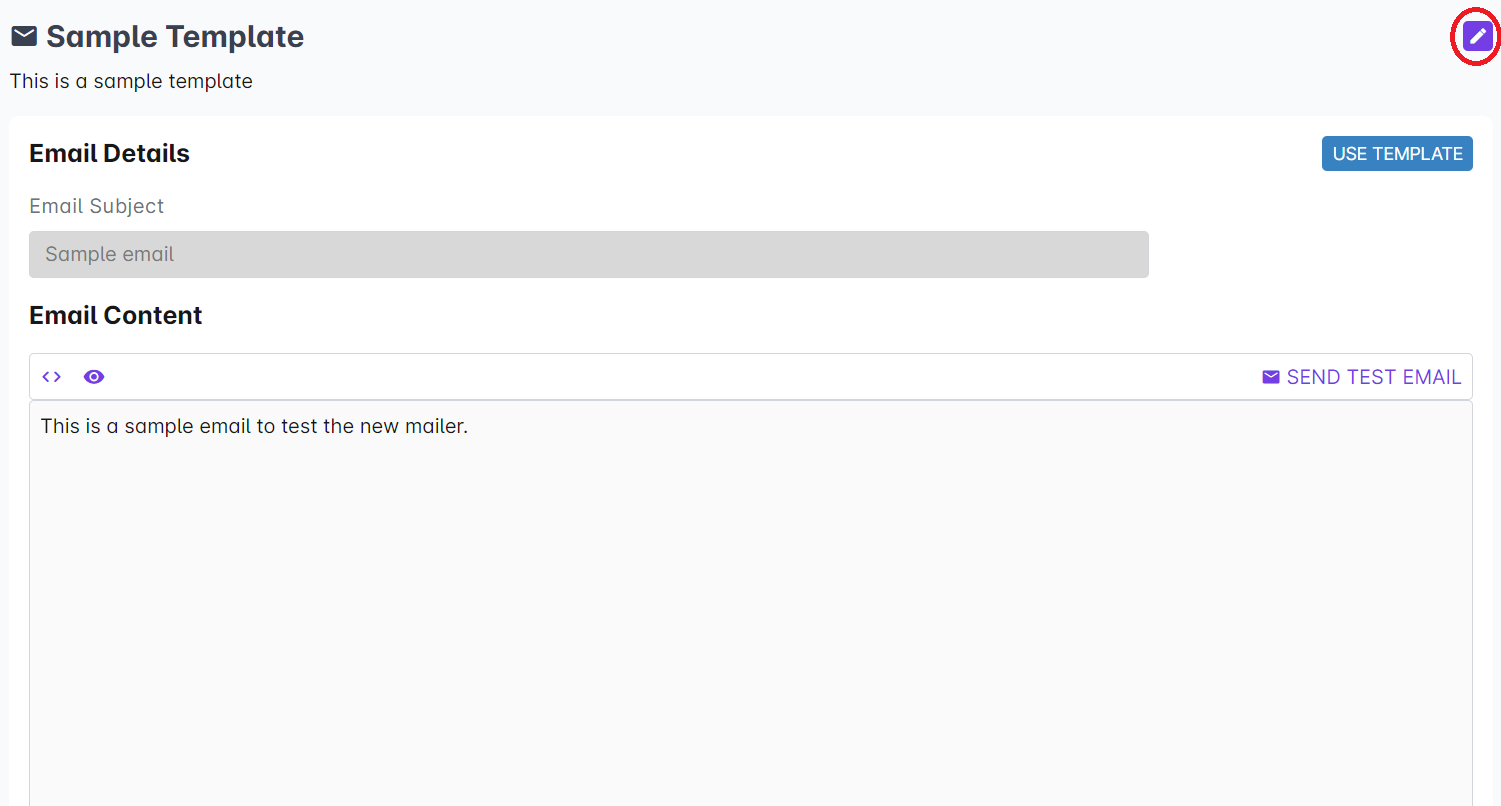
4. Click on the edit button on the top right side of the page.
5. After making necessary changes in the template, click on Save Changes.
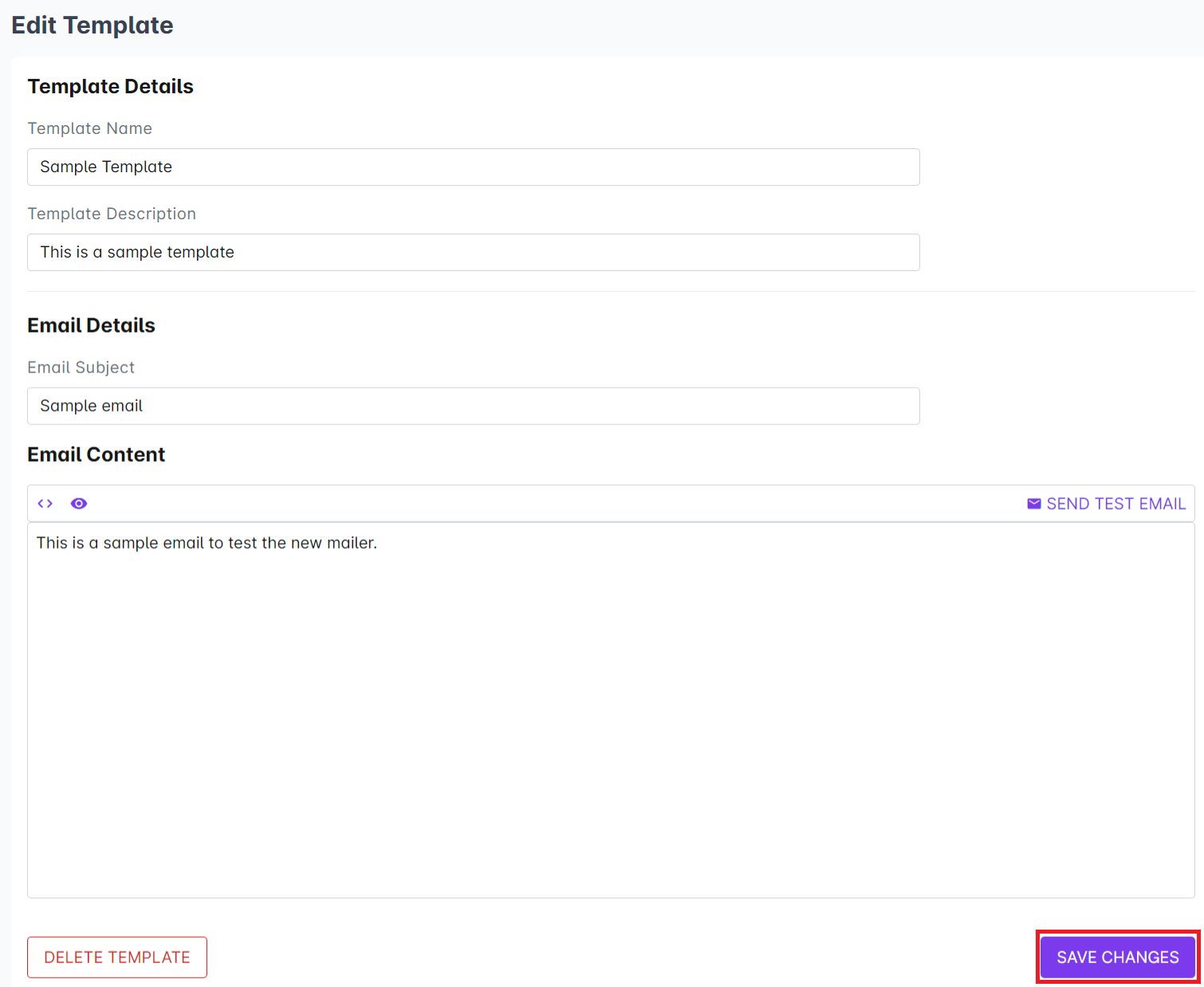
Wait for the pop-up to appear, confirming that the changes have been saved.