

Aside from the usual email address and password, admins can now enable third-party login options such as Google, Facebook, and TikTok. This allows users to link these accounts and use them for future logins.
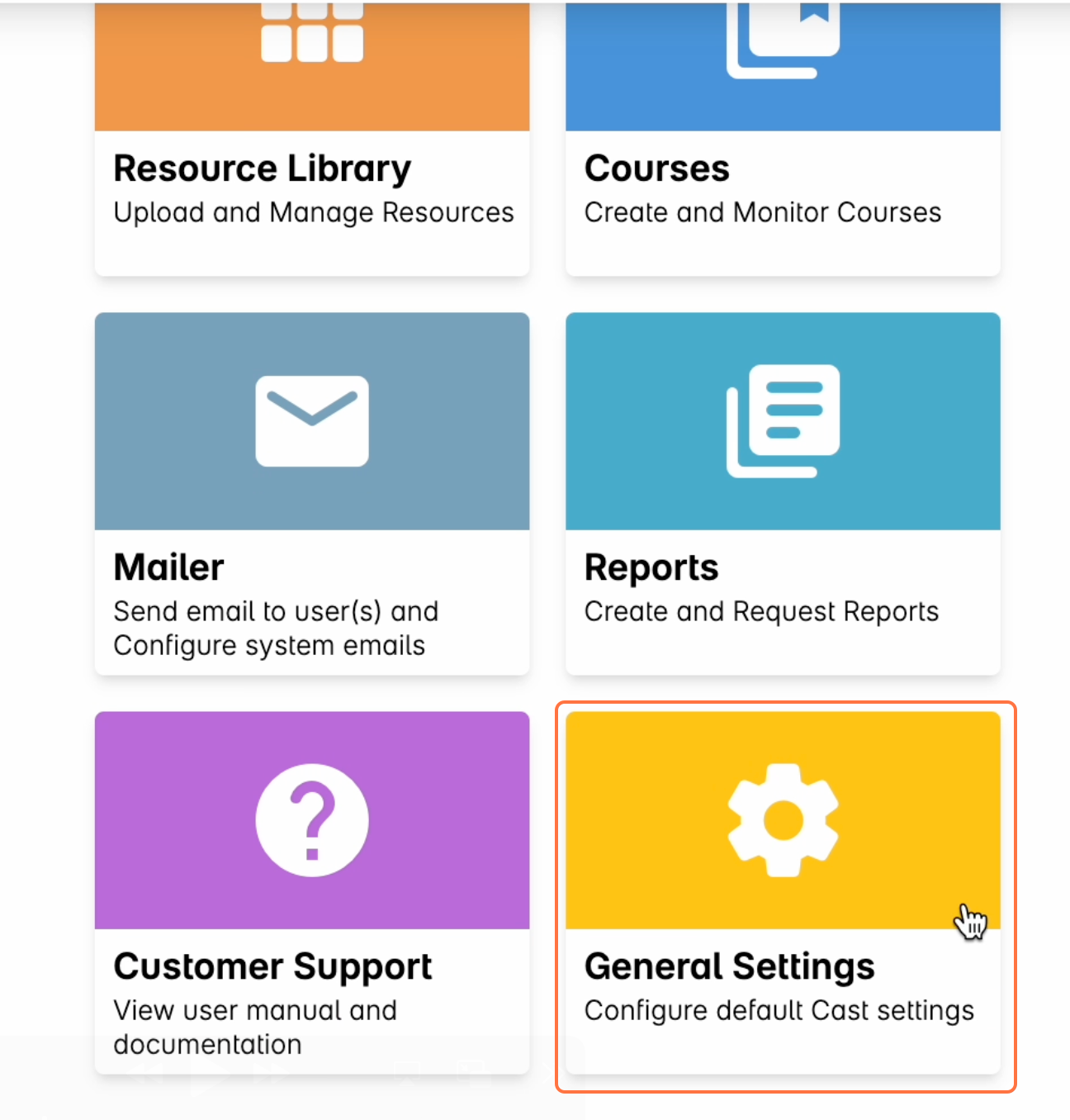
1. In the Admin Dashboard homepage, select General Settings.
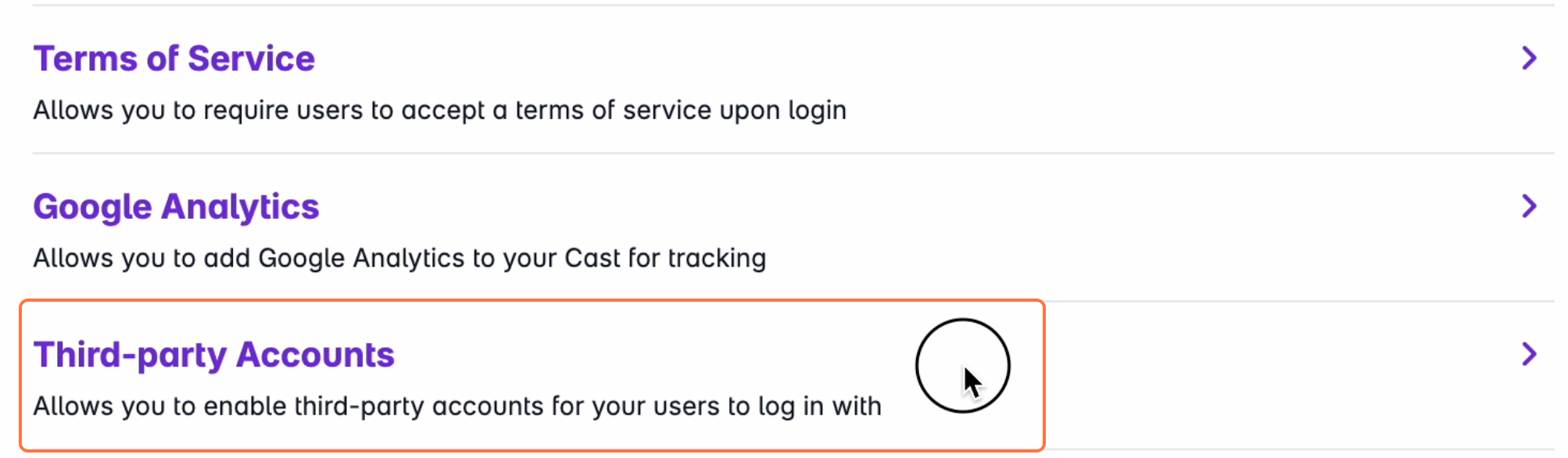
2. Select Third-party Accounts.
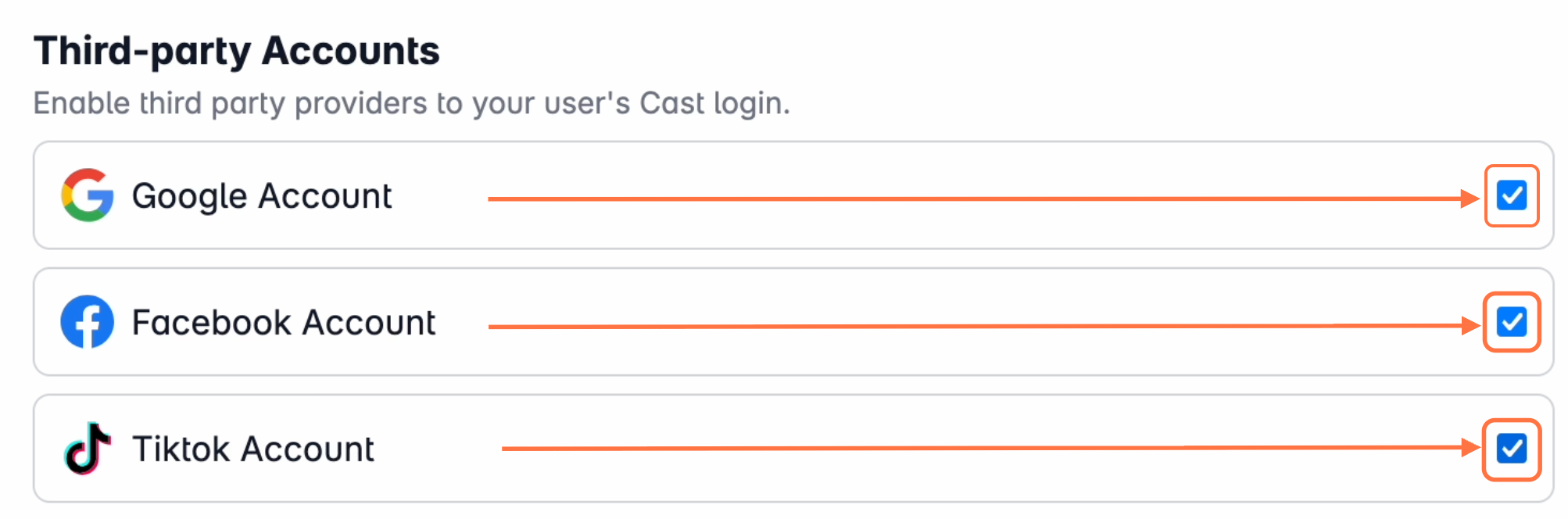
3. On this page, check the boxes for the providers you want to allow users to link to their LMS accounts.
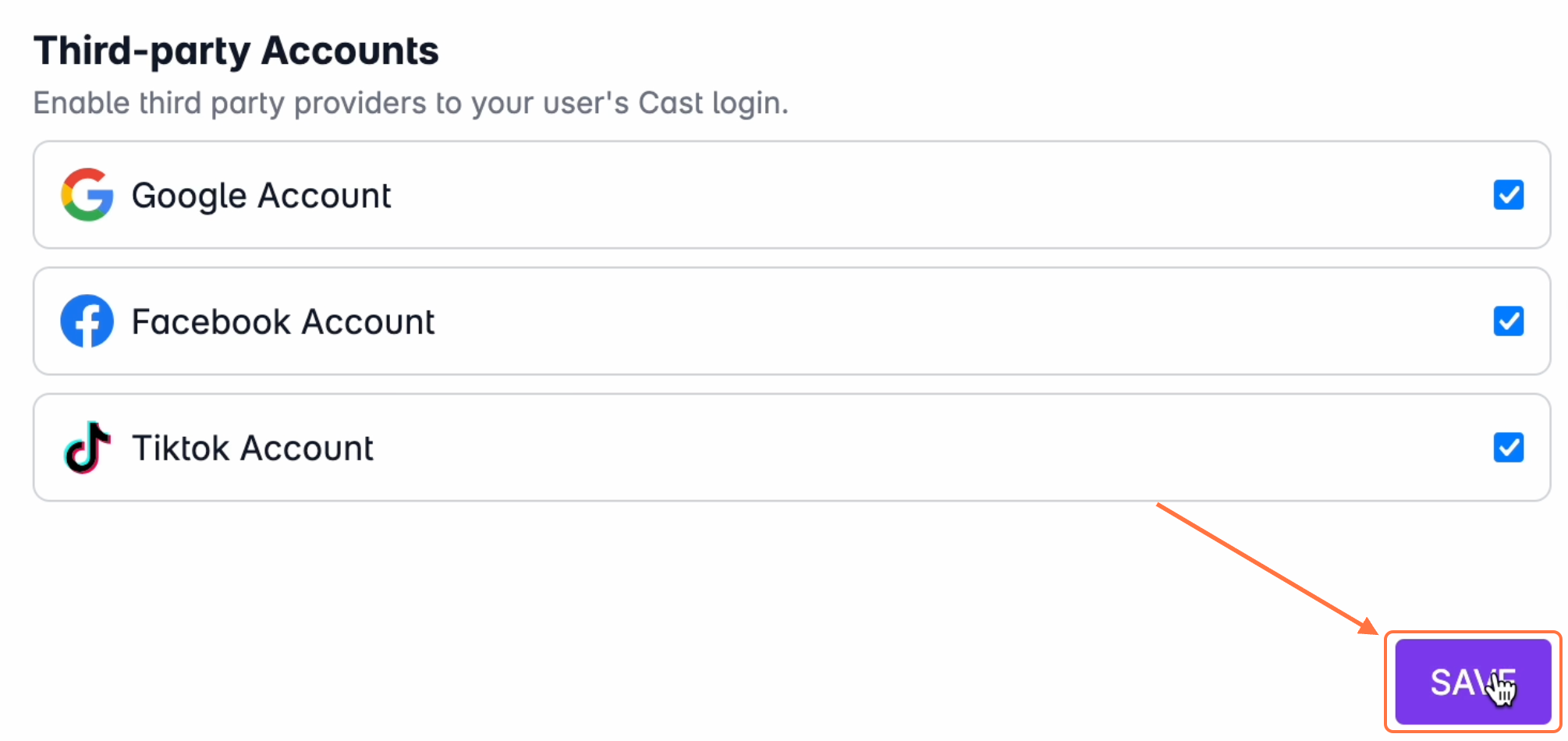
4. Click Save when done.
Once enabled, users will have the option to link their accounts with supported third-party providers and use them as alternative login methods.