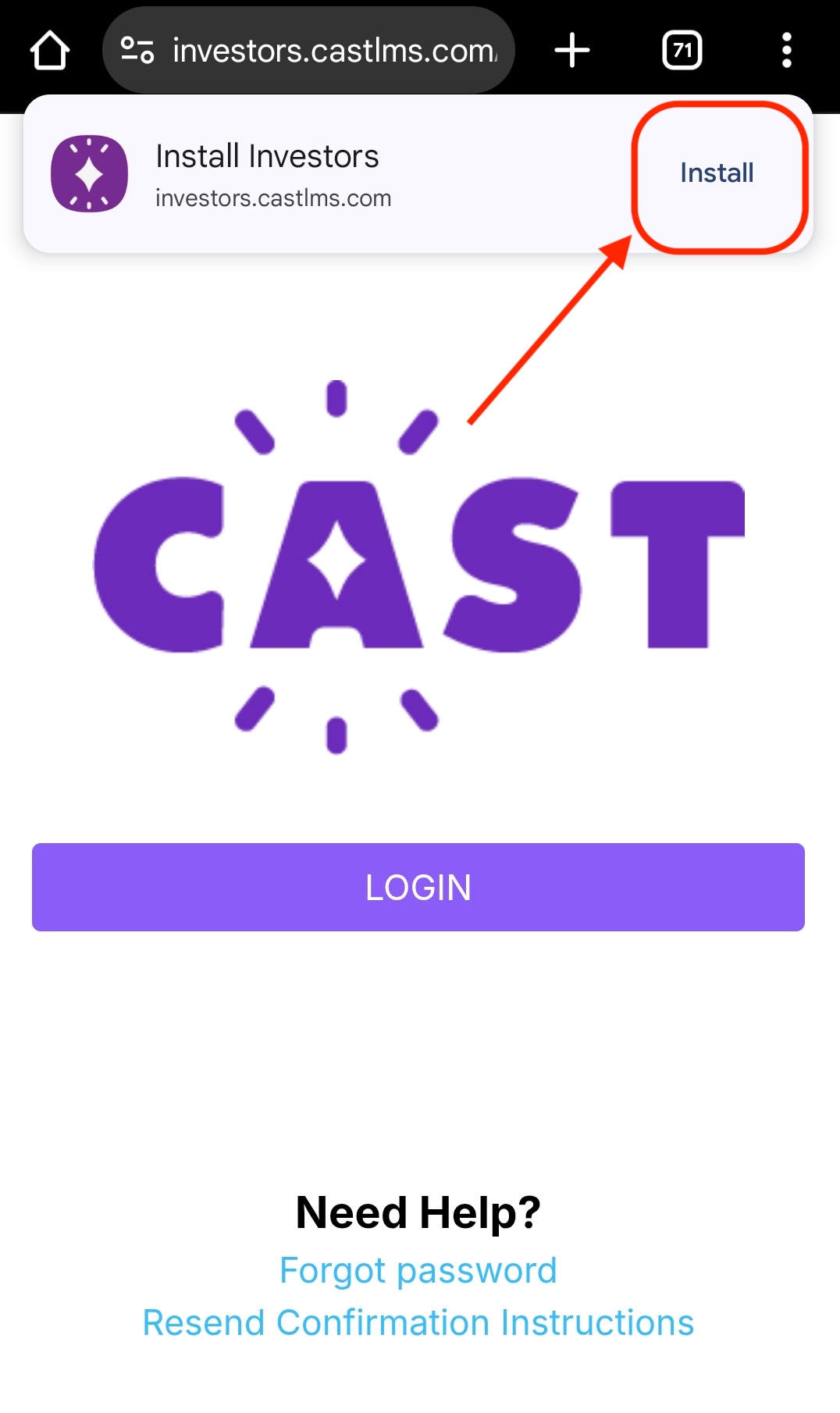
Cast LMS can be installed as an app on your mobile phone. Follow these steps:
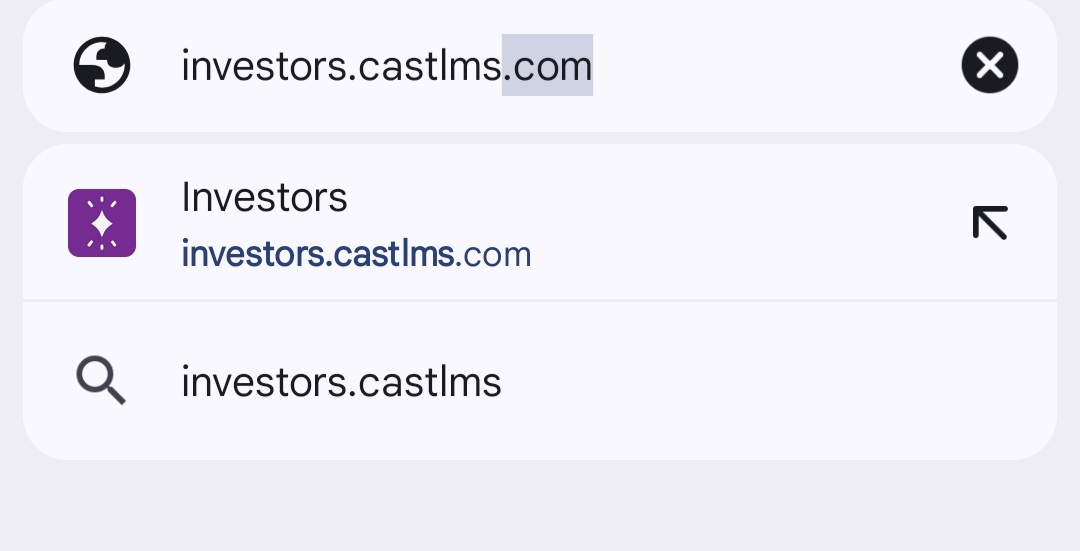
1. Open your mobile browser (we recommend Google Chrome) and go to your Cast LMS portal (e.g., https://investors.castlms.com/).
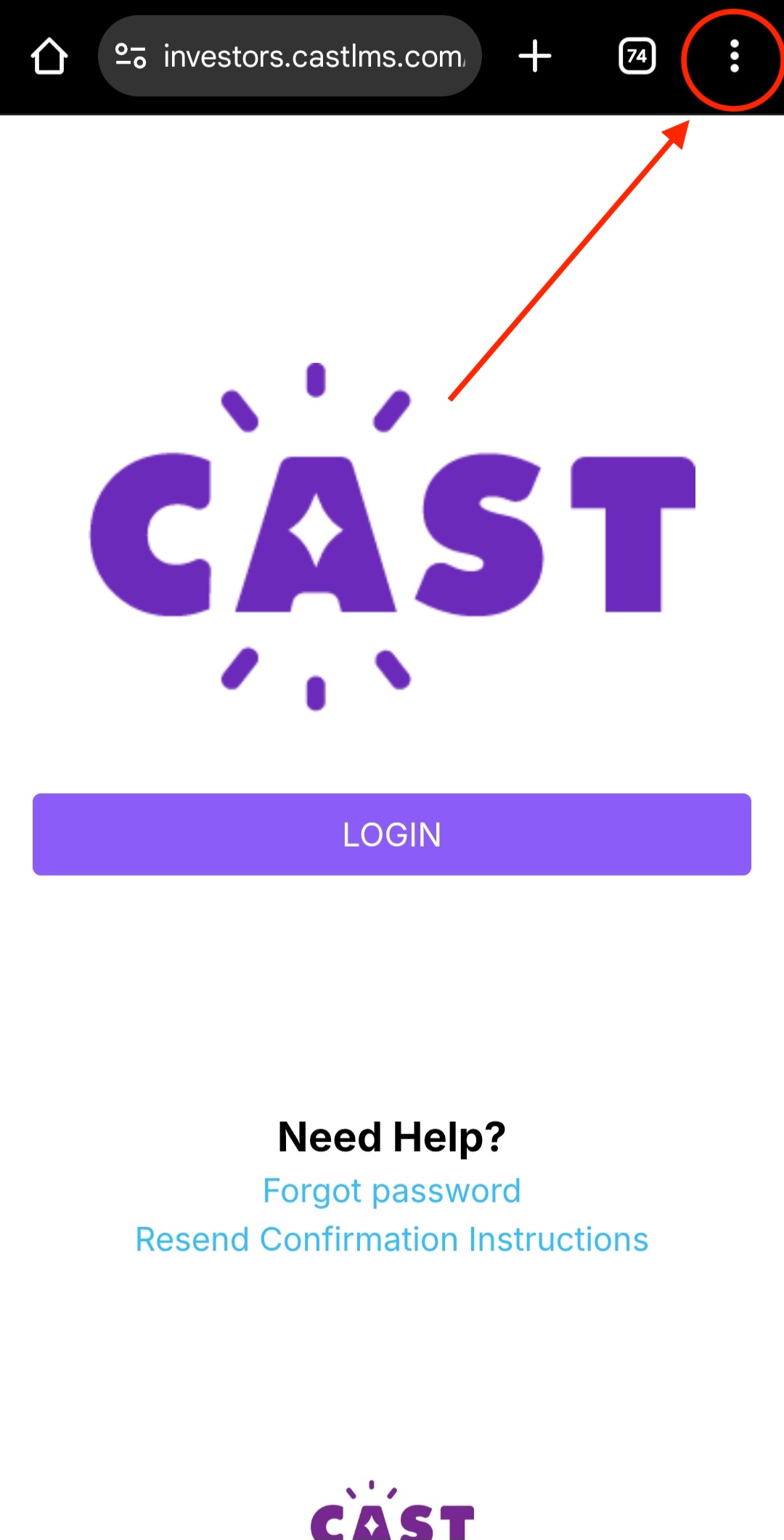
2. Tap the menu icon in the top-right corner of the browser.
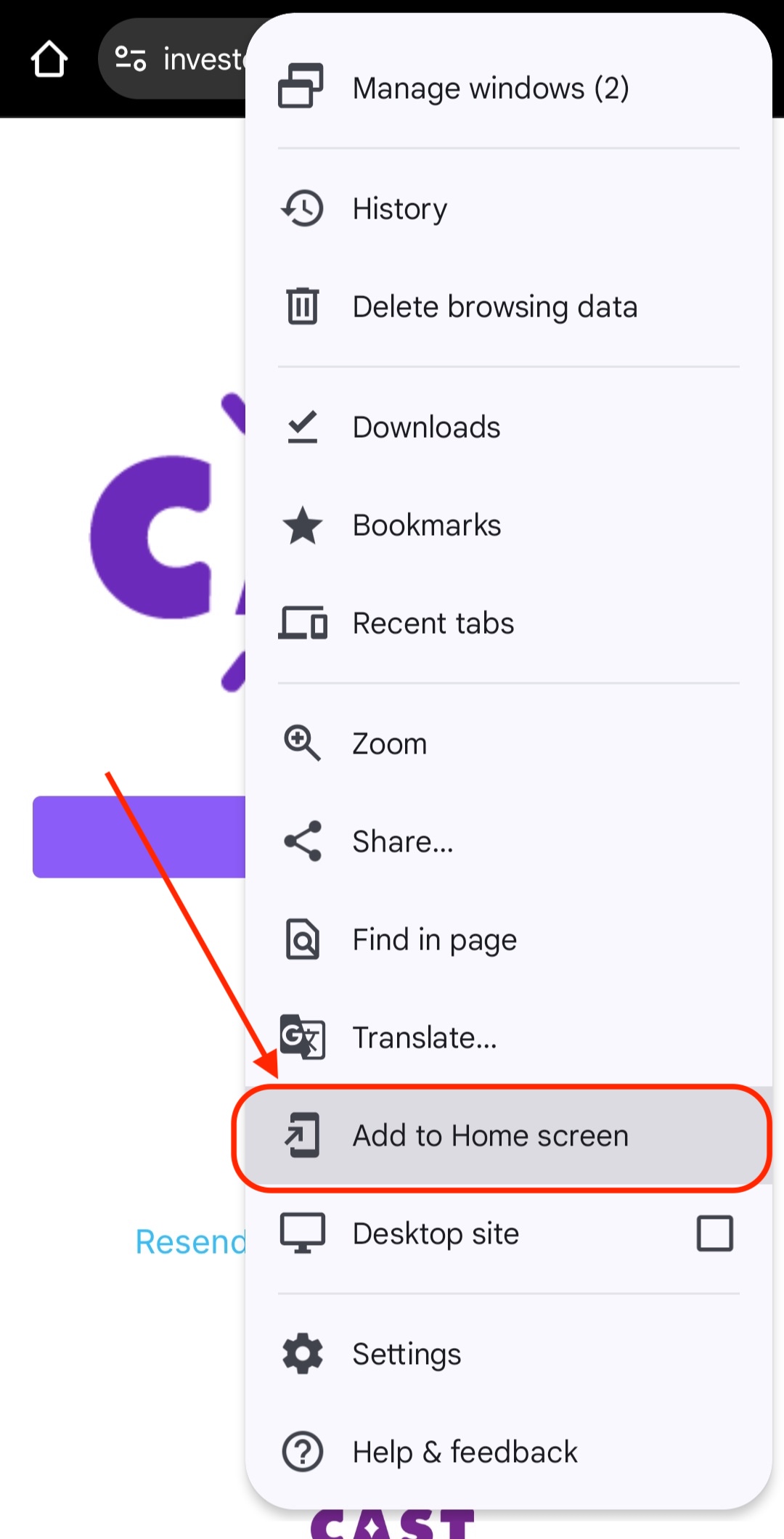
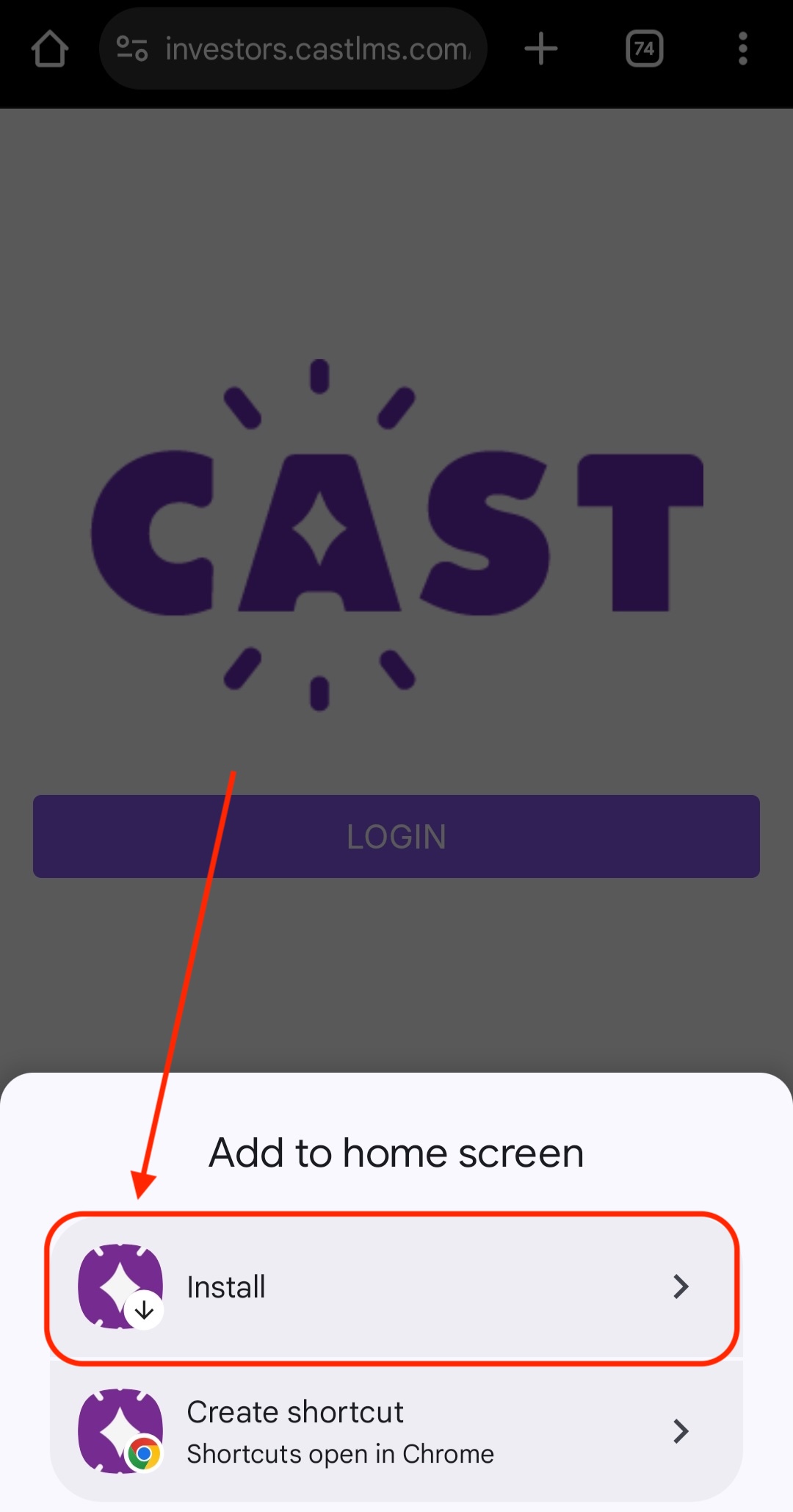
3. Select Add to Home screen.
4. You will be prompted either to create a shortcut on your Home screen or to install the Cast App. Choose Install.
5. A confirmation popup will appear. Tap Install again to proceed.
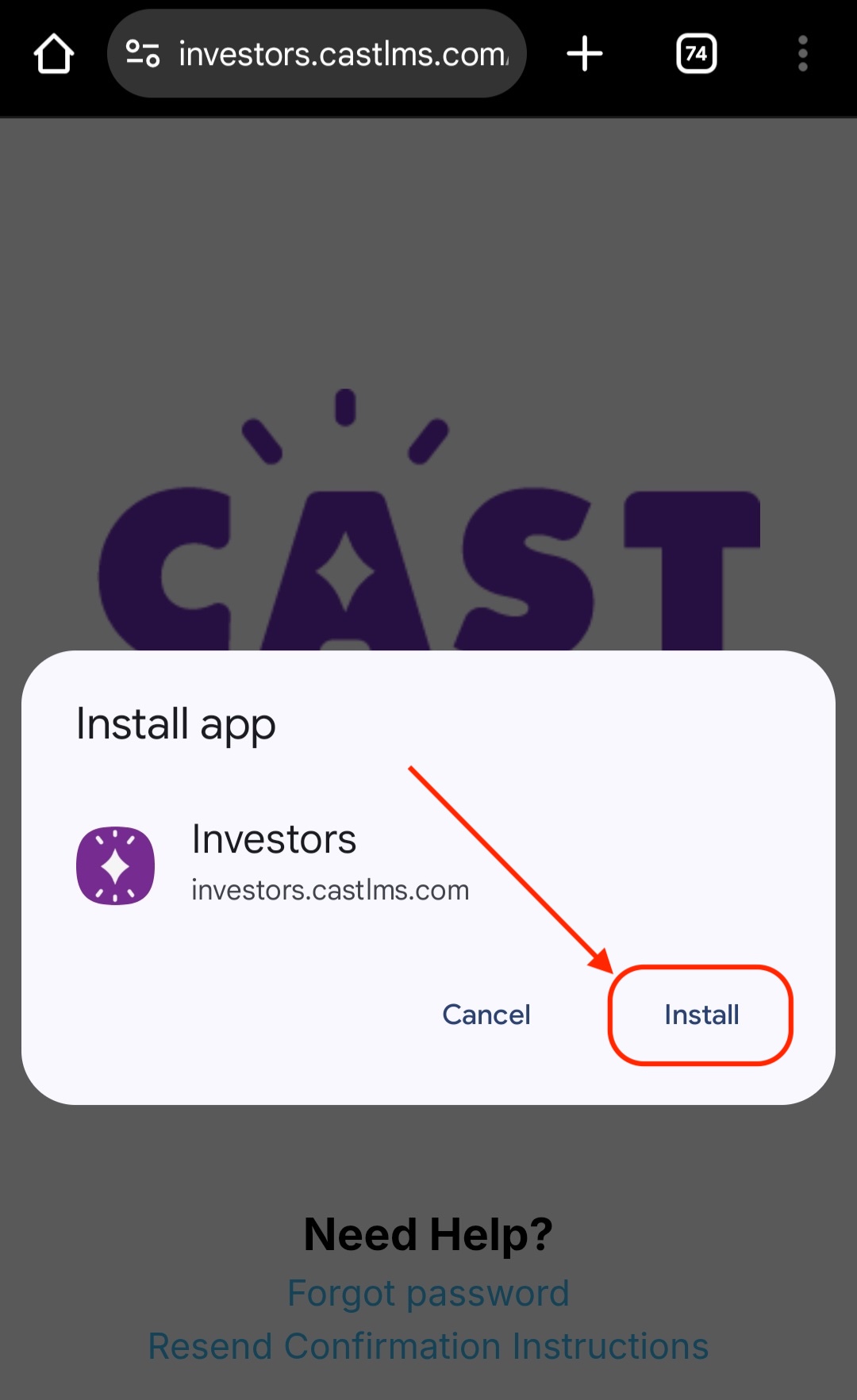
You can now access Cast LMS directly through the app!
Note: If you uninstall the app, the Install prompt will appear at the top of the page when you access your LMS through the browser. Tap Install to reinstall the app.