

To install the Cast LMS app on your mobile for Android or Google Chrome, click here.
Your organization's Cast LMS can be installed as an app on your IOS phone via Safari. Follow these steps:
1. Open your mobile browser (Safari) and go to your Cast LMS portal (e.g., https://investors.castlms.com/).
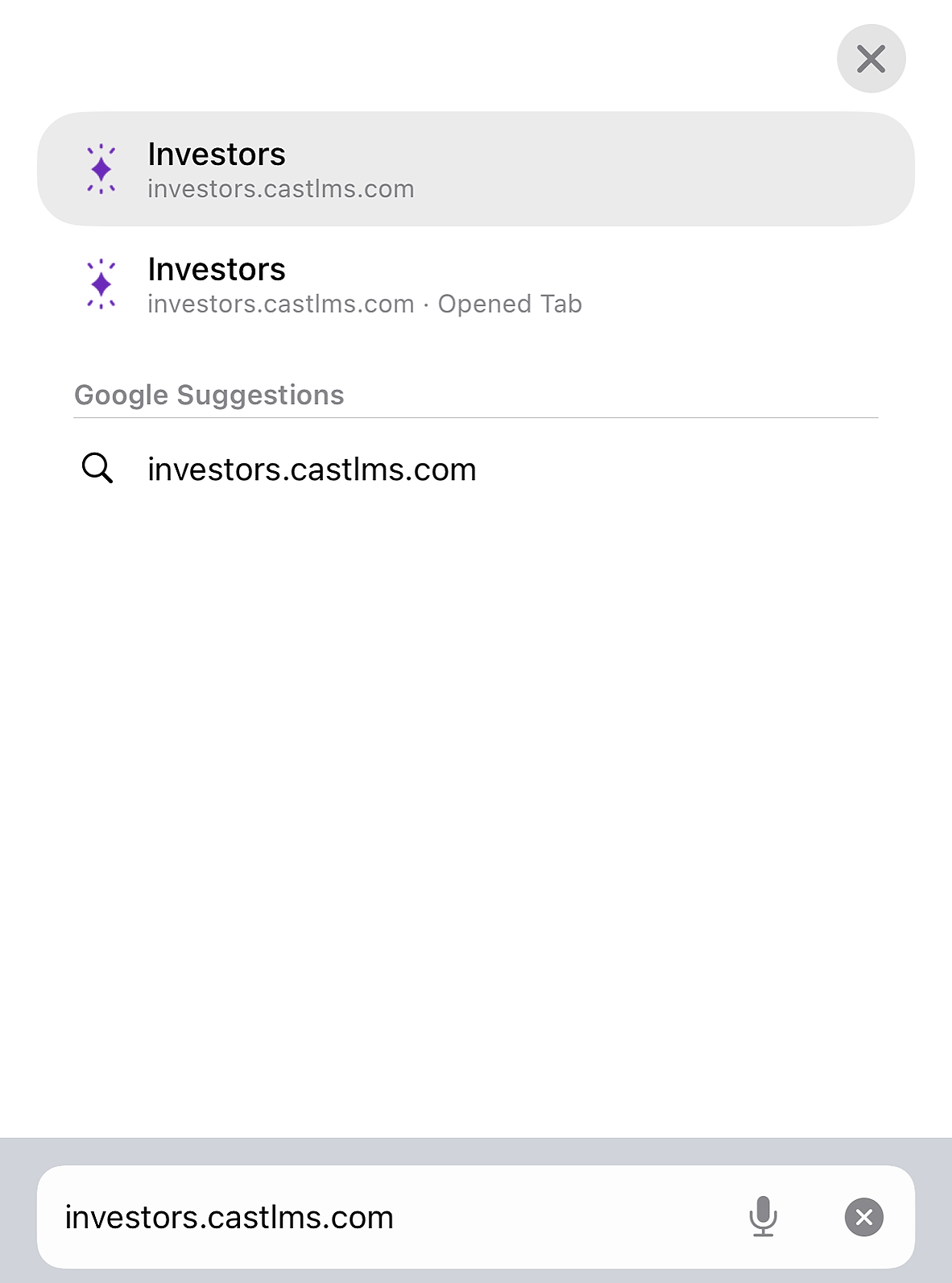
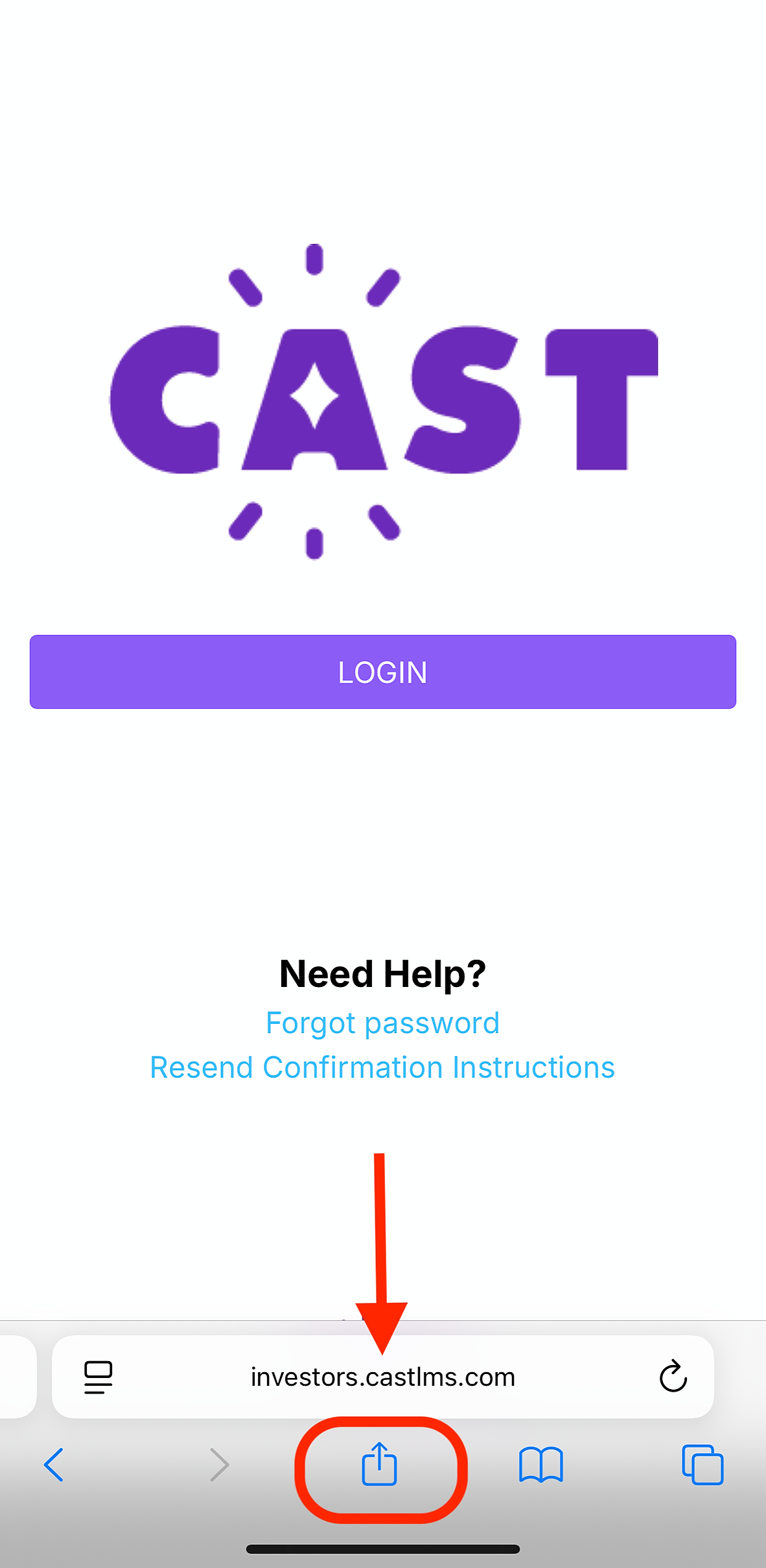
2. Tap the share icon in the middle of the menu tab of Safari.
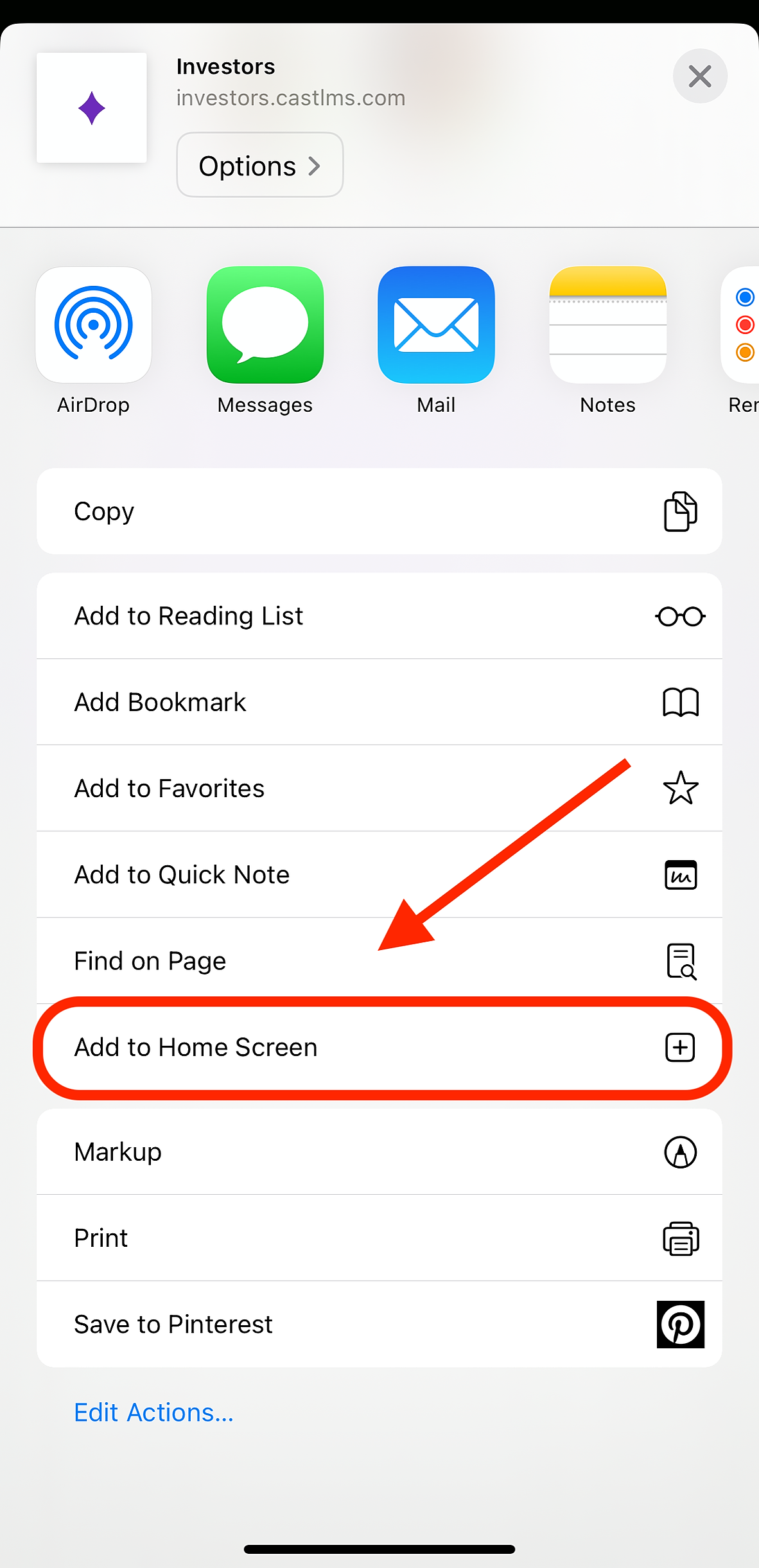
3. Select Add to Home Screen.
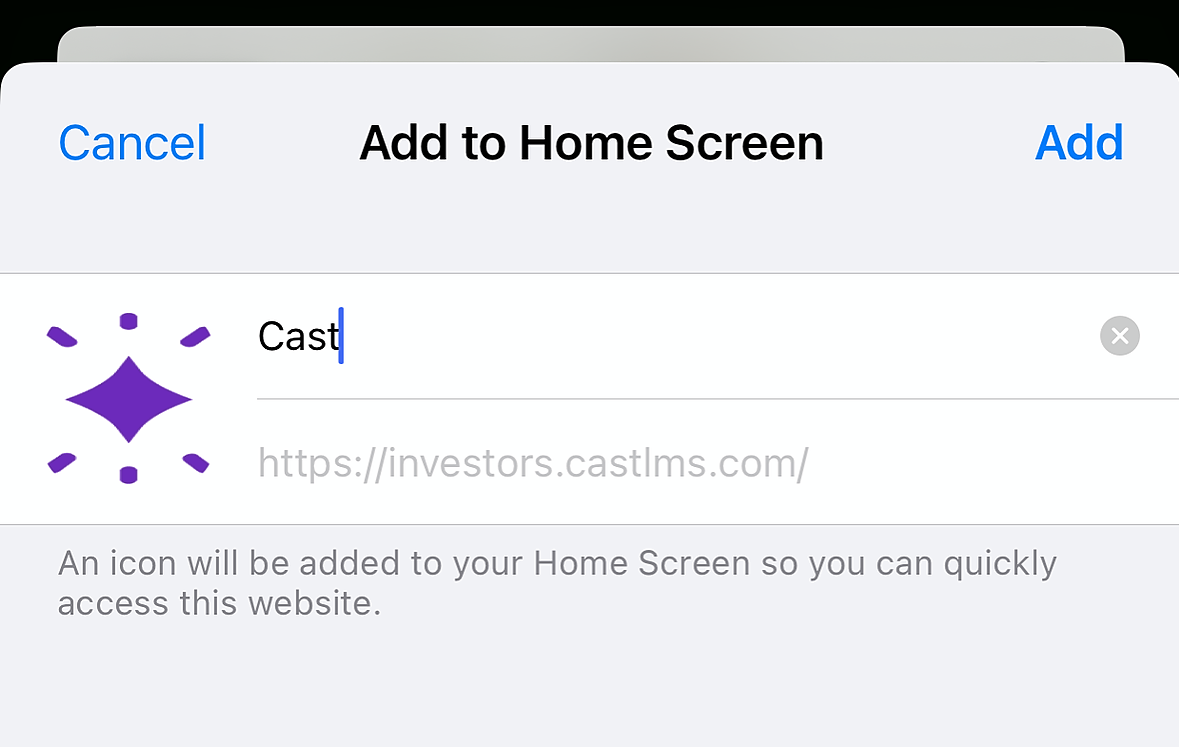
4. You will be prompted to rename the app as it appears on your Home Screen.
5. You’ll be redirected to your Home Screen, where you can now access the app directly.
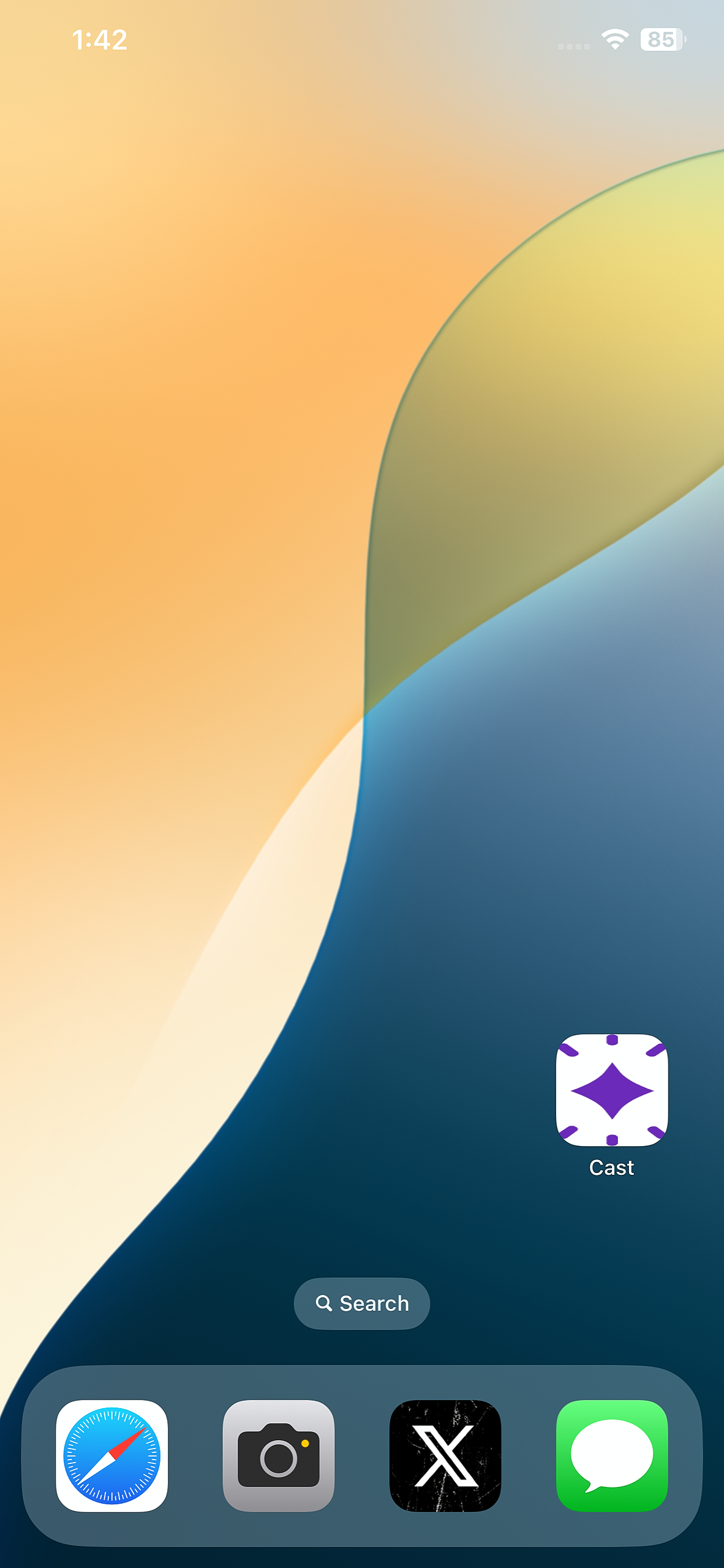
You can now access Cast LMS directly through the app!