

You can save your attempt as draft if you're not ready to submit your answers yet. Once your attempt is saved, you can come back and resume taking the assessment anytime.
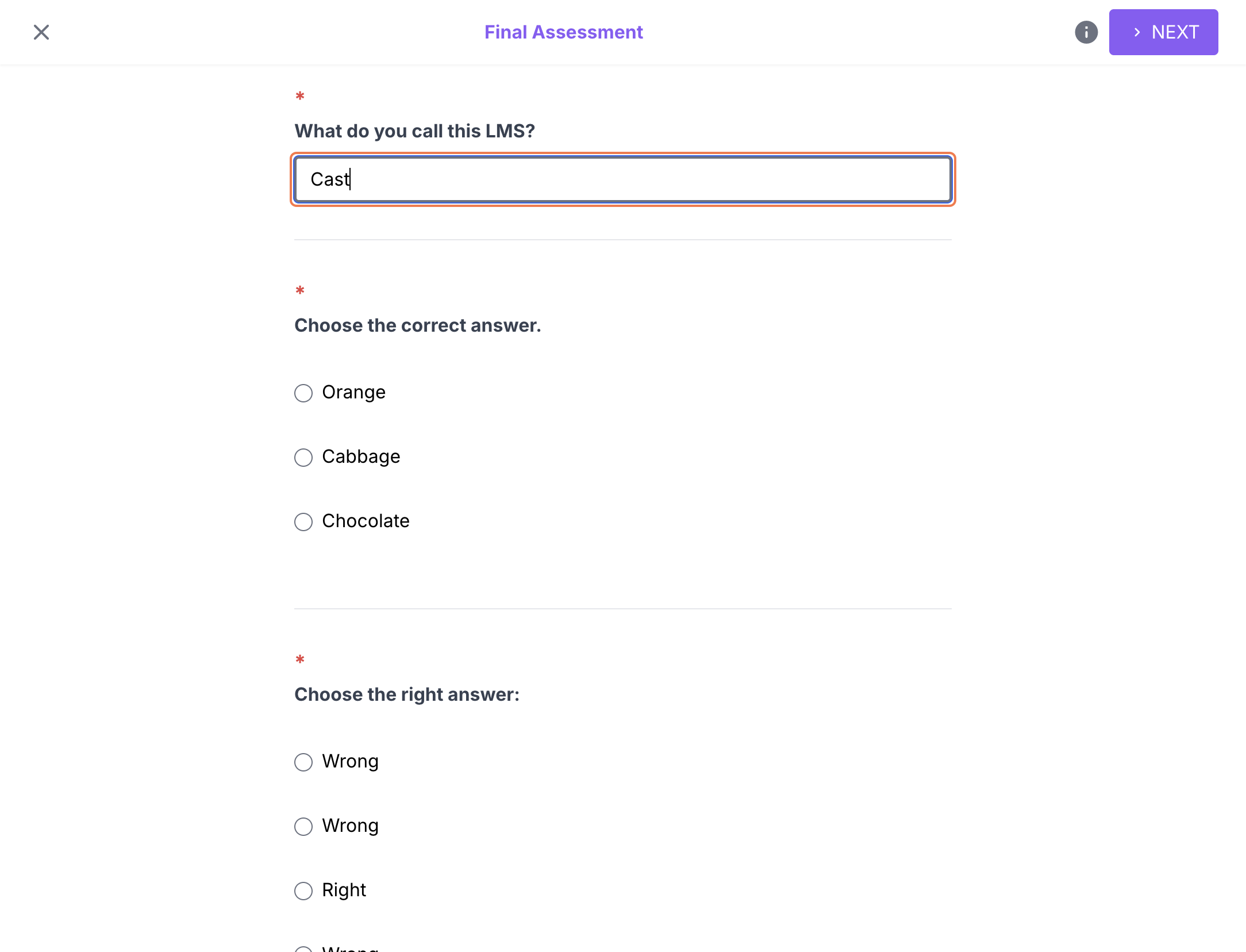
Once you're in the assessment page, make sure that you have answered at least 1 question.
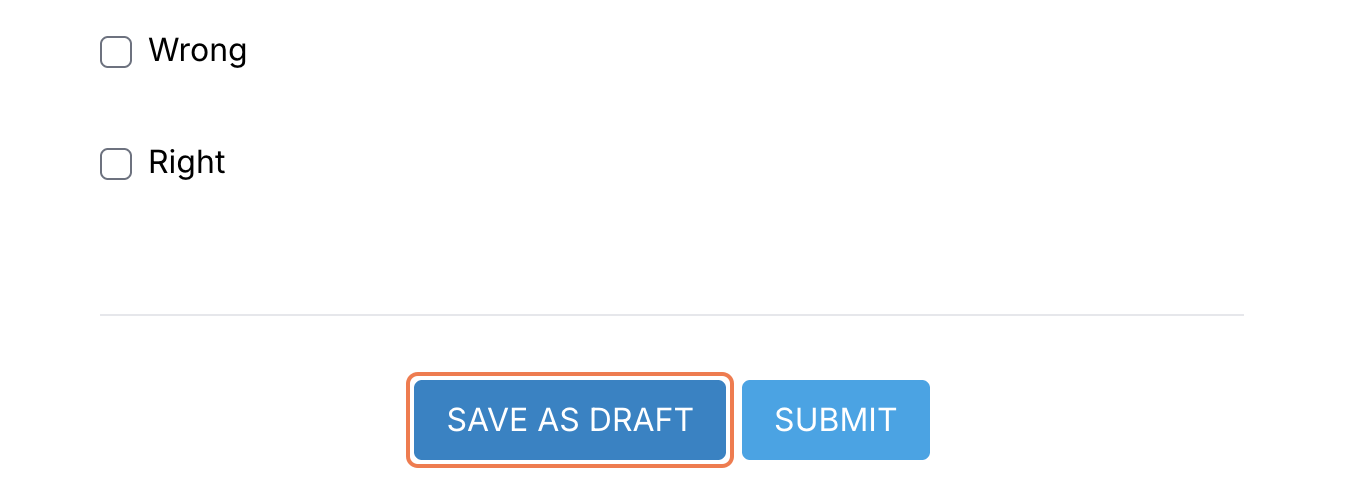
Scroll down to the bottom of the page, then click SAVE AS DRAFT.
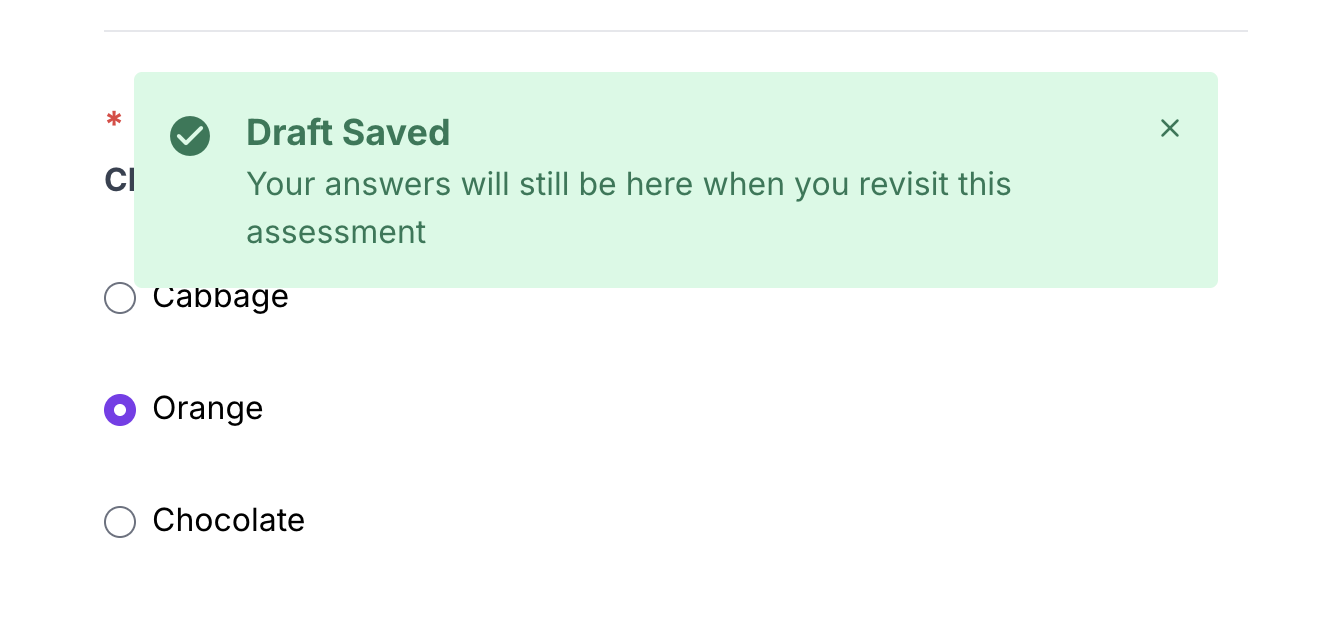
A notification will appear to inform you that the draft of your attempt has been saved. Once this appears, you may now safely exit the assessment page.
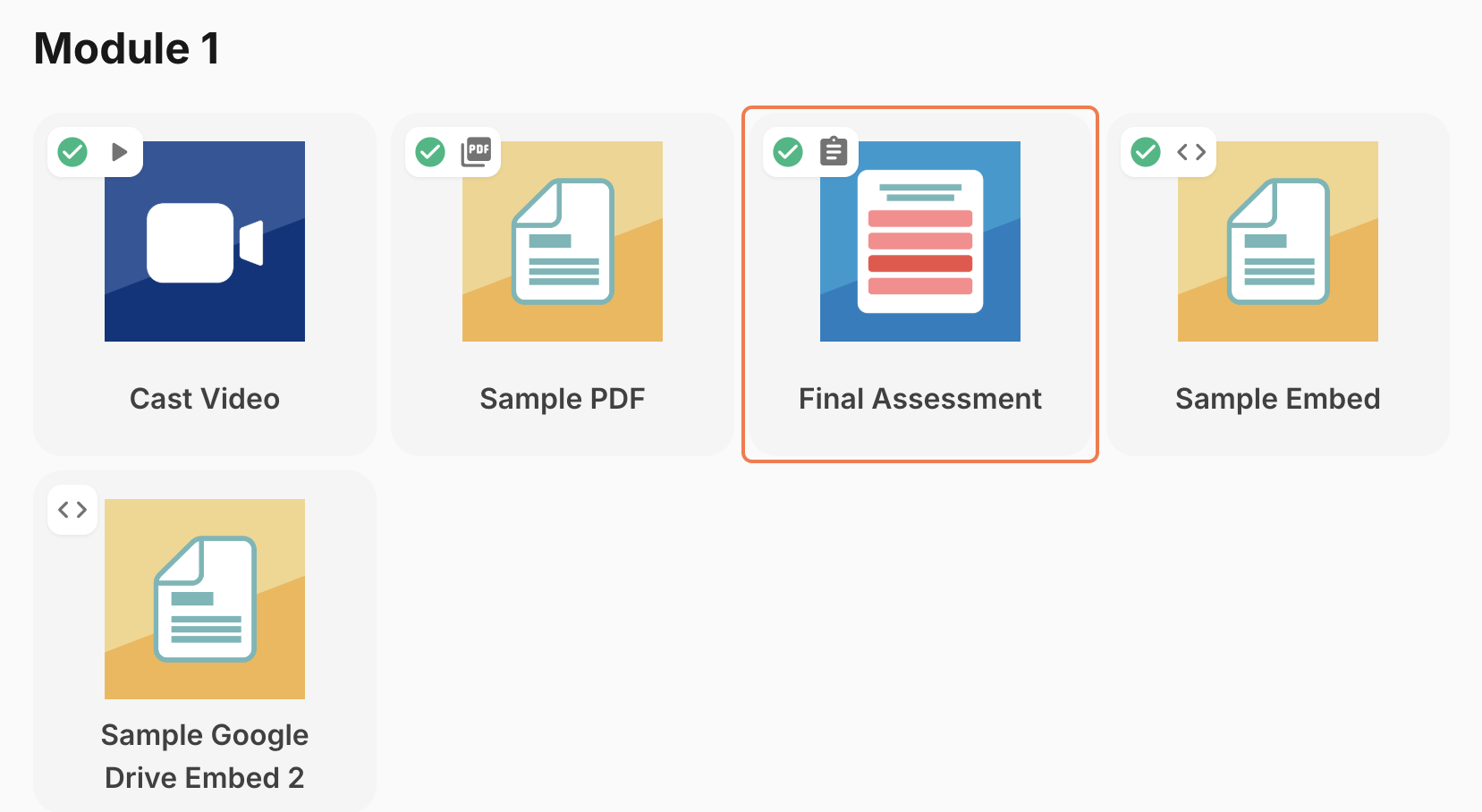
To resume taking the assessment:
Click the assessment where you saved an attempt as draft.
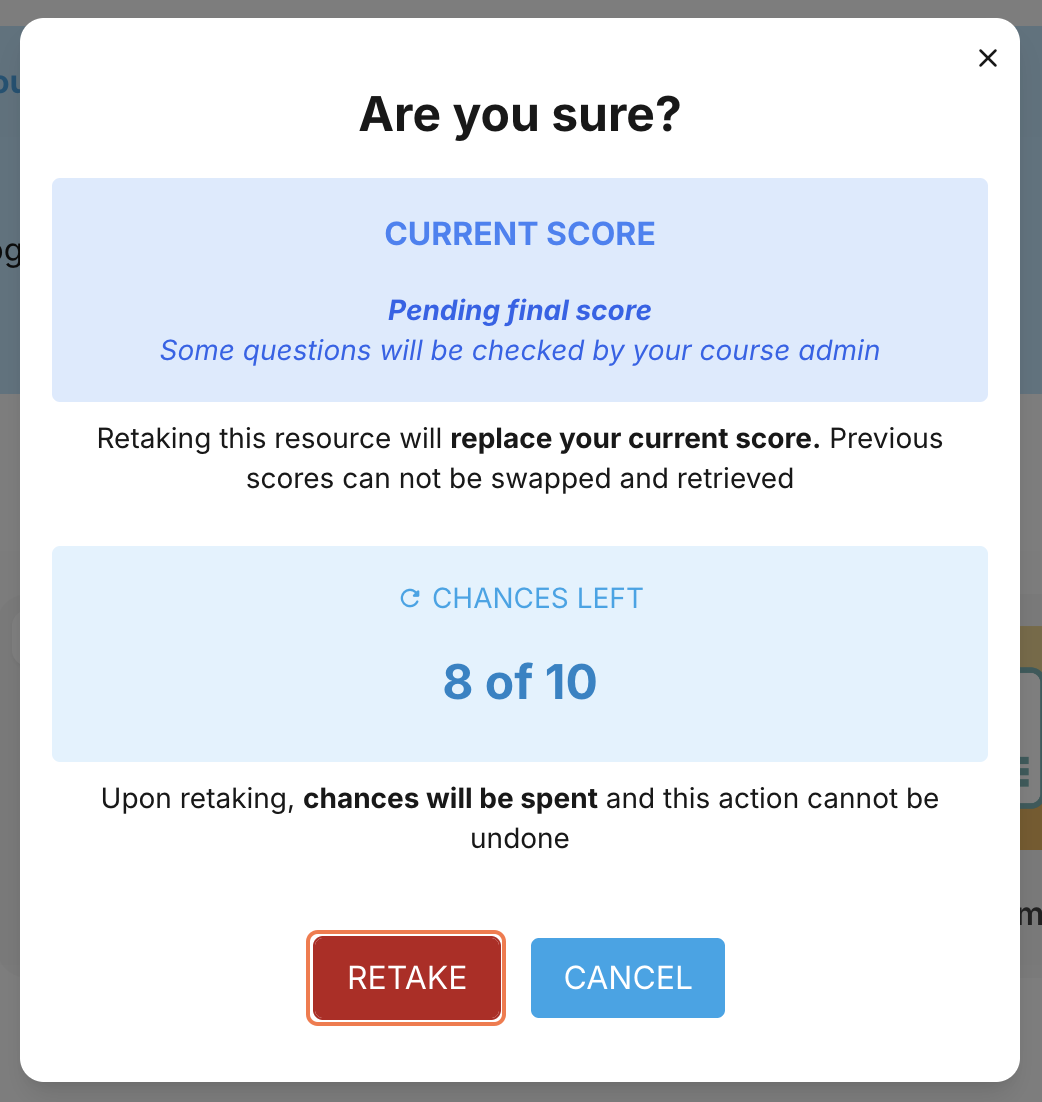
This popup should show that you have a pending final score for this assessment. Click RETAKE to proceed.
Your last saved draft will appear. Now, you may continue answering.
Make sure to submit your answers to accomplish the assessment! Once your score appears, you may be prompted to retake OR proceed to the next resource.