

Any content that can be embedded can also be uploaded to your LMS.
1. Make sure that you have obtained the embed code of your file. Different applications have various ways to get the embed code. Copy this embed code.
2. Go to your preferred course in the Cast Editor or Courses.

Click EDIT COURSE CONTENT.

Next, click on + ADD RESOURCE inside any available section.

Then, select Embed.

Paste the embed code of your file in the space provided.

Click outside the box to preview the embedded file.
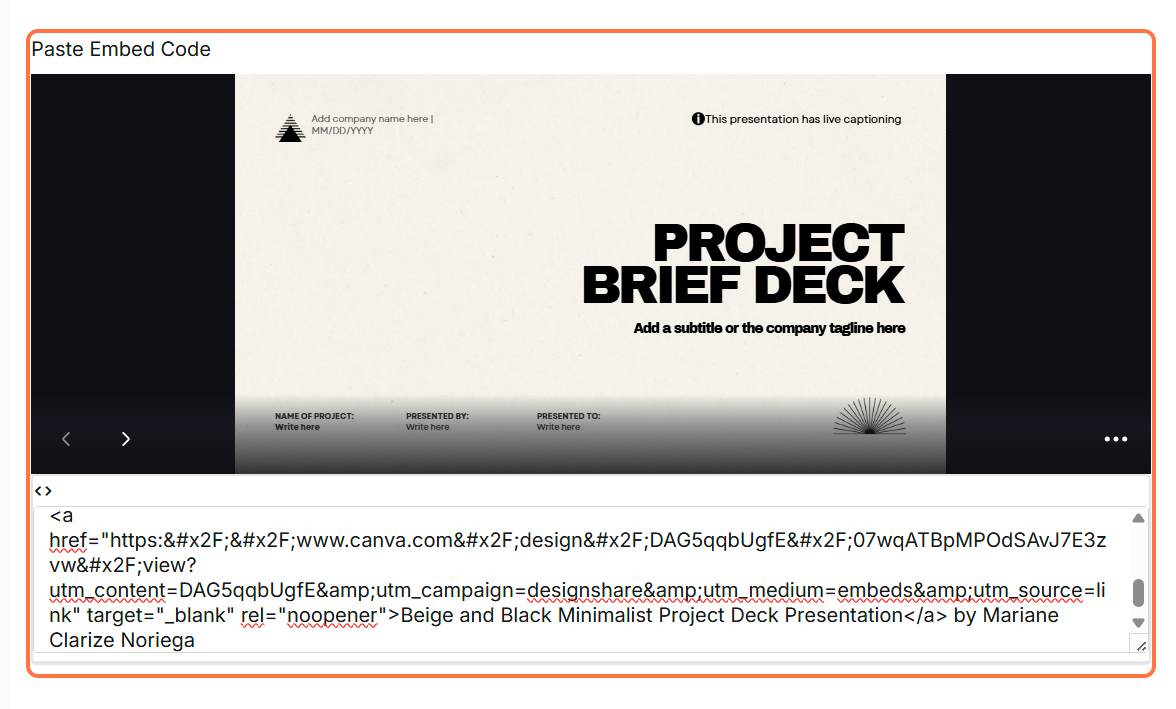
Add a name and thumbnail for the embed resource.
Click SAVE to finish uploading.

Embedded files can be viewed in the same screen in the LMS.