

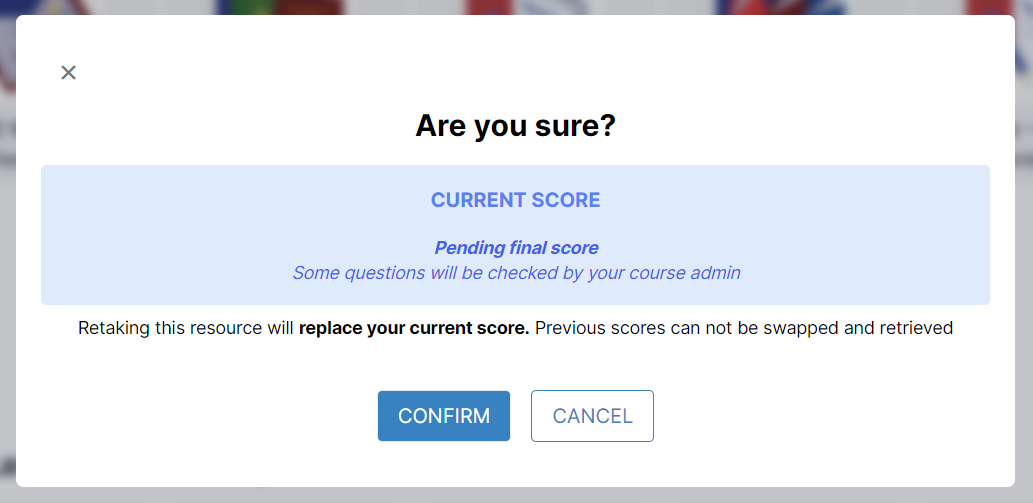
If pending final score appears in the popup before your assessment, it can mean two things:
1. Your assessment has required and graded question items for manual checking. These question items can either be a poll or text question.
2. You have started a new attempt in the assessment but have not submitted it yet for grading. Please note that retaking or starting a new attempt in an assessment will override your previous score in the assessment.
To resolve these issues, you can do the following:
1. Email or contact your admin if there are questions for manual checking of the question items.
2. Go back to the assessment by clicking on the resource card for the assessment and clicking on CONFIRM in the popup box. Answer the assessment completely and click on SUBMIT at the bottom of the page. Wait for a few moments until the grade appears on top of the page.
Then, you can now proceed to the next resources.