

If the video does not play or it plays but stays stuck at a specific point, try and do the following troubleshooting methods:
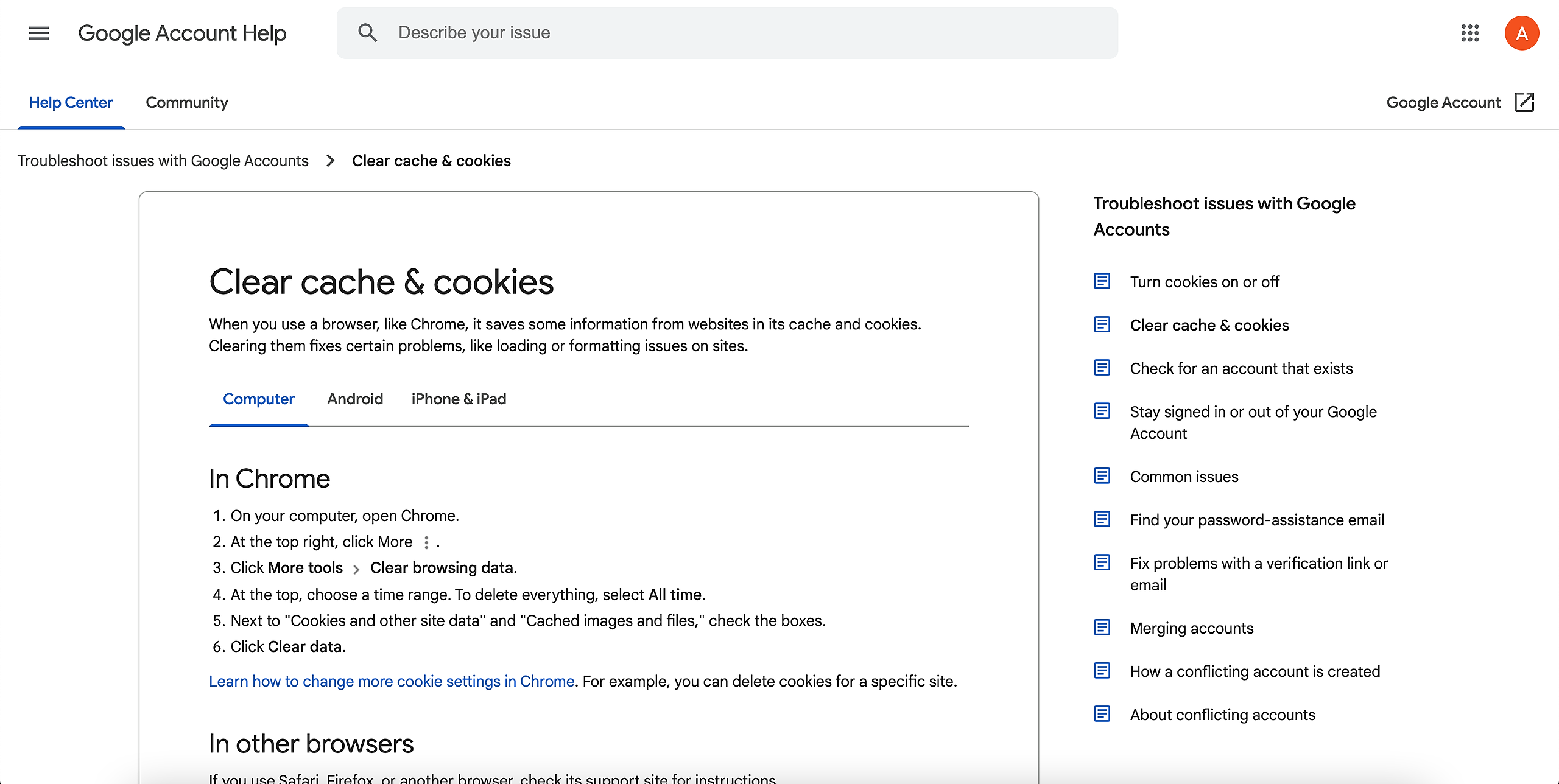
Clear the cache and cookies in your browser.
Kindly refer to: https://support.google.com/accounts/answer/32050?co=GENIE.Platform%3DDesktop&hl=en
Log out of your account.
Once you have logged out, try logging back in again.Use an incognito window.
Instead of clearing the cache, you can also use an incognito (or inwindow if you have issues with logging in or accessing the course.
Here's how to open an incognito window:
Google Chrome
Windows - ctrl+shift+N
MacOS - command+shift+N
Firefox
Windows - ctrl+shift+P
MacOS - command+shift+PSwitch browsers.
We recommend using Google Chrome and Mozilla Firefox for Cast LMS.Change internet connection.
If the video still does not work after doing every method above, you may try connecting to a different network (e.g., mobile data).