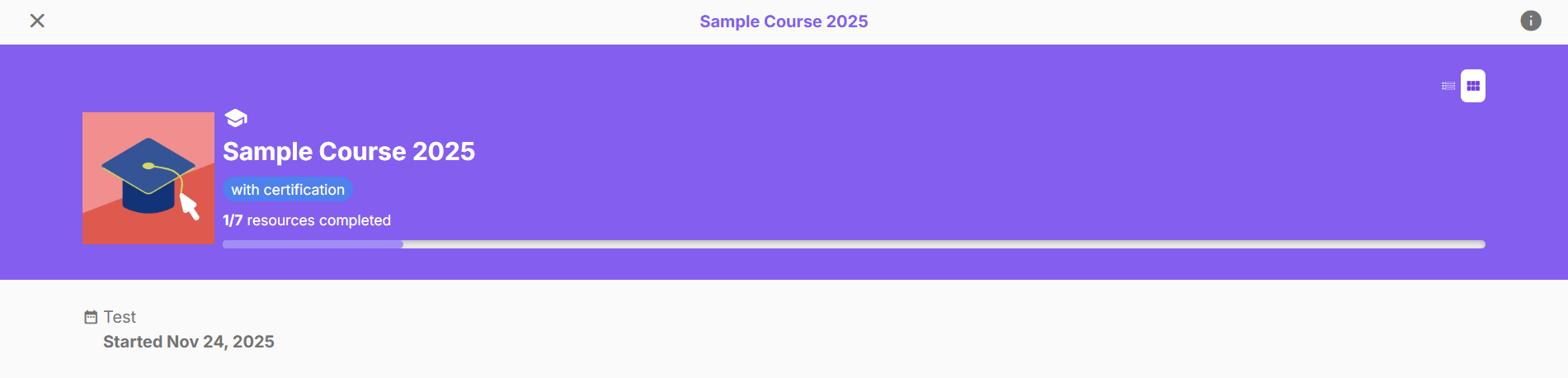
Here are the latest feature updates in Cast LMS as of February 2026:
Admin Dashboard
Rehauled Exam Results page
To display users who answered each option in a question item
Bulk enrollment optimizations
Copy to clipboard button for:
users failed to enroll, or
users already enrolled in another batch
Download CSV button for:
users failed to enroll, or
users already enrolled in another batch
Enroll by selecting existing users and/or user groups
Options to skip or re-enroll users in a batch for users detected to be enrolled in a different batch
Toast that appears after enrollment (success and failure) stays active
Learner's Portal
Replaced “Needs Attention” in Courses and Certification with "Failed"
Removed batch access status tags in Course and Certification's course cards
Rehauled Exam Results Page
In the rehauled exam results page, aside from viewing the number of learners who answered each option in a question item, you can also view the list of users and the timestamp of their attempt by clicking on the number.


View more details about this page in this article.
Bulk Enrollment Optimizations
In the rehauled enrollment options, you now have the option to select from existing users and/or select from existing user groups to make enrolling easier!
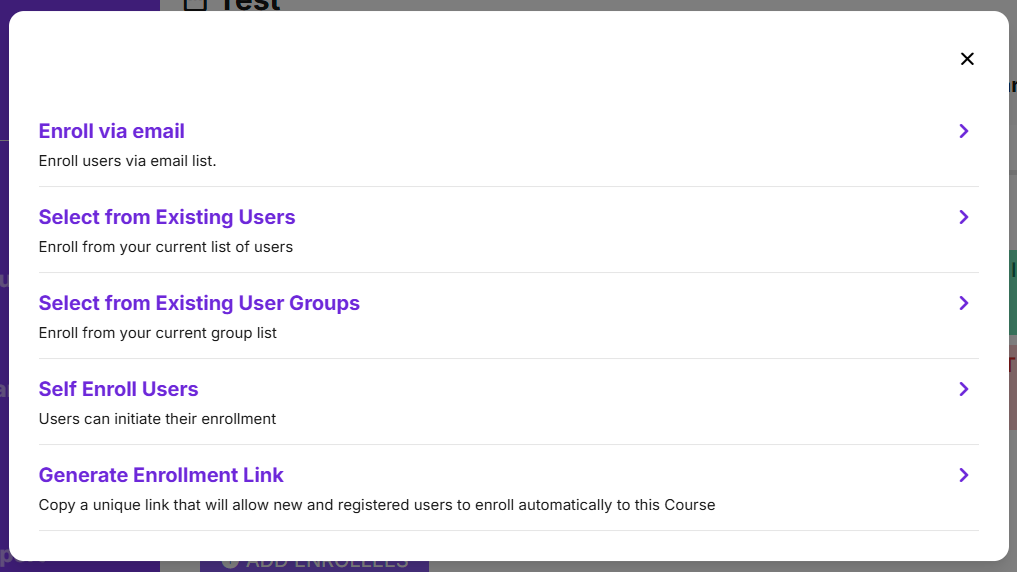
When you enroll using the updated list of enrollment options in the Batch Profile page, you can now check which users have been enrolled in other batches and those that haven't been registered to the LMS.

You now have the option to skip and retain their previous enrollment OR re-enroll them in a new batch to start a new progress.

Failed enrollments will now be easier to handle with the options to download CSV and/or copying their details to a clipboard so you can easily register them through the Bulk Add Users option.

Enrollment success notifications will also remain active until you click on the X button so you are constantly informed that you have recently enrolled users.
Learn more about these enrollment options in these articles:
Enrolling via email list
You can enroll existing users in a course by listing their email addresses.
Selecting from existing users
You can easily enroll existing users in the course by selecting them from your list.
Selecting from existing user groups
You can easily enroll existing users in the course by selecting them from your list.
Replaced "Needs Attention" tag with "Failed" in the Courses and Certification page
To make tagging of course progress more consistent and understandable, the "Needs Attention" tag has been replaced with "Failed".
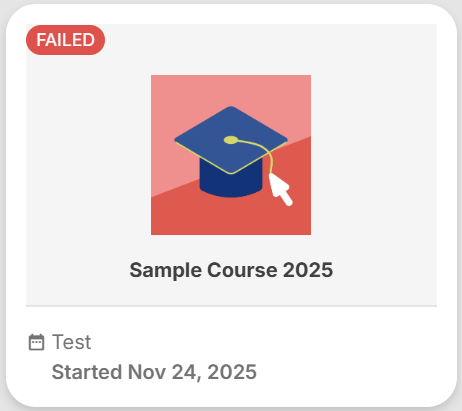
This tag will appear on your course card in the Courses and Certification page if one of your required assessments is lower than or not equal to the minimum grade requirement. Learn more about this tagging in this article.
Removed batch access status tags in Courses and Certification course cards and inside the course page
Similarly, the access status tags for your batch are removed from the course cards in Courses and Certification and inside the course page to avoid confusion with course progress tags. Only your batch name and access period is visible in the Courses and Certification page and course page.